Make videos with Claude, written as code
Claude doesn't generate footage. With a video skill, Claude Code writes your video as HTML, React or Rust, previews it and renders an MP4 on your machine. Change one word, render again, and nothing else moves.
Rendered by Brag from one command
/brag-slim https://skillgild.dev/categories/video-media --duration 20 --tone polished --format landscape- Read the Video & Media page
- Wrote the composition
- Rendered both MP4s
- Launch videos, explainers, motion graphics and lyric videos
- Free skills for Claude Code, Codex, Cursor and Gemini CLI
- Horizontal, vertical or square MP4, rendered locally
- Every frame is code you can read and edit
Videos made with Claude Code skills
Every card says what made it: "Made with" means the skill rendered it; "About" means a film SkillGild made to explain the skill.
- Made with BragLaunch video for a dating app for horses
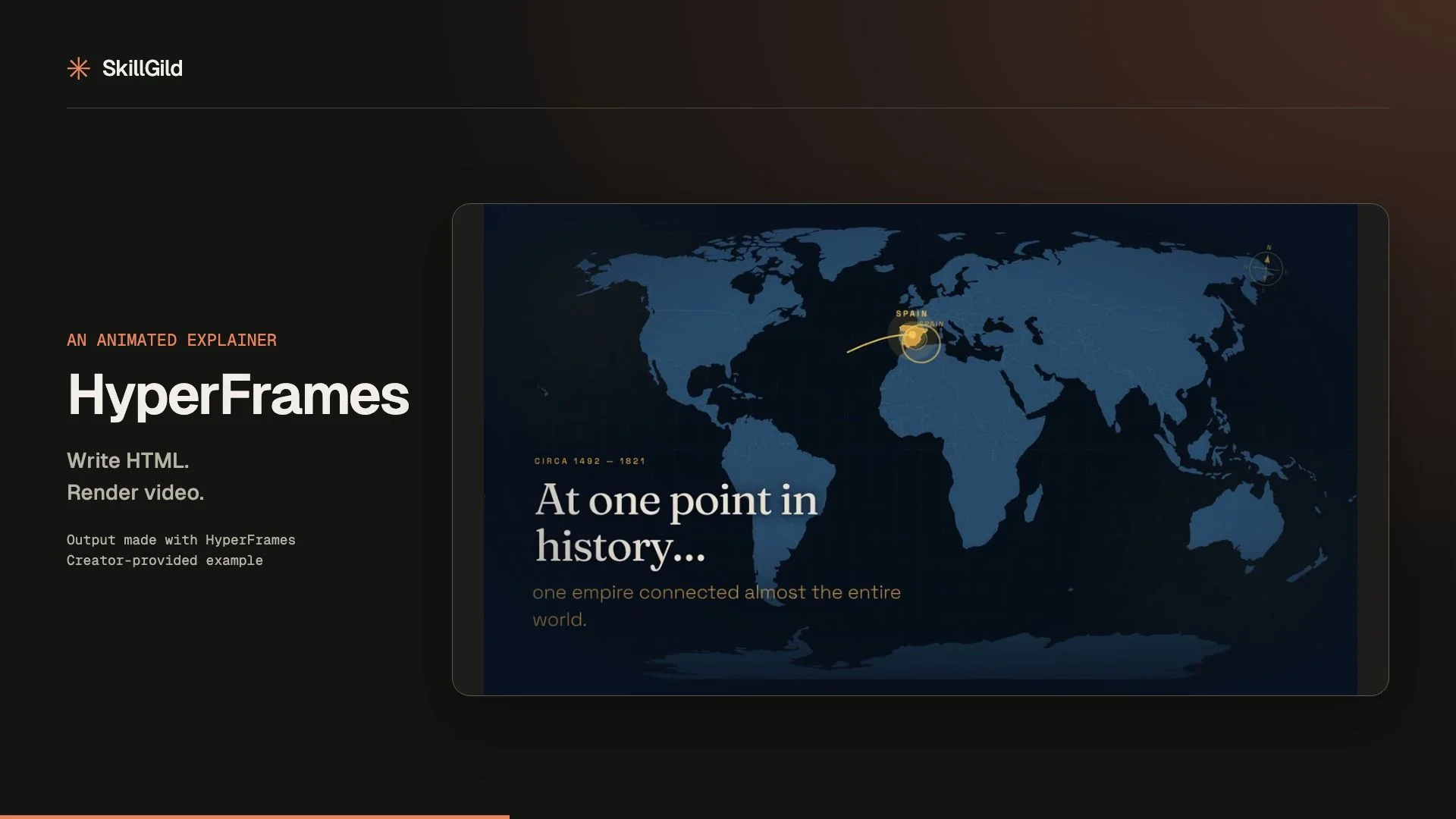
- Made with HyperFramesAnimated route map explainer
- Made with fframes VideoAnimated fable with data scenes
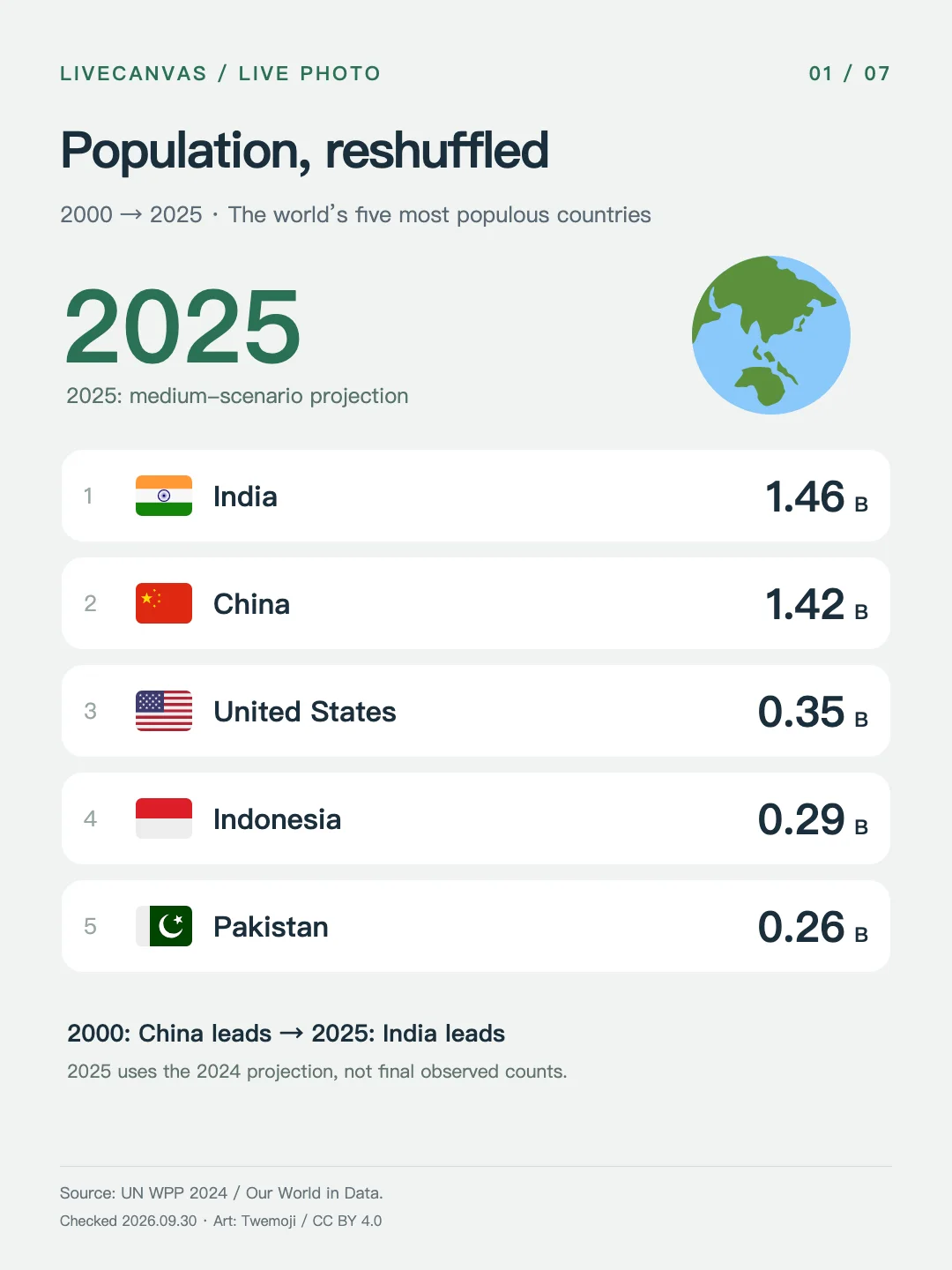
- Made with LiveCanvasPopulation ranking as a Live PhotoDemo by pengchujin, CC BY 4.0. Emoji by Twemoji contributors, CC BY 4.0
- Made with Atelier MotionSix motion recipes, from engine cutaway to phosphor scope
- Made with Ink Cartoon KitAn ink character's 24-expression sheet, animated
- Made with Figure DirectorA six-shot storyboard drawing itself
- Made with VernierIsometric instruments that answer the pointer
- About Paste-UpPaper-collage explainer, from one topic
- About Lyric Music VideoEvery sung word on its syllable
- About Remotion Agent SkillsA React component driving every frame
- About Video IllustratorA narration line and a book cover become one shot
- About LoopGardenA 16-second podcast intro, note by note
- About ChordCanvasA synthwave progression painted chord by chord
- About SongHarborA song's sections lit up like buoys
- About SessionCraftTool calls building an Ableton Live session
- About Animate (Emil Kowalski)Linear against cubic-bezier, side by side
What goes in, what comes out
Real inputs beside frames from what the skill rendered. No screenshots of a mock-up, no stock footage.
- The exact command
/brag-slim https://skillgild.dev/categories/video-media --duration 20 --tone polished --format landscapeThis page's own launch film, rendered in 16:9 and 9:16 from the same composition. Brag
The film it rendered - The input
The Horse Tinder app's repository. No live URL, no screenshots: the agent reads the code.From the creator-provided launch video on Brag's listing. Brag
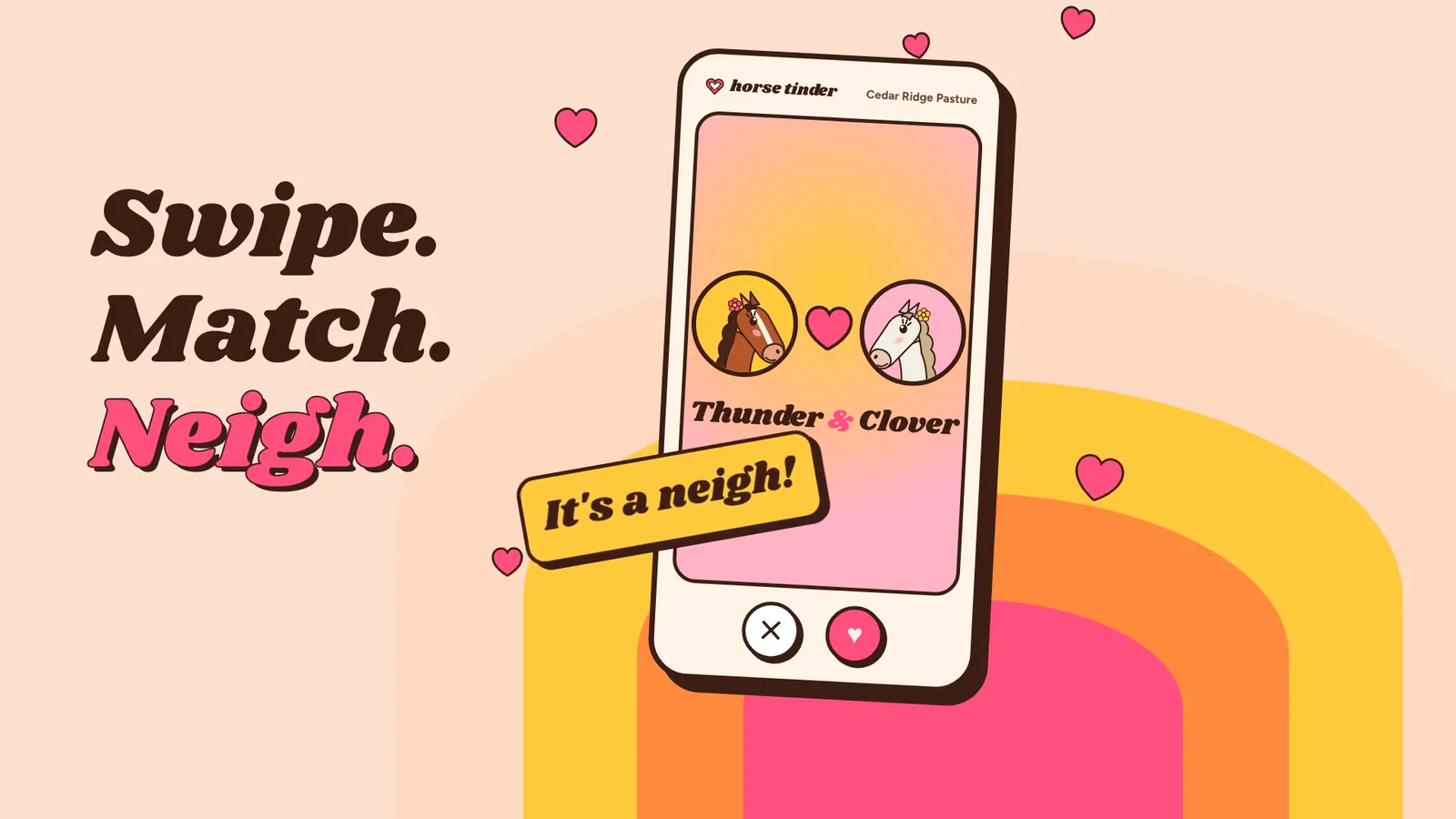
A frame it rendered - The topic
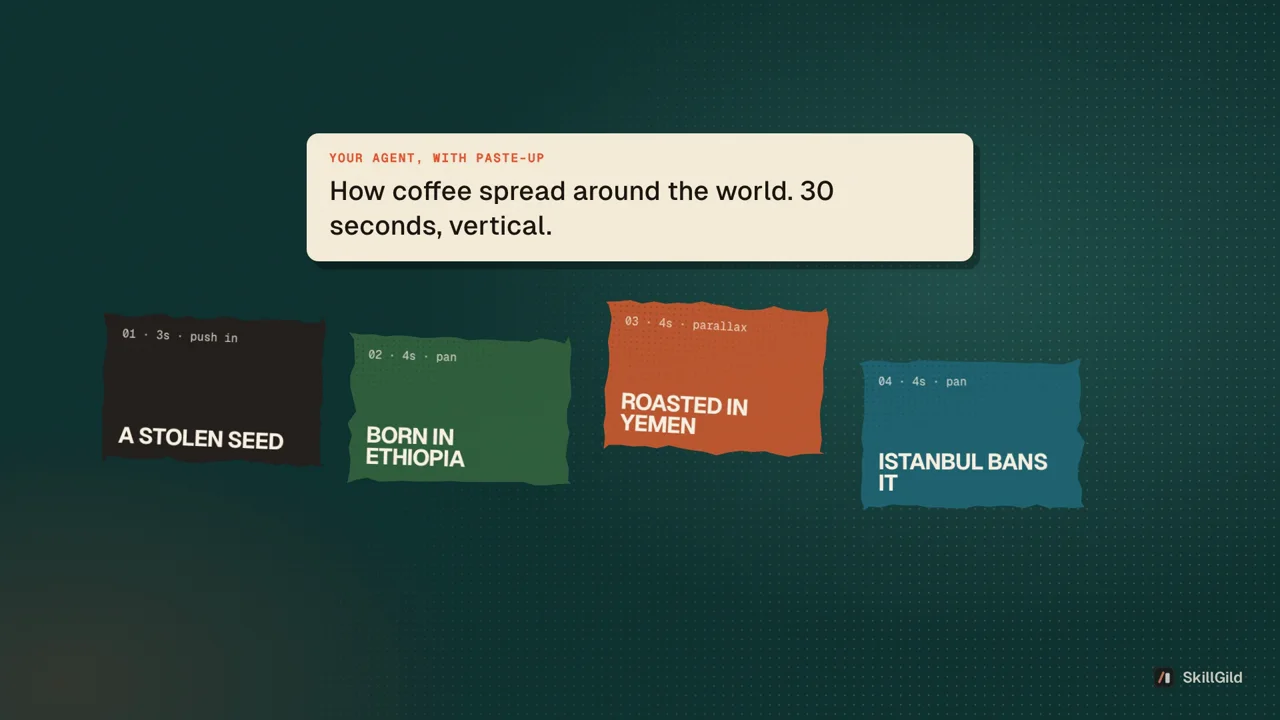
How coffee spread around the world.From a real Paste-Up prompt pack: the agent writes the script, then the skill builds each beat. Paste-Up
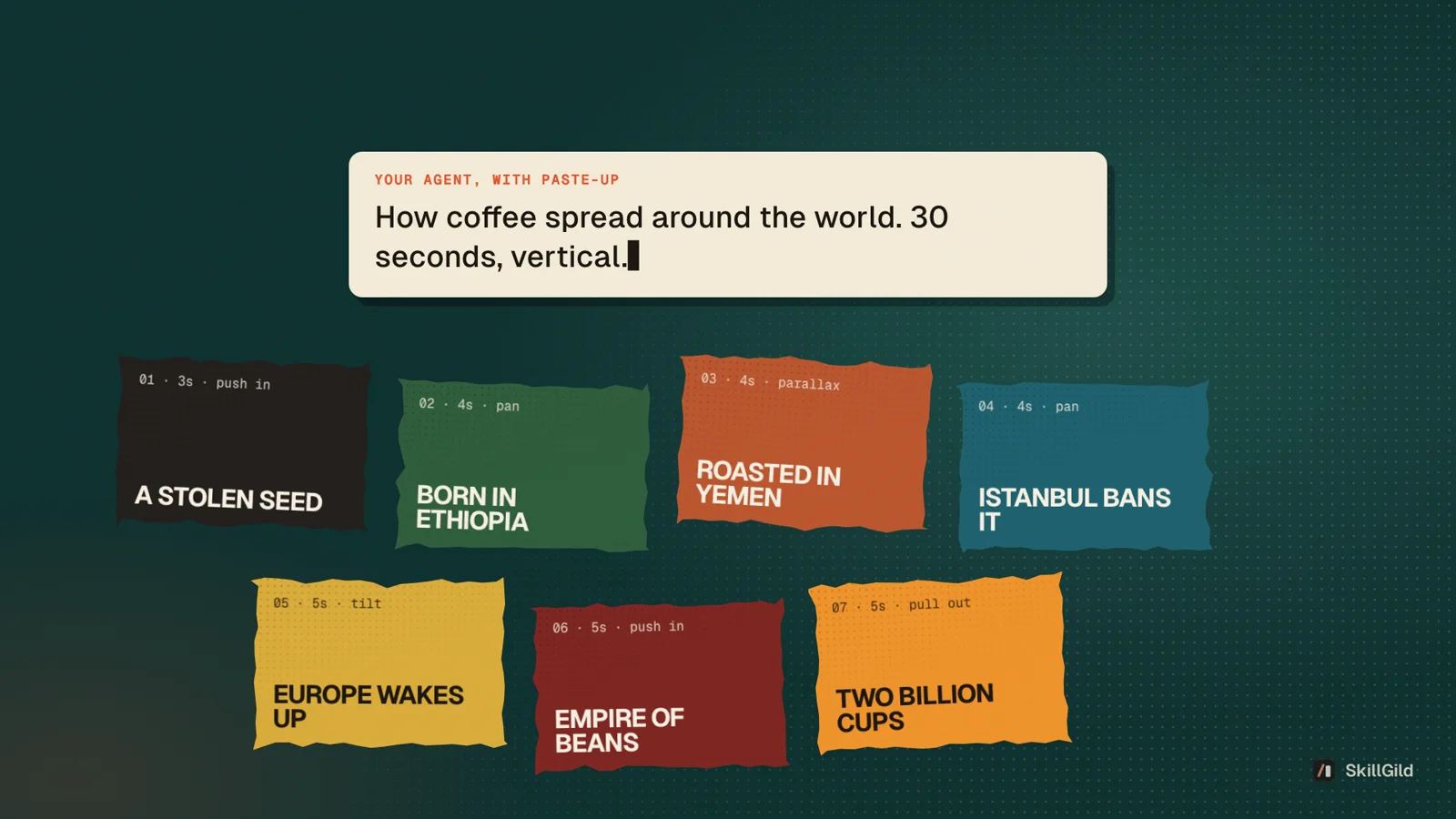
The beat cards it built
From one sentence to an MP4
Install a video skill
Install the SkillGild CLI once, then add a skill to your agent. Brag is the quickest start: it needs Node.js 22 or later, FFmpeg and the HyperFrames CLI.
Terminal skillgild install brag --agent claude-codeBrief it like an editor
Say who the video is for, how long it runs, the tone and which assets it may use. The more specific the brief, the less you fix later.
Terminal Use the SkillGild Brag skill on this repository. Make a 20-second launch video for developers. Tone: calm and confident. Use only assets in this repo. Preview before rendering and tell me what you could not verify.Preview, correct, render
Check timing and text in the preview, ask for changes in plain words, then render. Because the video is code, a correction touches only what you asked about.
Which video skill to use
Brag reads your project and makes a short launch film with music and share copy.
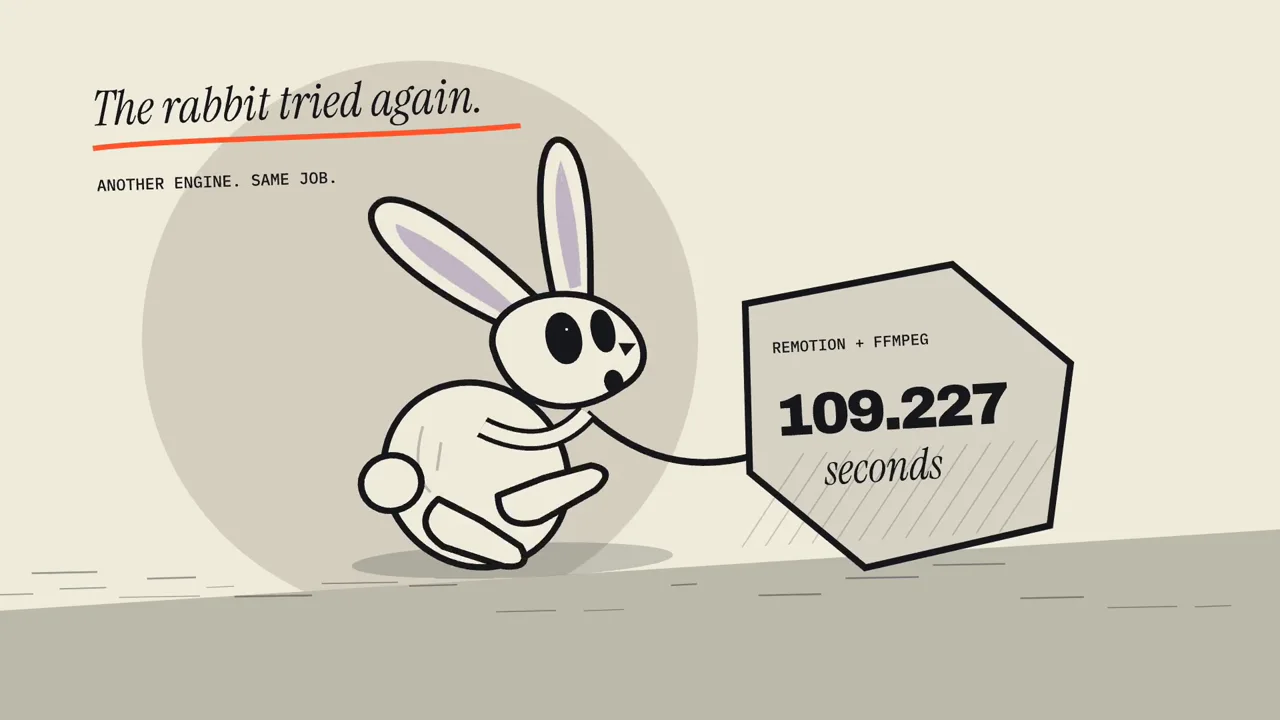
skillgild install brag --agent claude-codeWrite the video in HTML with GSAP, or in React components. Both render the same input to the same MP4.
skillgild install hyperframes-core --agent claude-codeRust and SVG scenes on the GPU, with an inspect step that validates frames without a full render.
skillgild install fframes-video --agent claude-codeTurn a topic into a narrated collage film, or your own narration and assets into a cinematic promo.
skillgild install paste-up --agent claude-codeLyric videos synced to every sung word, and music composed in MIDI or generated on your own GPU.
skillgild install lyric-music-video --agent claude-codeAnimated Live Photo info cards, and motion for your product's UI with the right curve and duration.
skillgild install livecanvas --agent claude-codeBrag reads your project and makes a short launch film with music and share copy.
skillgild install brag --agent claude-codeVideo skills, AI video generators and template editors
They solve different problems. Code-rendered video is the right tool when the video is made of type, shapes, interfaces, charts and your own assets.
| Video skill in Claude Code | Text-to-video model | Template editor | |
|---|---|---|---|
| How it is made | Your agent writes a composition; a renderer encodes it | A model generates the pixels | You fill in a designed template |
| Changing one word | Edit the line and render again; everything else stays identical | Prompt again; the whole clip can change | Edit the field |
| Brand fonts and colours | Exact, from your code or design tokens | Approximate | Within the template's options |
| Footage of real people and places | No; bring your own clips | Yes | Usually from a stock library |
| Where it runs | Your machine | The provider's servers | The provider's app |
The second and third columns describe each category in general; check a specific product before you choose it.
Video and music skills on SkillGild
Free skills install in one command. Paste-Up, SongHarbor and SessionCraft are included with SkillGild Pro.
Make the video
- BragFreeTurn the project you just built into a short, shareable launch video with one command. Your agent reads the project code, so no live URL or screenshots are needed.
- HyperFramesFreeWrite HTML, render video: build HyperFrames compositions with timed clips, seekable GSAP animation, captions, audio and sub-compositions, ready to render to MP4 with the HyperFrames CLI.
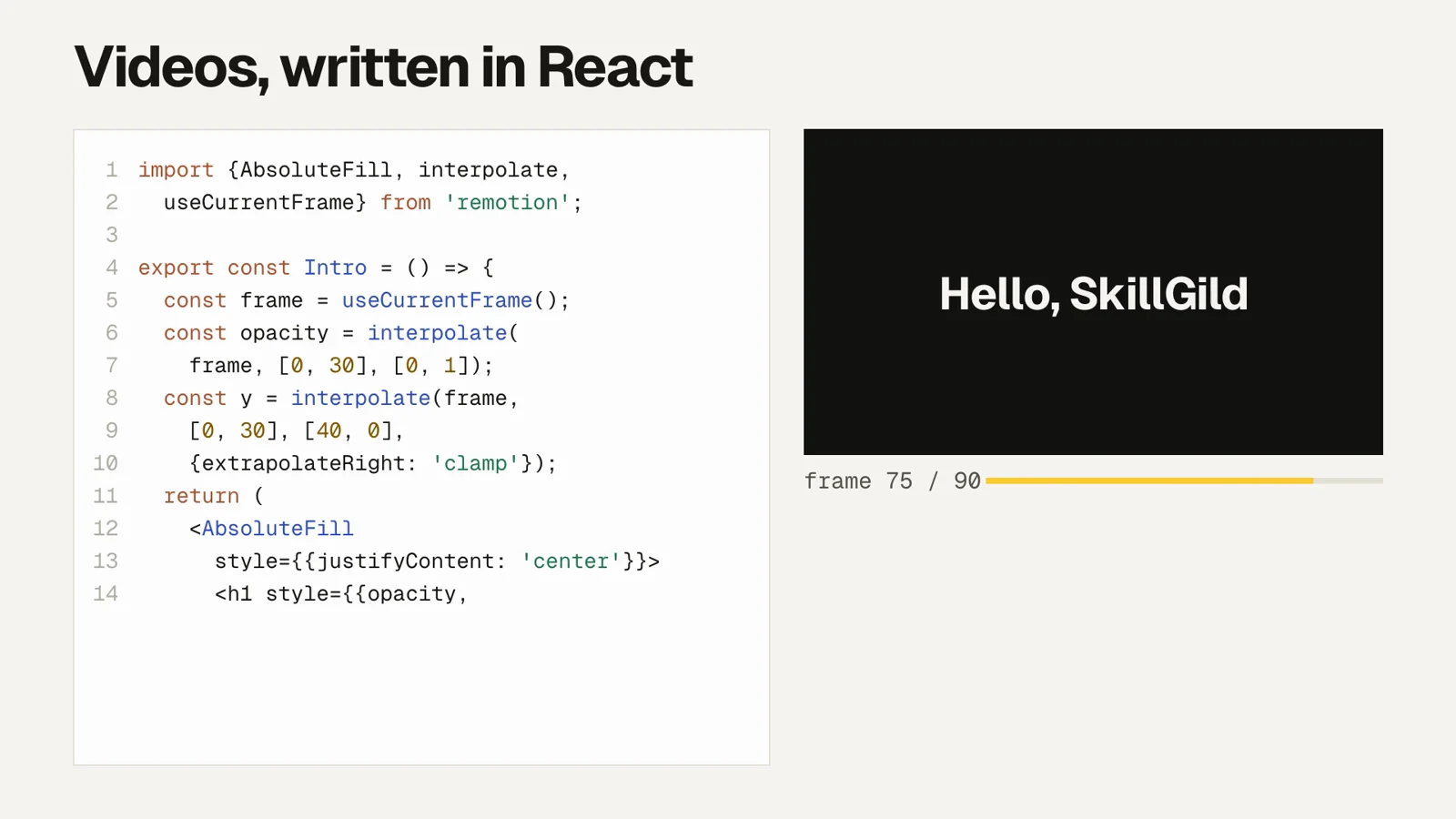
- Remotion Agent SkillsFreeRemotion's official Agent Skills for making videos with React code: remotion-create scaffolds a project, remotion-markup covers animation and layout patterns, remotion-render produces video or stills, plus studio, captions, maps, SaaS architecture, interactivity, docs search and upgrade skills.
- fframes VideoFreeCreate, animate, review and render videos in code with fframes: Rust, SVG scenes and GPU rendering. Covers setup, motion design, sound, a live preview window and automatic checks without watching the render.
- Paste-UpProTurn one topic into a narrated paper-collage video: your agent writes the script, then Paste-Up builds torn-paper collage keyframes, animates them and adds voice-over, music and captions. Use for collage videos, torn-paper collage animation, motion collages, scrapbook tributes, explainers and short ads, from a topic, a talking-head clip or a product photo.
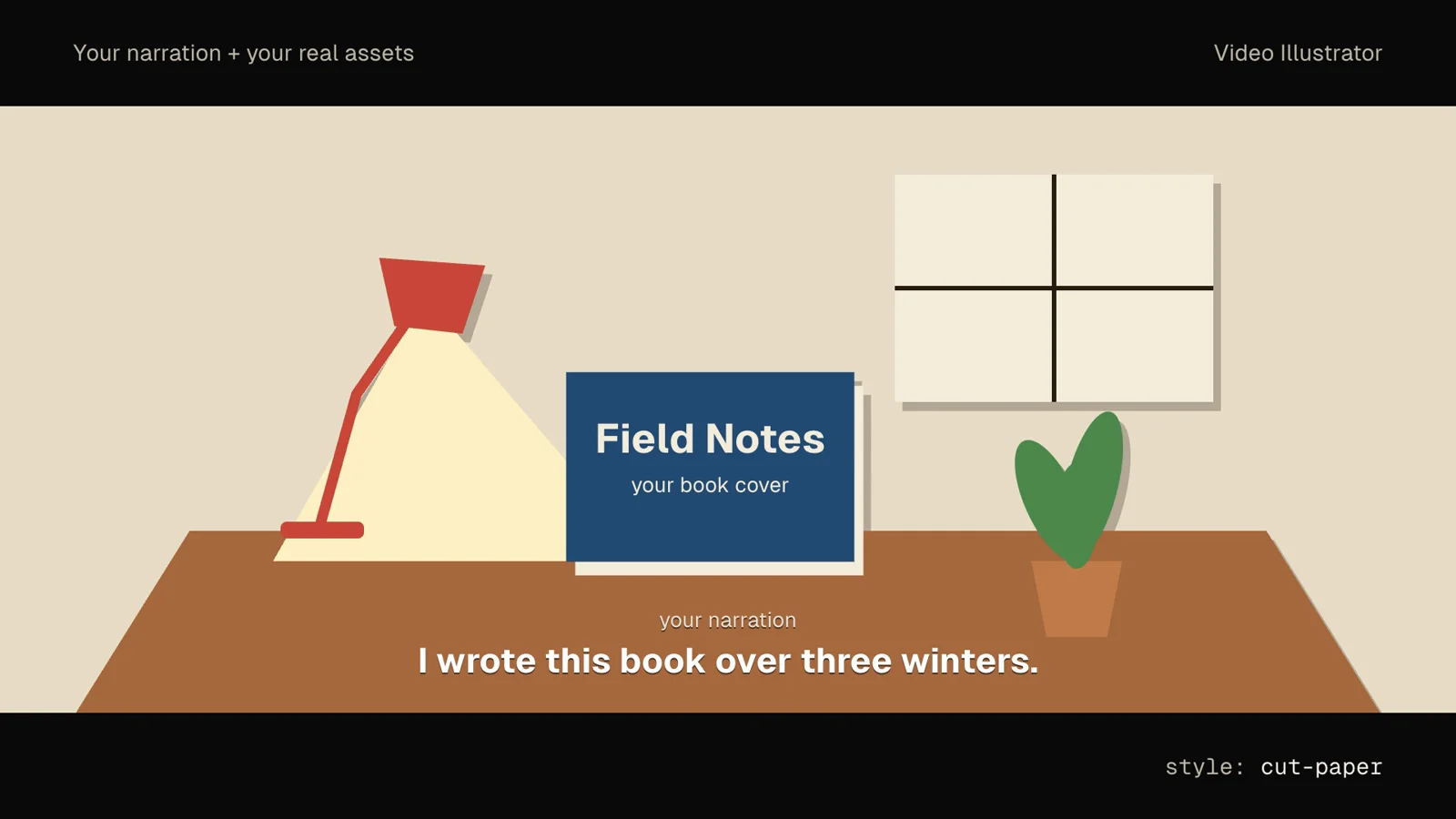
- Video IllustratorFreeTurn your own narration and real assets (book covers, screenshots, logos) plus a chosen visual style into a 20 to 60 second cinematic promo, or turn a script into an animated illustration clip.
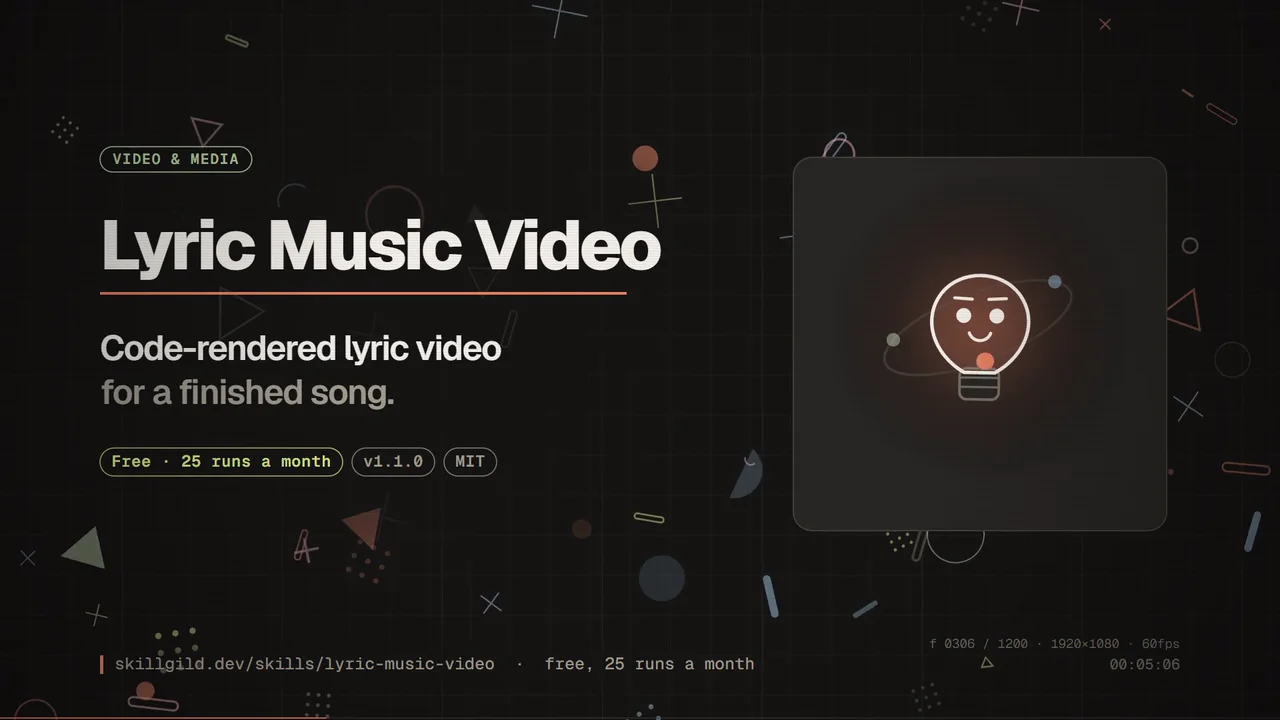
- Lyric Music VideoFreeMake a code-rendered lyric music video for a finished song: every sung word lands on its own syllable inside dense animated graphics, with a recurring character, rendered offline at 1080p60. No video model.
- LiveCanvasFreeTurn a topic into an Apple Live Photo info card: checked facts, a designed cover and Remotion animation for comparisons, processes and data stories, exported as a paired Live Photo.

Score it
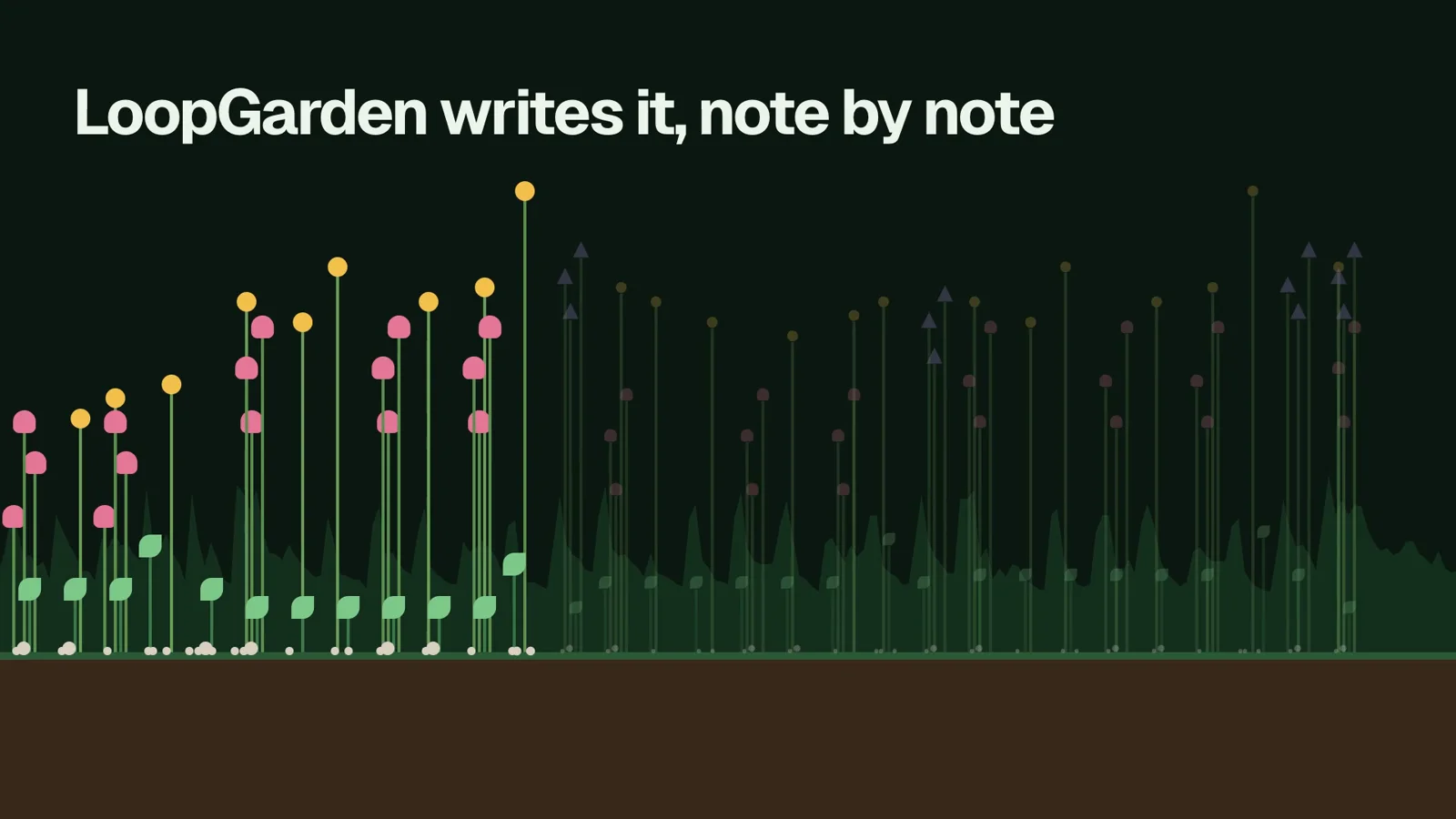
- LoopGardenFreeMake podcast intro music, jingles, loops and melodies from one sentence. Your agent composes editable MIDI and renders it to WAV or MP3 with sampled instruments, all on your machine.
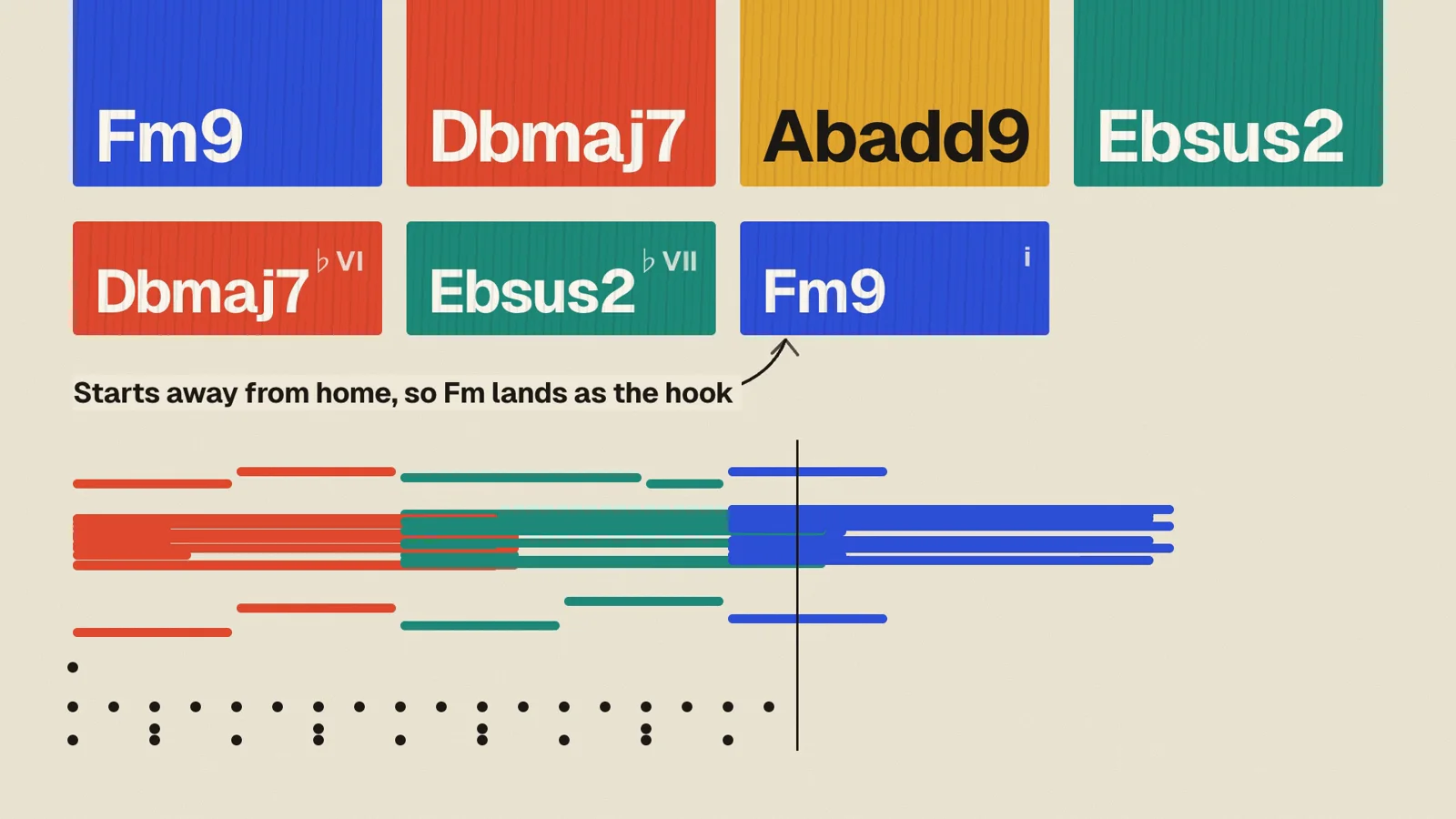
- ChordCanvasFreeTurn a mood into a full MIDI arrangement: chord progressions with bass, pads, lead and drums in eleven styles, section by section, with the reasoning behind every chord. Opens in any DAW.
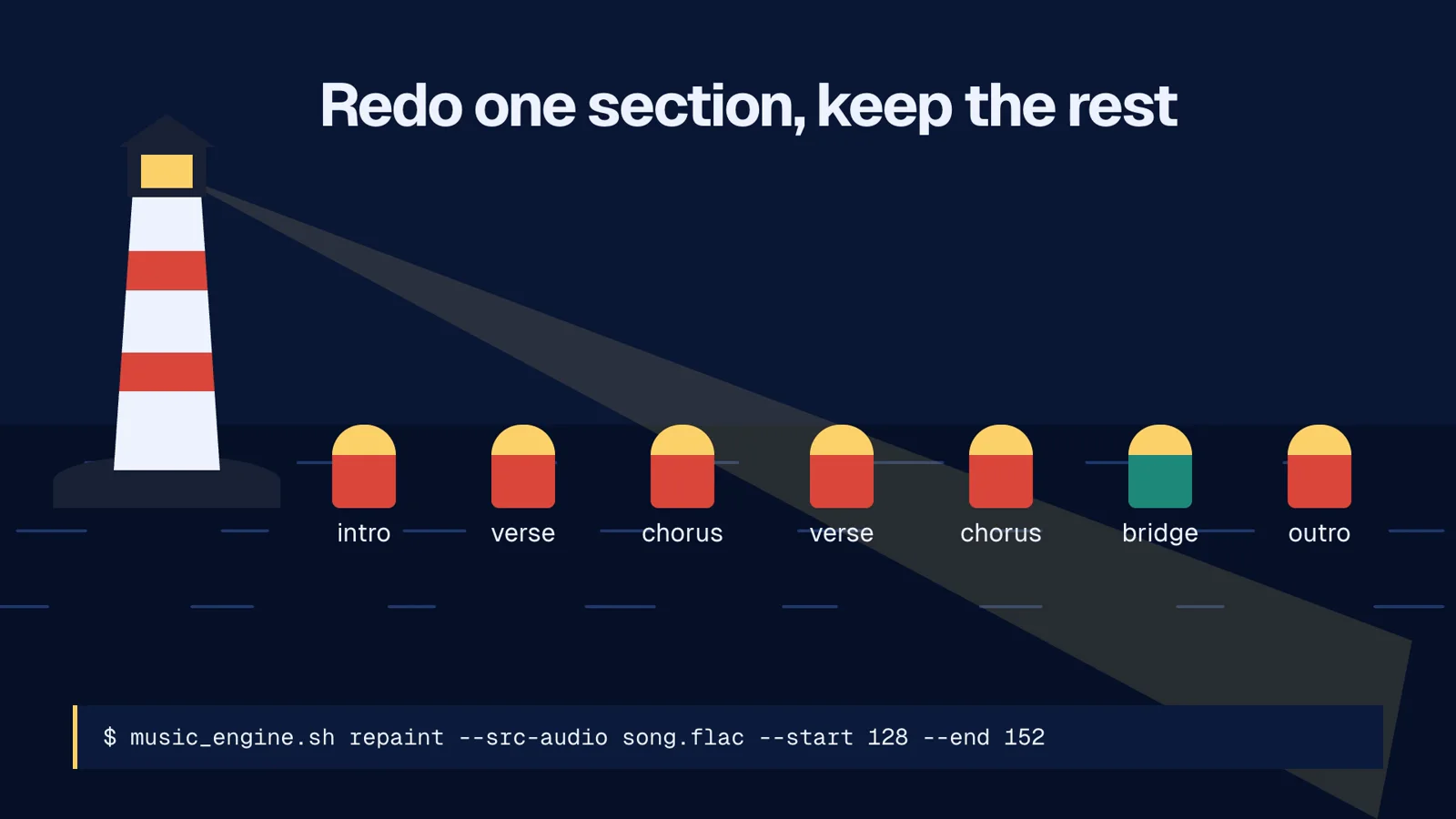
- SongHarborProGenerate full songs with vocals or instrumentals on your own GPU with ACE-Step 1.5: text to music, covers, section repaints, stems and platform-ready exports, driven by your agent.
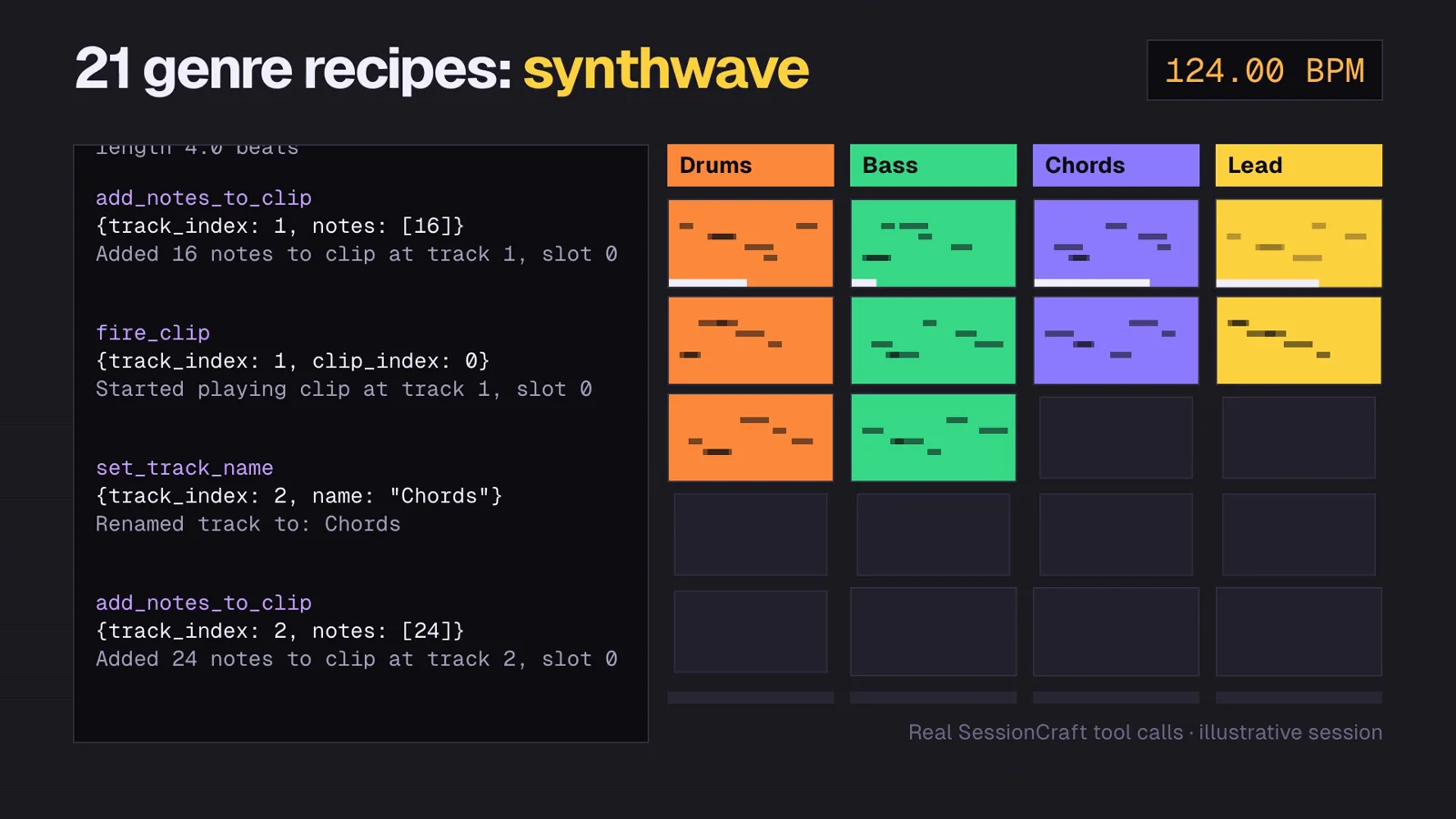
- SessionCraftProAn Ableton Live MCP server with production guides: your agent builds tracks, MIDI clips, drums, bass, arrangements and mixes inside Live 11+, using 80 tools and 21 genre recipes.
Get the motion right
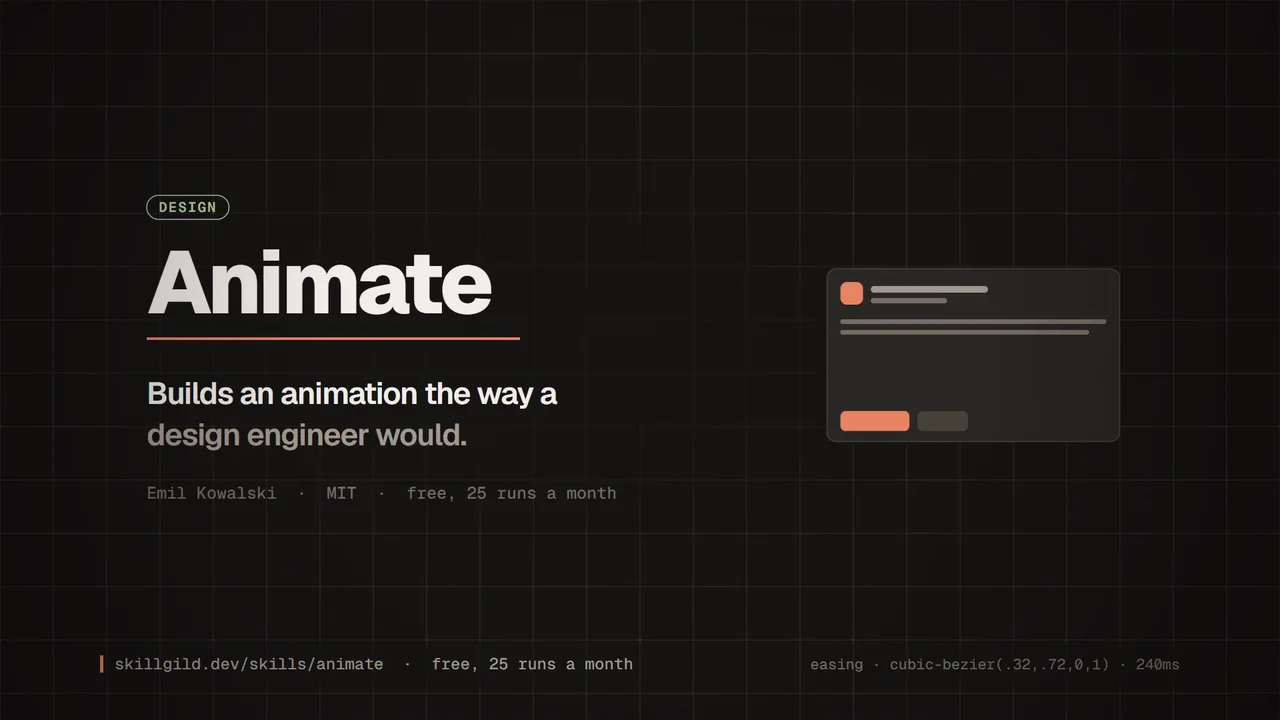
- Animate (Emil Kowalski)FreeBuilds an animation from scratch the way a design engineer would: it chooses the curve, duration and properties, keeps motion off the main thread where it matters, and explains the choice.
- Emil Kowalski: design engineeringFreeEmil Kowalski's design-engineering philosophy as a skill: animation decisions (curves, durations, which properties to animate and which not to), component polish and the invisible details that make software feel right.
Questions about video skills
What Claude can and cannot make, what it costs, and which skill to start with.
Still have a question?Search help topics or send the team a request.Yes, but not by generating footage: Claude has no built-in video model. With a video skill, Claude Code writes the video as code (HTML, React, Rust or SVG scenes) and a renderer such as FFmpeg turns it into an MP4 on your machine. That covers launch videos, explainers, motion graphics, data stories and lyric videos. It does not produce realistic footage of people or places.
Your next video is one command away
Start free with Brag or HyperFrames. When you want narrated explainers and full songs, Pro includes Paste-Up, SongHarbor and SessionCraft.