
Turn the project you just built into a short, shareable launch video with one command. Your agent reads the project code, so no live URL or screenshots are needed.
Turn a mood into a full MIDI arrangement: chord progressions with bass, pads, lead and drums in eleven styles, section by section, with the reasoning behind every chord. Opens in any DAW.
skillgild install chord-canvas


License: MIT · Created by SkillGild

Pick your agent. The wrapper only tells your agent how to start a session. The skill's instructions arrive with each session, after your access is checked.
Sign in once from your terminal.
skillgild loginInstall this skill for Claude Code.
skillgild install chord-canvas --agent claude-codeRegister the SkillGild MCP server with Claude Code.
claude mcp add --scope user skillgild -- $(command -v skillgild) mcpStart a session, follow its guide, then end it. Create an API key under Account and pass it as a bearer token.
# Prints the session ID, its tools and the instructions for your agent
skillgild session chord-canvas
skillgild end <session-id>Install the SkillGild CLI, sign in with skillgild login and register its MCP server with Claude Code, then run skillgild install chord-canvas --agent claude-code. Use --agent codex, cursor or gemini-cli for other clients. The install puts ChordCanvas's engine in your skills folder, and SkillGild delivers the instructions at the start of each session.
Yes, and more: it chooses the progression for your style and mood, then arranges it for bass, pads, rhythm, lead and drums, section by section, and exports MIDI you can open in any DAW.
Any DAW that imports MIDI files, including Ableton Live, Logic Pro, FL Studio, Cubase, Bitwig and REAPER. REAPER users can also get a ready project file.
Yes. Every sketch keeps its spec.json. Edit a chord, the tempo or the song form and run the compose command again into a new folder.
Yes. Free skills include 25 runs a month, reset on the 1st. Your agent's own model usage is billed by your AI provider, not SkillGild.
Setup steps and worked examples for this kind of skill.
Turn the project you just built into a short, shareable launch video with one command. Your agent reads the project code, so no live URL or screenshots are needed.
Create, animate, review and render videos in code with fframes: Rust, SVG scenes and GPU rendering. Covers setup, motion design, sound, a live preview window and automatic checks without watching the render.
Write HTML, render video: build HyperFrames compositions with timed clips, seekable GSAP animation, captions, audio and sub-compositions, ready to render to MP4 with the HyperFrames CLI.
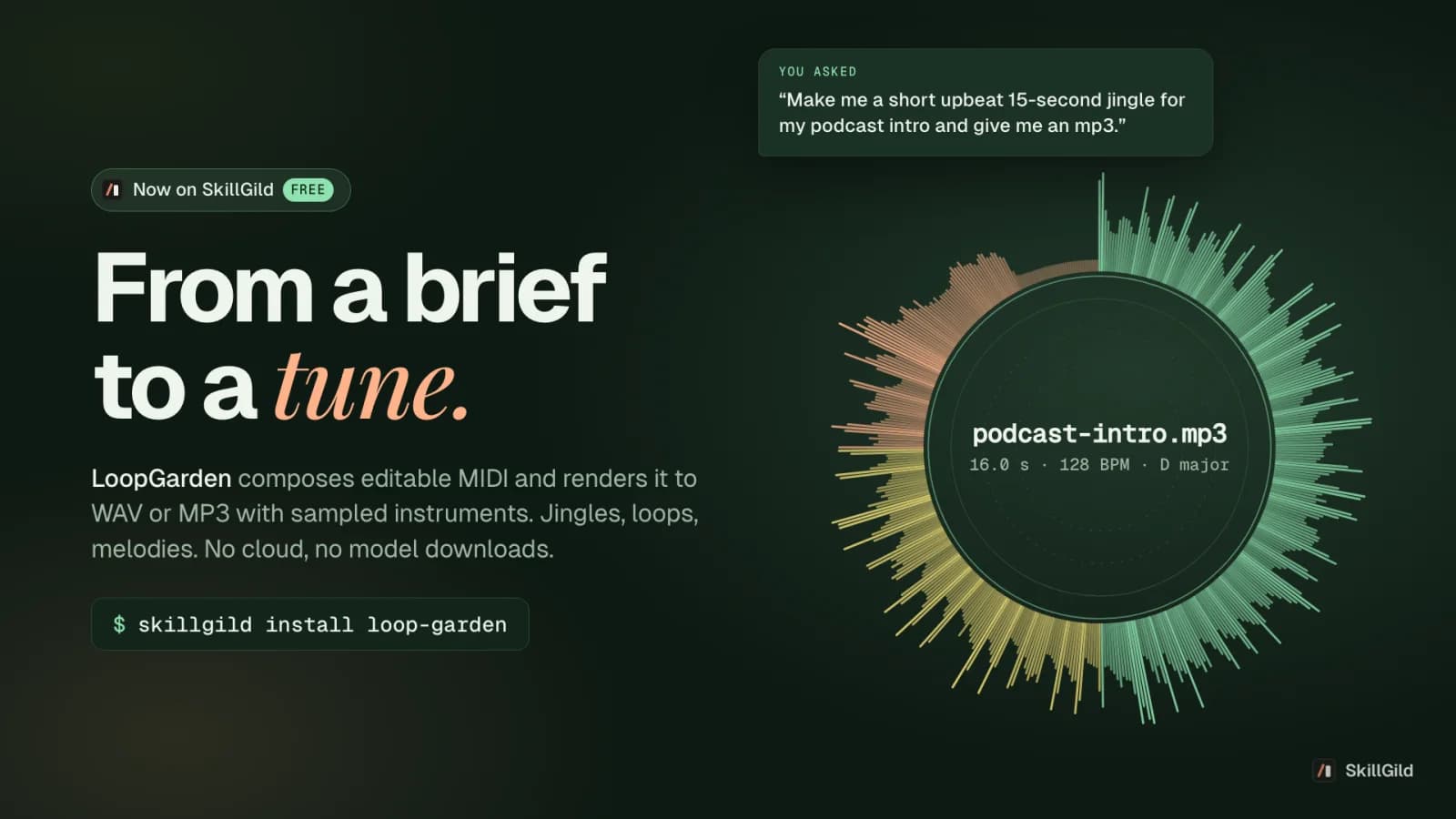
Make podcast intro music, jingles, loops and melodies from one sentence. Your agent composes editable MIDI and renders it to WAV or MP3 with sampled instruments, all on your machine.

Make a code-rendered lyric music video for a finished song: every sung word lands on its own syllable inside dense animated graphics, with a recurring character, rendered offline at 1080p60. No video model.

Remotion's official Agent Skills for making videos with React code: remotion-create scaffolds a project, remotion-markup covers animation and layout patterns, remotion-render produces video or stills, plus studio, captions, maps, SaaS architecture, interactivity, docs search and upgrade skills.
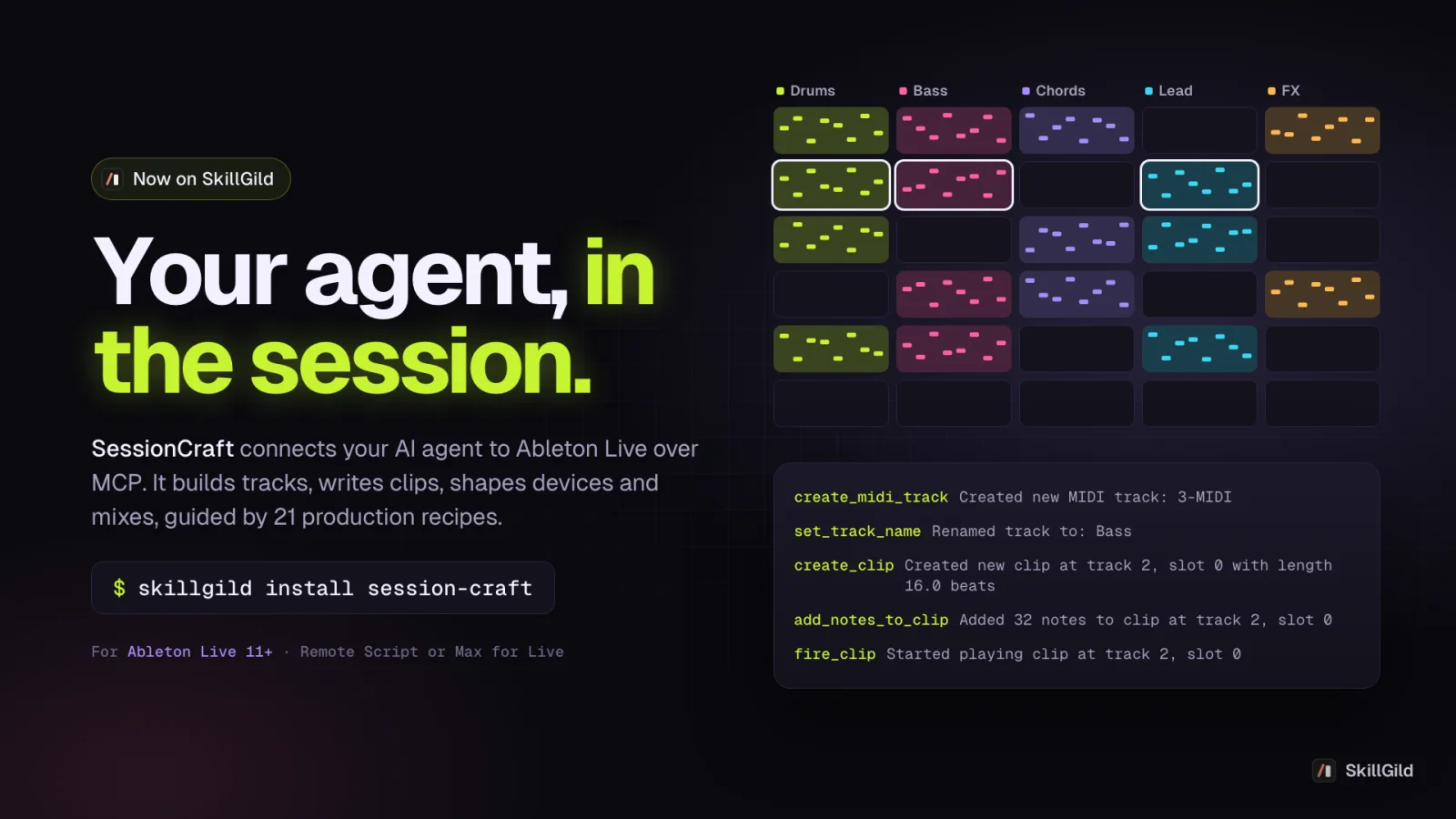
An Ableton Live MCP server with production guides: your agent builds tracks, MIDI clips, drums, bass, arrangements and mixes inside Live 11+, using 80 tools and 21 genre recipes.
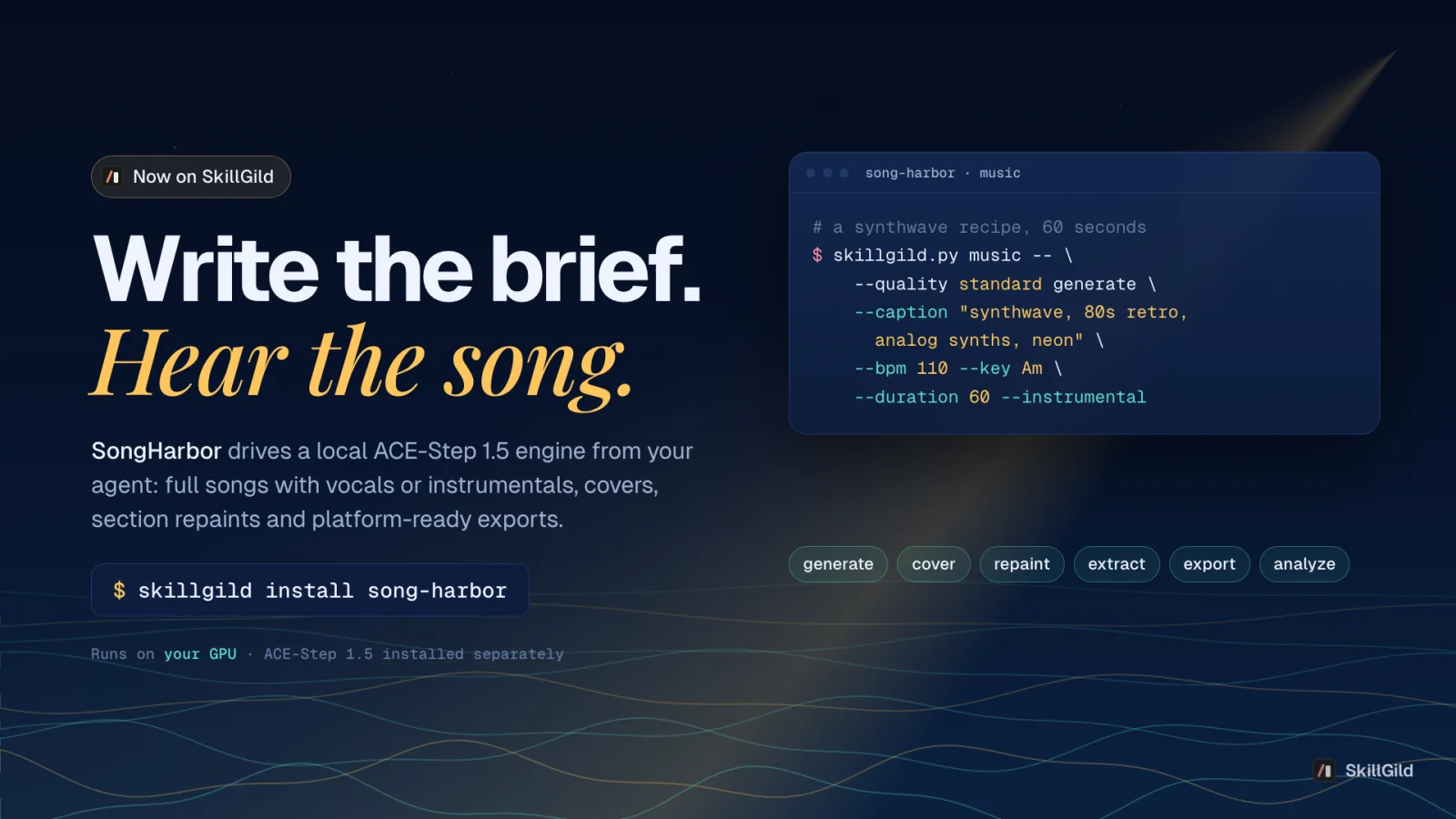
Generate full songs with vocals or instrumentals on your own GPU with ACE-Step 1.5: text to music, covers, section repaints, stems and platform-ready exports, driven by your agent.
Turn your own narration and real assets (book covers, screenshots, logos) plus a chosen visual style into a 20 to 60 second cinematic promo, or turn a script into an animated illustration clip.
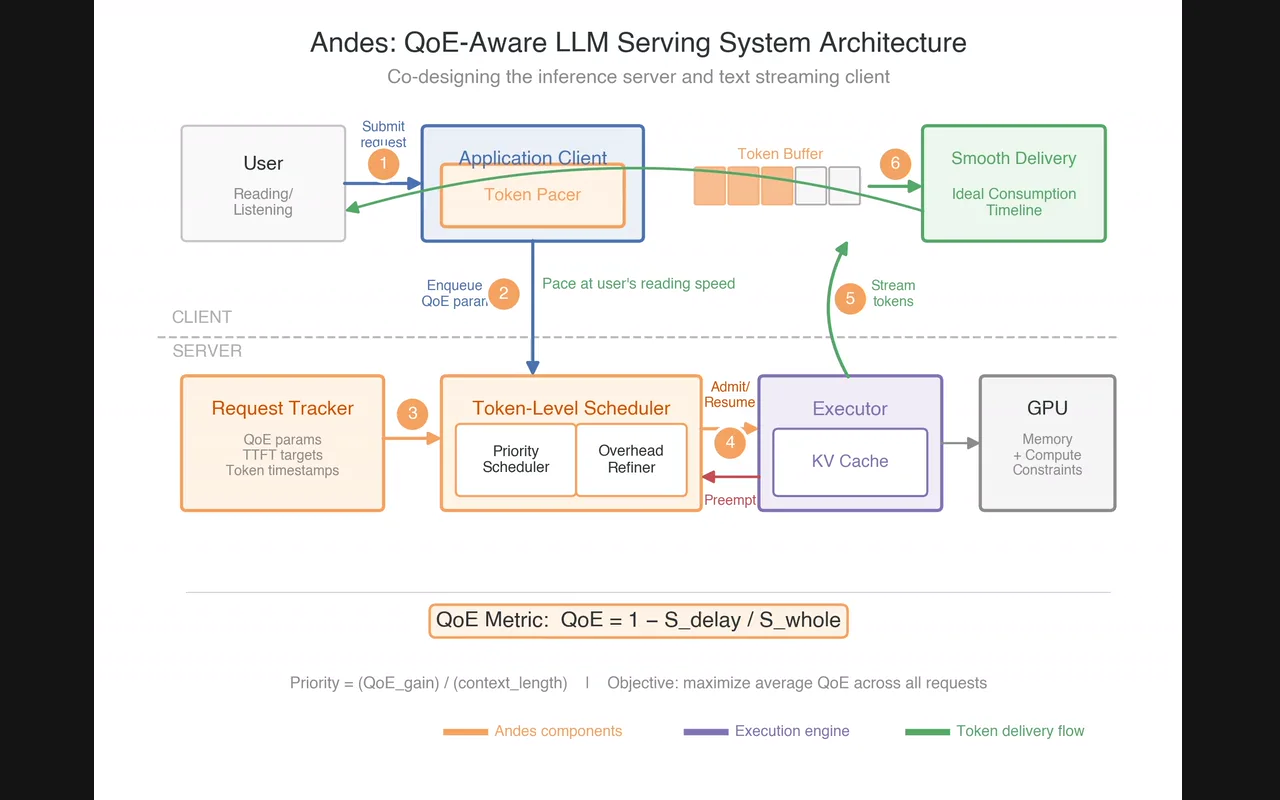
Publication-quality figures for ML papers: picks the chart type for your results, writes the matplotlib or seaborn code and checks its colors for contrast. Use it to compare methods, baselines or ablations in a chart, to check whether text and figure colors meet a contrast ratio, or to plan an architecture diagram from your method section.