Make a code-rendered lyric music video for a finished song: every sung word lands on its own syllable inside dense animated graphics, with a recurring character, rendered offline at 1080p60. No video model.
25 free runs a month
Runs in your agent, private tools on SkillGild
v1.1.0
SkillGild
$ skillgild install lyric-music-video
Works with
Claude Code
Codex
Cursor
Gemini CLI
Antigravity
and any MCP client
Based on tools by Alexey Fateev (MIT)
SkillGild film about the skill, made with Brag, not output of Lyric Music Video
Gallery
SkillGild film about the skill, made with Brag, not output of Lyric Music Video
What you get
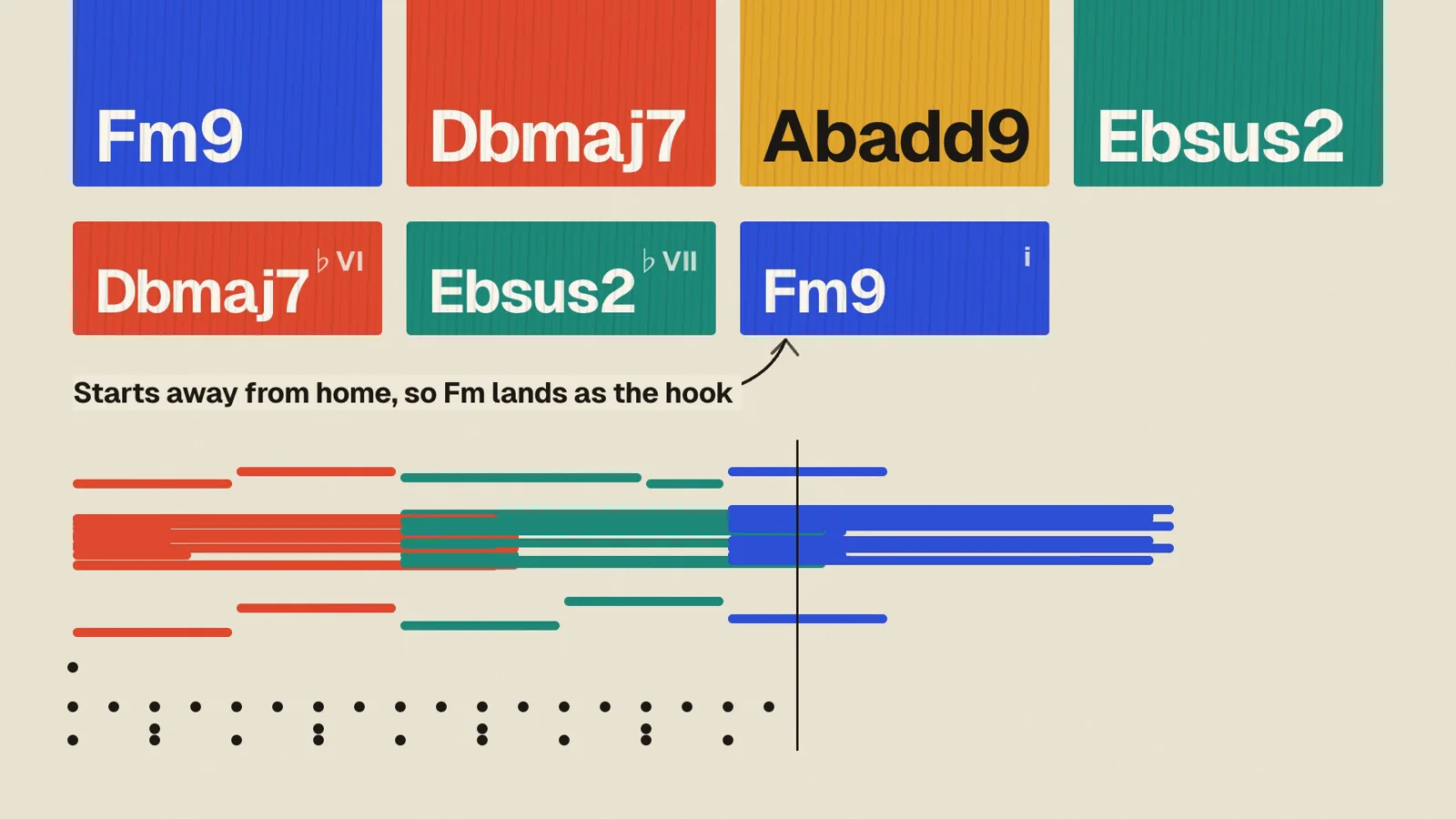
Every sung word timed to its own syllable
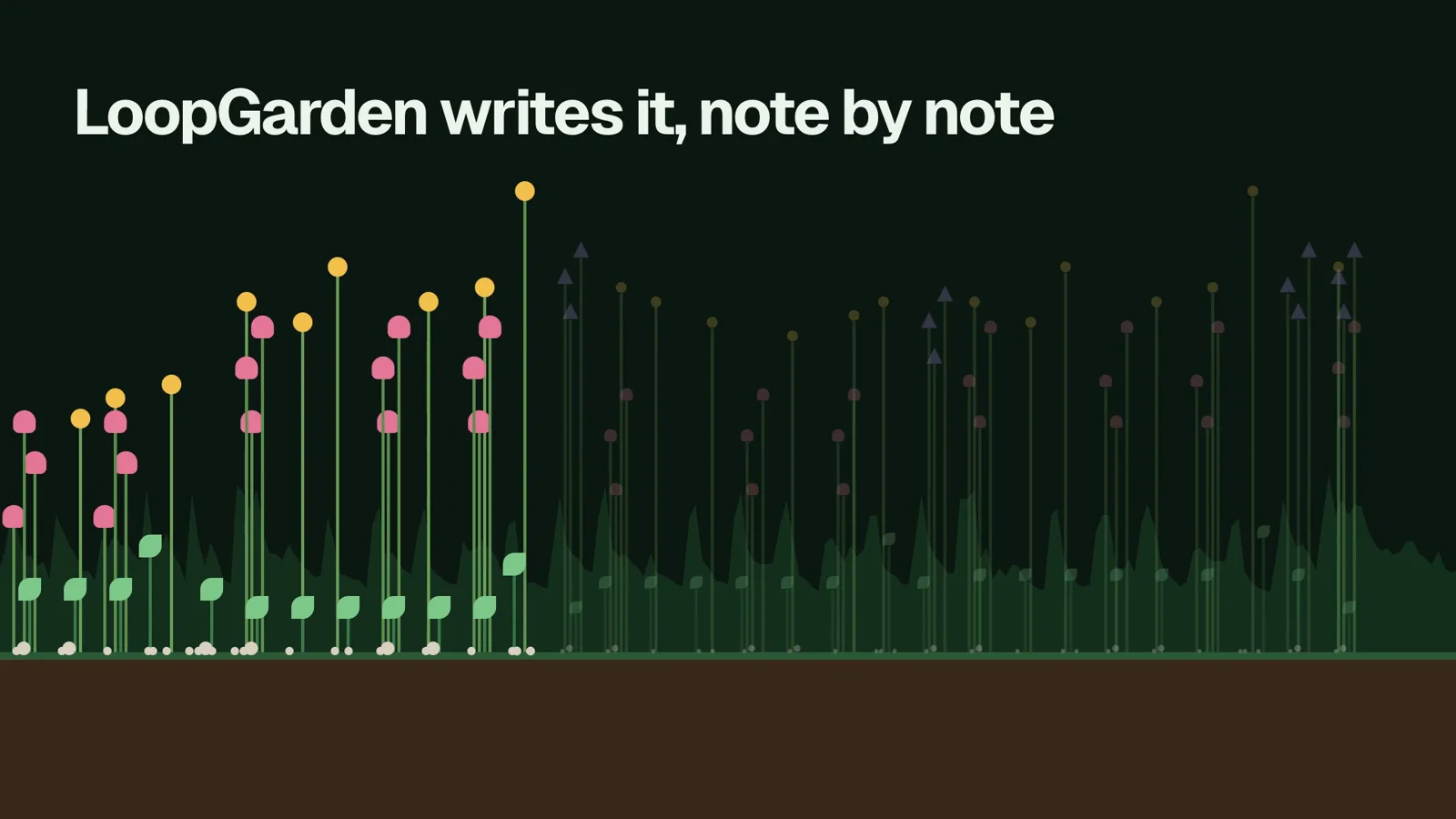
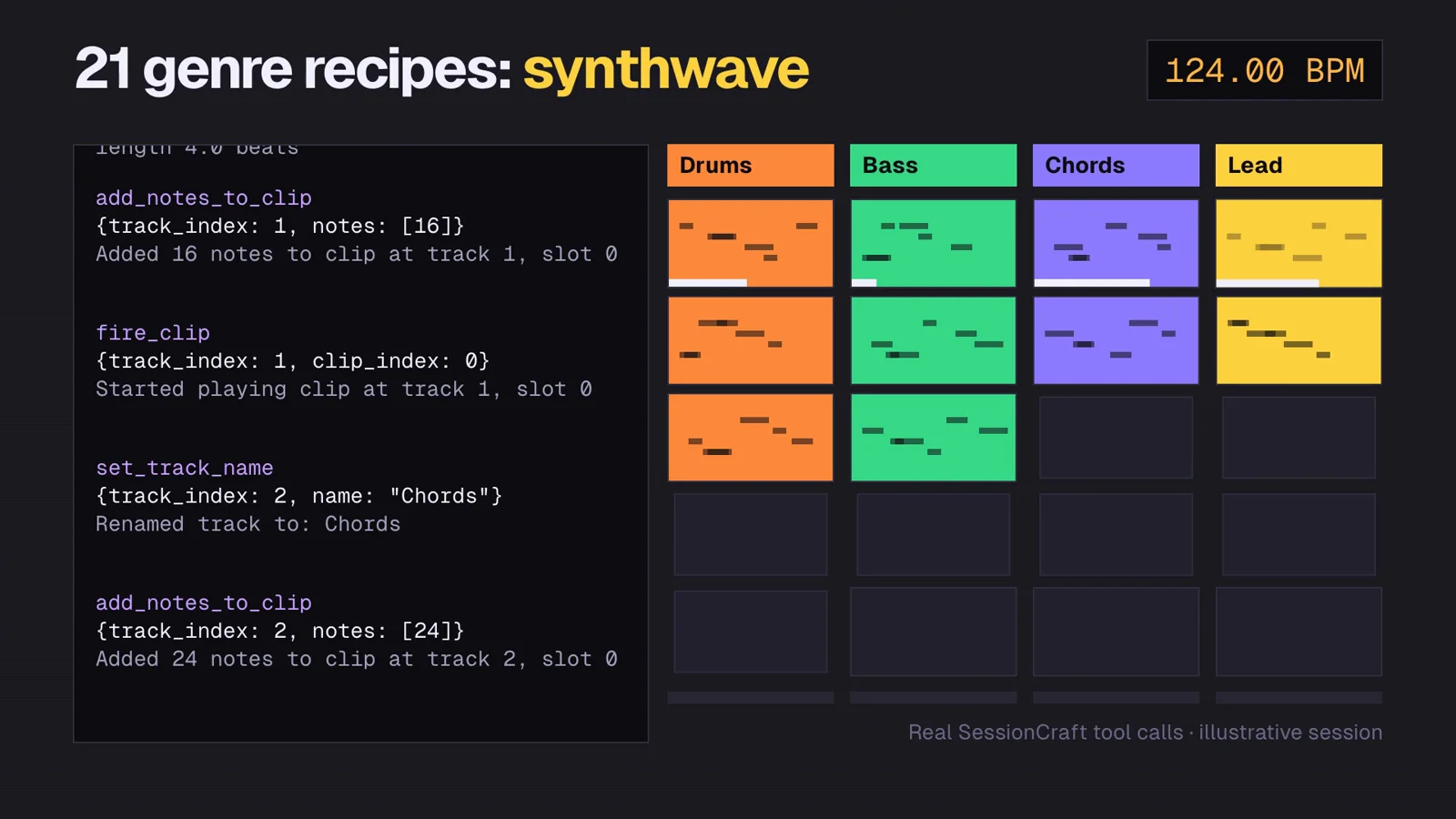
Dense animated graphics that move with the song: an AI lyric video maker that renders in code on your machine
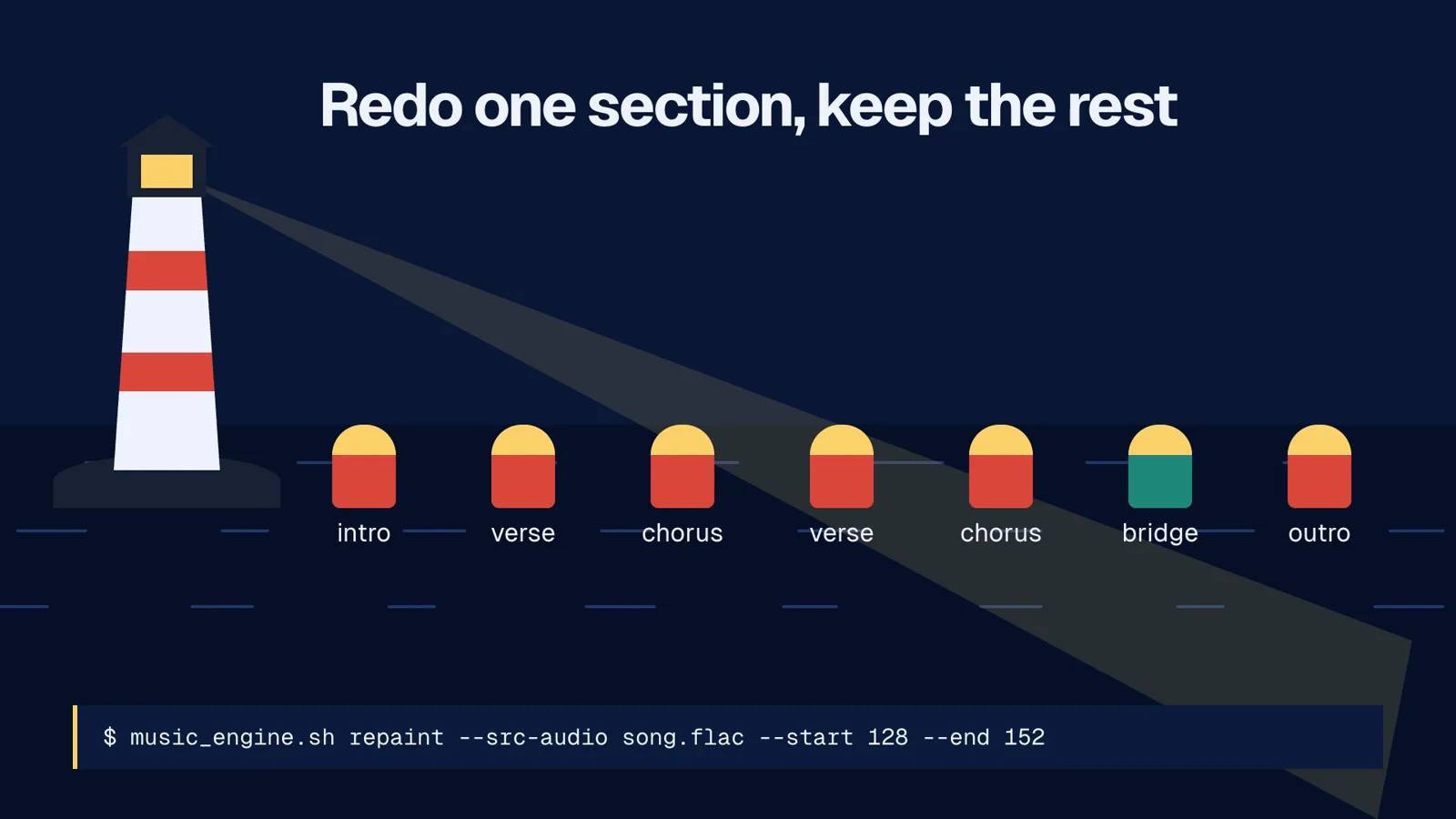
A contact sheet and a short MP4 to review before the full render
Requirements
Bun, Chrome and FFmpeg
uv, for the audio analysis tools
Install the Lyric Music Video skill
Choose your agent and run one command. SkillGild signs you in when needed and connects the skill for you.
On first use, approve the sign-in request in your browser. SkillGild connects Claude Code automatically. Restart or reload your agent, then ask it to use this skill.
Developer detailsAPI examples, server tools and input schemas
How it runs
Your agent starts a session. SkillGild checks your access and allowance, counts one run, and sends the skill's instructions for this task.
Your agent does the work with its own model and tools, in your project. SkillGild makes no AI model call.
Private steps run on SkillGild. Your agent calls the server tools below and gets their results. The tool code never leaves SkillGild, and tool input is not stored.
Use it from code
Start a session, call its tools, then end it. Create an API key under Account and pass it as a bearer token.
Terminal
# Prints the session ID, its tools and the instructions for your agent
skillgild session lyric-music-video
skillgild call <session-id> validate_timeline --input '{"duration_seconds":10,"fps":30,"scenes":[{"id":"intro","start_seconds":0,"end_seconds":5},{"id":"outro","start_seconds":5,"end_seconds":10}]}'
skillgild end <session-id>
Server tools
Each call uses one of the session's tool calls.
validate_timelineValidate scene timing
Checks supplied scene start/end times against duration and frame rate. Reports gaps, overlaps and invalid ranges; does not render or judge visual quality.
FieldTypeNotes
duration_secondsRequirednumberMaximum 3600
fpsRequiredintegerMinimum 1. Maximum 120
scenesRequiredarrayNo extra rules.
allow_overlapsbooleanNo extra rules.
Questions
How do I install the Lyric Music Video skill in Claude Code?
Install or update the SkillGild CLI, then run skillgild install lyric-music-video --agent claude-code. It signs you in when needed and registers the MCP connection automatically. Use --agent codex, cursor or gemini-cli for other clients. It installs as a skill, so there is no separate Claude Code plugin to add, and the no-code quickstart can have your agent do these steps for you.
What do I need to start a lyric video?
A finished song and its lyrics. The skill aligns the lyrics to the audio, then renders the video in code on your machine.
Is the Lyric Music Video skill free?
Yes. Free skills include 25 runs a month, reset on the 1st. Your agent's own model usage is billed by your AI provider, not SkillGild.
Related guides
Setup steps and worked examples for this kind of skill.