Diwali Special40% off every SkillGild Pro plan

Claim 40%

Halloween Special40% off your first 3 months of SkillGild Pro

Code FESTIVE40Claim 40%

Festive Special40% off your first 3 months of SkillGild Pro

Code FESTIVE40Claim 40%
SkillGild
Video & Media

Atelier Motion

Turn an explanation into a short animated film in a chosen visual language. Fourteen style recipes resolved to real palette, mark and motion values, seven explainer grammars that fix the structure before any code is written, and a deterministic renderer straight to MP4.

  • Included with SkillGild Pro
  • Runs locally in your agent
  • v1.0.0
  • SkillGild
skillgild install atelier-motion
Works with
  • Claude Code
  • Codex
  • Cursor
  • Gemini CLI
  • Antigravity
and any MCP client

Created by SkillGild

What you get

  • A short explainer film rendered to MP4 at 1920x1080 and 30 fps, drawn entirely by code. No video model, no stock footage, no template.
  • Fourteen style recipes resolved to real values: palette as hex, mark weight in pixels, grain amplitude, easing and beat. Not mood words.
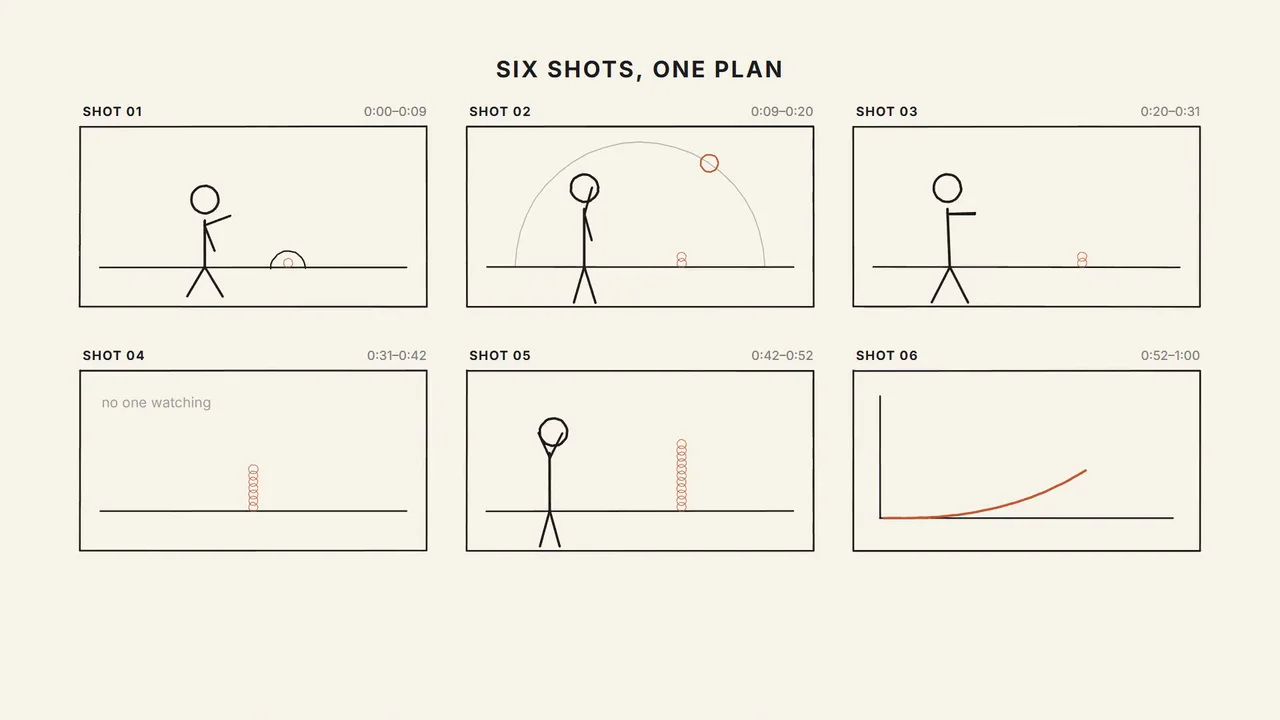
  • Seven explainer grammars with proportional scene skeletons, so the structure is decided before any code is written.
  • A reveal discipline applied to every draw call, which is what stops elements popping in fully formed.
  • A deterministic renderer: the same film and seed give identical frames on every run.
  • Output matching the platform media spec, so a render goes straight into a gallery without re-encoding.

Is it a good fit?

Good for

  • Explaining a system, a pipeline, a migration or a trade-off in motion.
  • A concept film or title sequence that needs a specific visual language rather than a generic one.
  • A silent film built to carry a voiceover recorded later.
  • Documentation that is clearer as 45 seconds of motion than as a page of prose.
  • Anyone who wants a set of films that look like they came from one place.

Not for

  • Character animation or mascots, which want a character skill instead.
  • Photoreal or live-action video. Every frame here is drawn.
  • Long-form video. Past about 90 seconds this wants chapters, not a longer film.
  • Films styled after a named studio, designer or brand. Recipes are techniques and materials only.
  • Data dashboards or live charts, which want a visualization tool rather than a film.

Requirements

  • Node 20 or newer, Google Chrome or Chromium, and ffmpeg on PATH.
  • No API keys and no third-party accounts.
  • Playwright chromium for the headless render: npm i -D playwright && npx playwright install chromium.
  • Fonts load from Google Fonts at render time, or set a system family in the style.

Install the Atelier Motion skill

Choose your agent and run one command. SkillGild signs you in when needed and connects the skill for you.

Install the SkillGild CLI first. If you already have it, run skillgild update once.

  1. Install this skill for Claude Code.

    Terminal
    skillgild install atelier-motion --agent claude-code

    On first use, approve the sign-in request in your browser. SkillGild connects Claude Code automatically. Restart or reload your agent, then ask it to use this skill.

Developer detailsAPI examples, server tools and input schemas

How it runs

  1. Your agent starts a session. SkillGild checks your access and allowance, counts one run, and sends the skill's instructions for this task.
  2. Your agent does the work with its own model and tools, in your project. SkillGild makes no AI model call.

Use it from code

Start a session, follow its guide, then end it. Create an API key under Account and pass it as a bearer token.

Terminal
# Prints the session ID, its tools and the instructions for your agent
skillgild session atelier-motion
skillgild end <session-id>

Questions

How do I install the Atelier Motion skill in Claude Code?

Install the SkillGild CLI, sign in with skillgild login and register its MCP server with Claude Code, then run skillgild install atelier-motion --agent claude-code. Use --agent codex, cursor or gemini-cli for other clients. It installs as a skill, so there is no separate Claude Code plugin to add.

Does this use a video model?

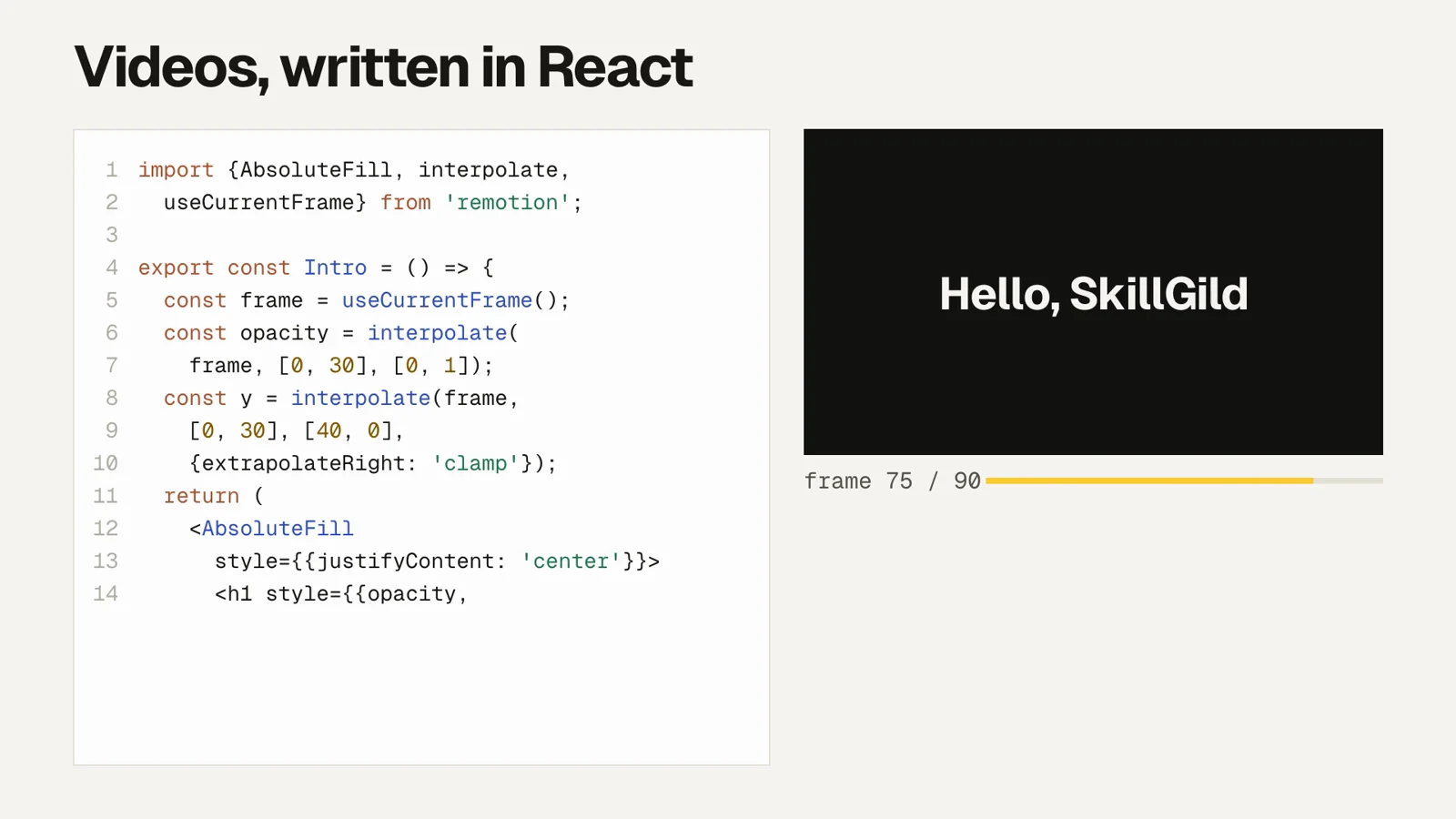
No. Your agent writes 2D canvas code and a headless browser renders it frame by frame. Nothing is generated by a video or image model, so the output is deterministic and you own every frame.

Can I get it in the style of a specific design studio?

No, and that is deliberate. Every recipe is named for a technique or material rather than a firm or designer, because a film labelled with someone else's identity borrows it. The recipes give you a defined visual language without that problem.

Why is my film one scene too long or short?

Grammars use proportional shares, not fixed seconds, so changing the total length rescales every scene. If one scene still fights the structure, it usually has two ideas in it and needs splitting into two rows of the beat table.

Can I add my own style?

Yes, if you can write all seven columns: paper, ink, up to two accents, mark weight, grain, easing and beat, plus one enforceable mark-making rule. Minimal and modern are not recipes, because they resolve to no values.

How do I add narration?

Set captions off, render silent, then mux your audio with ffmpeg. The grammars lengthen naturally for narration: a narrator needs roughly 15 percent longer on a beat than a reader does.

Related guides

Setup steps and worked examples for this kind of skill.

Reviews

No reviews yet

Used Atelier Motion? Your rating helps the next person decide.
Be the first to rate Atelier Motion
Tap a star