Ink Cartoon Kit
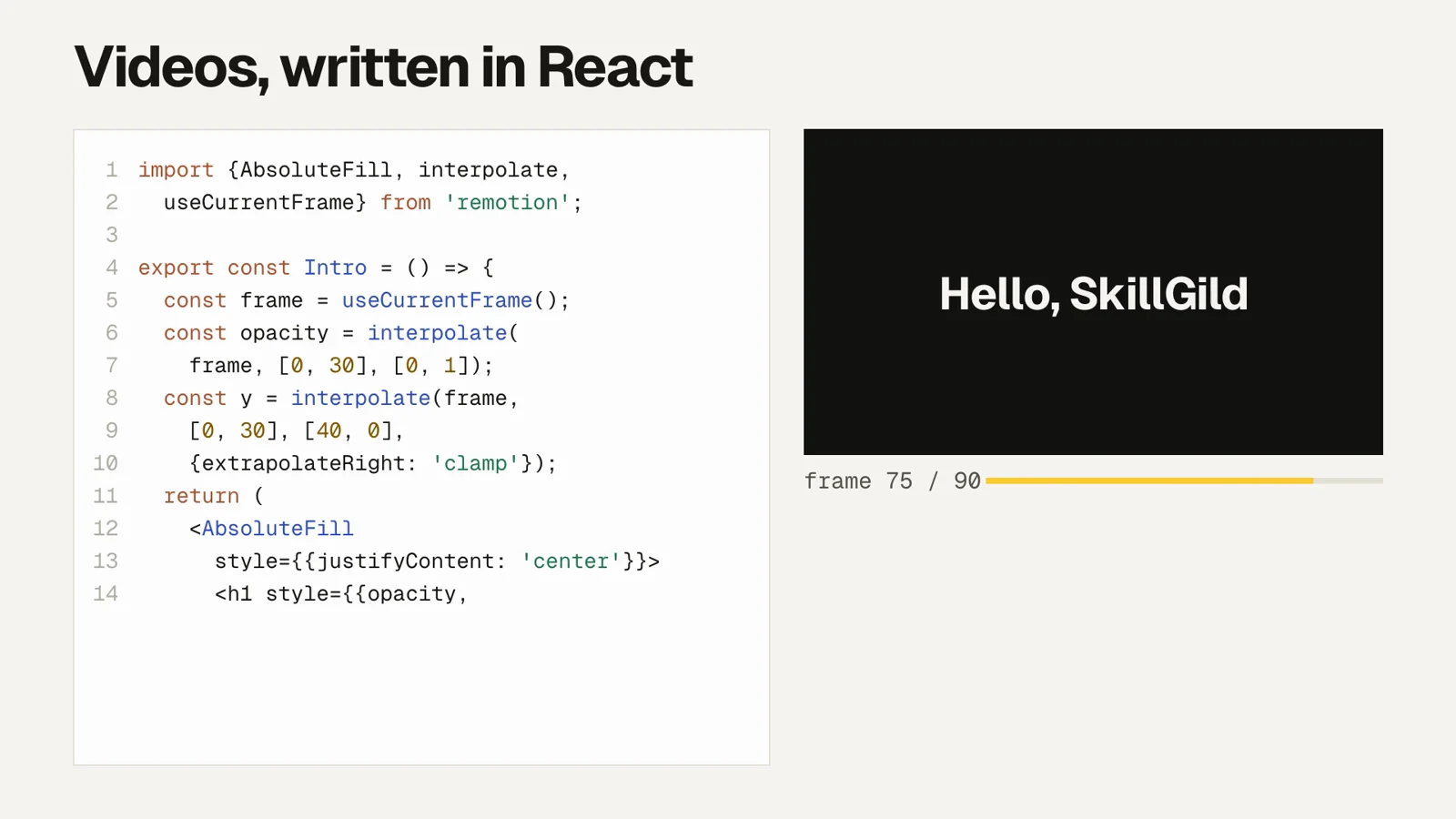
Animate a hand-inked cartoon character in code and render it to video. Draws Nib, an original ink-drop character with a 24-expression sheet, using p5.brush, then renders frames headlessly to MP4. No video model: every frame is drawn by the code your agent writes.
- Included with SkillGild Pro
- Runs locally in your agent
- v1.0.0
- SkillGild
skillgild install ink-cartoon-kitCreated by SkillGild
Gallery
What you get
- A character animation drawn entirely in code, rendered to MP4 at 1920x1080 and 30 fps, with no video model and no footage.
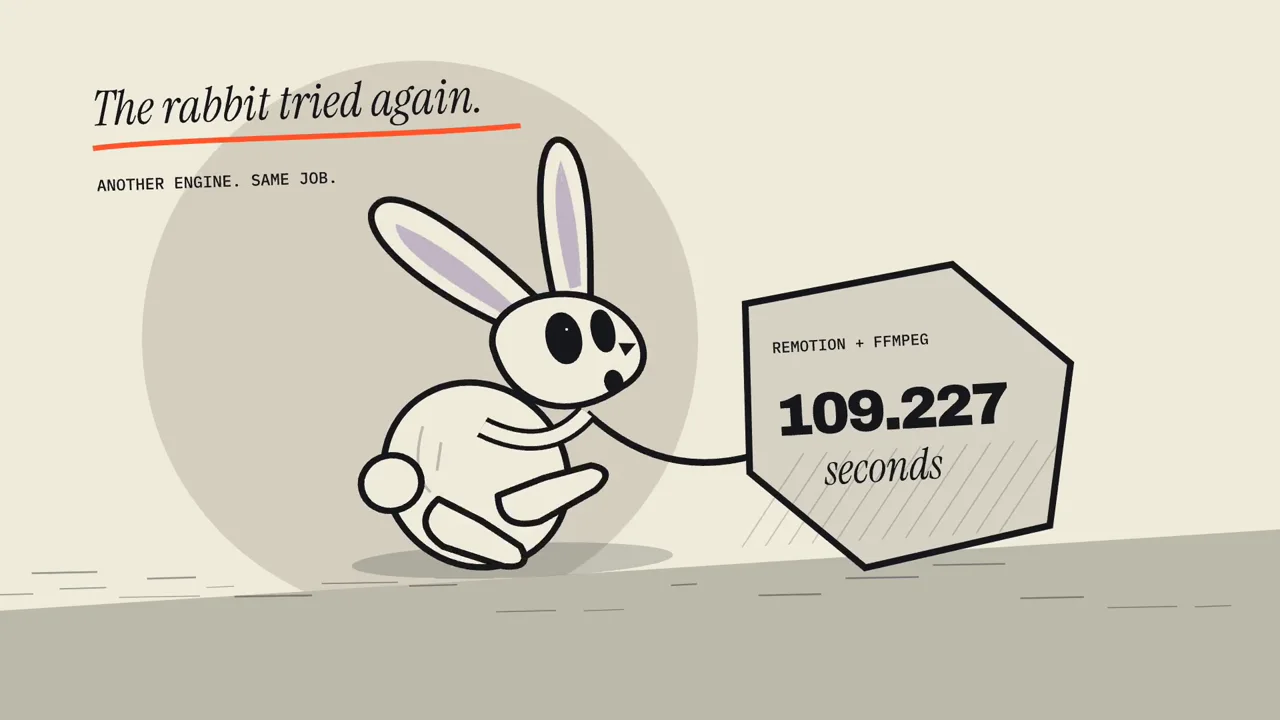
- Nib, an ink-drop character with a documented construction and a 24-expression sheet, so the character reads the same across every clip you make.
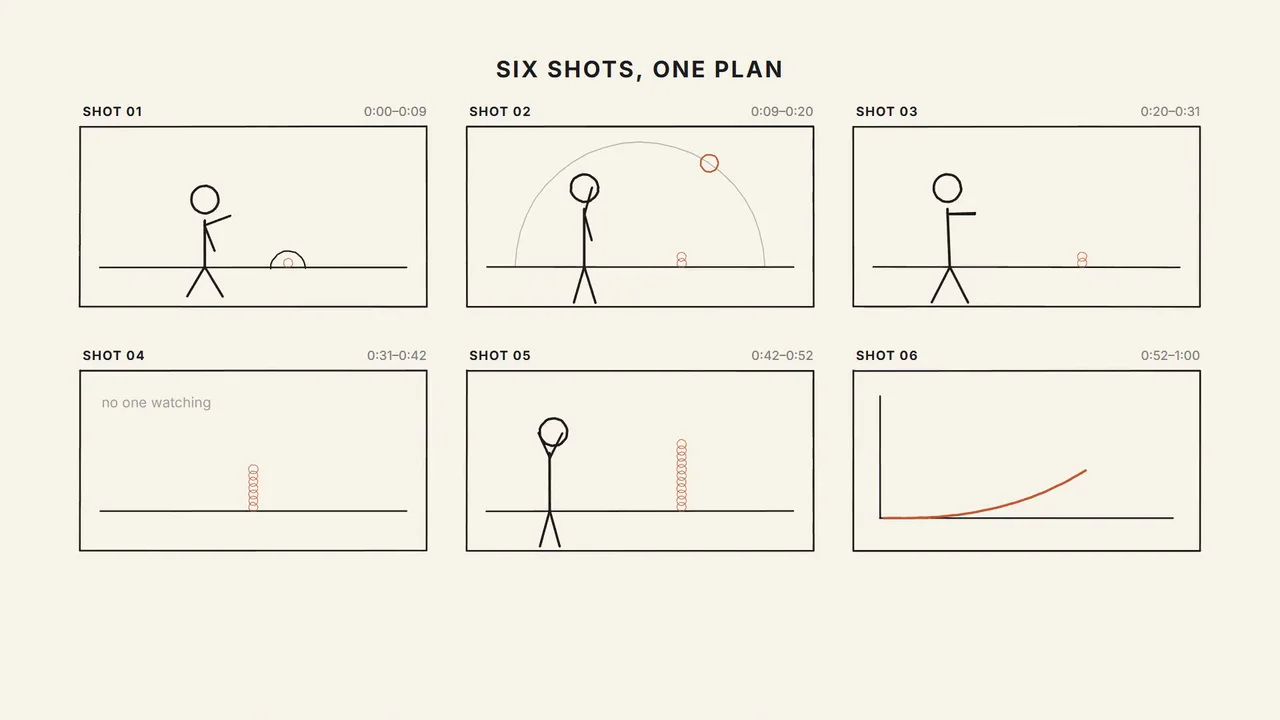
- A beat-sheet workflow that fixes the timing before you write the scene, which is where most character animation goes wrong.
- The easing and timing tables that make motion read as drawn rather than tweened: anticipation, squash, overshoot, settle.
- A deterministic frame-driven renderer. The same scene and seed give identical frames on every run, so a re-render never silently changes.
- Output that matches the platform media spec, so a render goes straight into a gallery without re-encoding.
Is it a good fit?
Good for
- A short expressive clip of a character reacting, waking, hopping or noticing something.
- A mascot animation for a landing page, a card loop or an empty state.
- A hand-drawn-looking explainer beat where a figure carries the point.
- An overlay clip on transparency, to sit over other footage.
- Anyone who wants the same character to be recognisable across a set of clips.
Not for
- Photoreal or live-action video. Every frame here is an ink drawing.
- Lip-synced dialogue. Nib has no speech system and no mouth at rest.
- Long-form animation. Past about 30 seconds the per-frame brush work stops paying for itself.
- Characters other than Nib. The construction is the skill; a different character needs a different sheet.
- Motion graphics, kinetic type or data animation, which want a motion-graphics skill instead.
Requirements
- Node 20 or newer, Google Chrome or Chromium, and ffmpeg on PATH.
- No API keys and no third-party accounts. p5.js and p5.brush load from CDN at render time.
- Playwright chromium for the headless render: npm i -D playwright && npx playwright install chromium.
Install the Ink Cartoon Kit skill
Choose your agent and run one command. SkillGild signs you in when needed and connects the skill for you.
Install the SkillGild CLI first. If you already have it, run skillgild update once.
Install this skill for Claude Code.
Terminal skillgild install ink-cartoon-kit --agent claude-codeOn first use, approve the sign-in request in your browser. SkillGild connects Claude Code automatically. Restart or reload your agent, then ask it to use this skill.
Developer detailsAPI examples, server tools and input schemas
How it runs
- Your agent starts a session. SkillGild checks your access and allowance, counts one run, and sends the skill's instructions for this task.
- Your agent does the work with its own model and tools, in your project. SkillGild makes no AI model call.
Use it from code
Start a session, follow its guide, then end it. Create an API key under Account and pass it as a bearer token.
# Prints the session ID, its tools and the instructions for your agent
skillgild session ink-cartoon-kit
skillgild end <session-id>Questions
How do I install the Ink Cartoon Kit skill in Claude Code?
Install the SkillGild CLI, sign in with skillgild login and register its MCP server with Claude Code, then run skillgild install ink-cartoon-kit --agent claude-code. Use --agent codex, cursor or gemini-cli for other clients. It installs as a skill, so there is no separate Claude Code plugin to add.
Does this use a video model?
No. Your agent writes p5.brush drawing code and a headless browser renders it frame by frame. Nothing is generated by a video or image model, so the output is deterministic and you own every frame.
Can I change the character?
You can restyle Nib within the sheet: accent colour, ink weight, scale and which expressions a clip uses. Changing the construction itself is out of scope, because the fixed proportions are what make clips recognisably the same character.
Why does my render look soft or blocky?
Almost always a second encode. Render at the final size and derive the card loop and stills from the finished MP4 rather than re-rendering or upscaling. Scaling after render resamples the ink texture and the strokes go muddy.
Can I get a transparent version for overlaying?
Yes. Set transparent to true. The renderer clears to alpha instead of paper and encodes VP9 WebM, since H.264 has no alpha channel.
How long does a render take?
Roughly real time to a few times real time, depending on the machine: every stroke is redrawn on every frame. A 10 second clip at 30 fps is 300 frames. Preview in the browser and fix timing before you spend a render.
Related guides
Setup steps and worked examples for this kind of skill.
- Claude Code video skills: how code-rendered video worksCompare Brag, HyperFrames, fframes, Lyric Music Video and Video Illustrator, and see what a code-rendered video workflow needs on your machine.
- Best Claude Code skills in 2026: 27 picks by jobPick Claude Code skills by task, requirements and install route. Compare local and hosted options, with four frontend skills tested on the same brief.
- How to install Claude Code skills (and skills for Codex, Cursor and Gemini CLI)Install a Claude Code skill from GitHub, a plugin or SkillGild in one command. Folder paths, personal vs project skills, verifying it loaded, troubleshooting, and the same steps for Codex, Cursor and Gemini CLI.
- How to create a Claude skillCreate a Claude skill from scratch: write SKILL.md with a name and description, add scripts and references, test it in Claude Code, make it work in Codex and Cursor, and share it on GitHub, as a plugin or on SkillGild.
Reviews
No reviews yet
Used Ink Cartoon Kit? Your rating helps the next person decide.