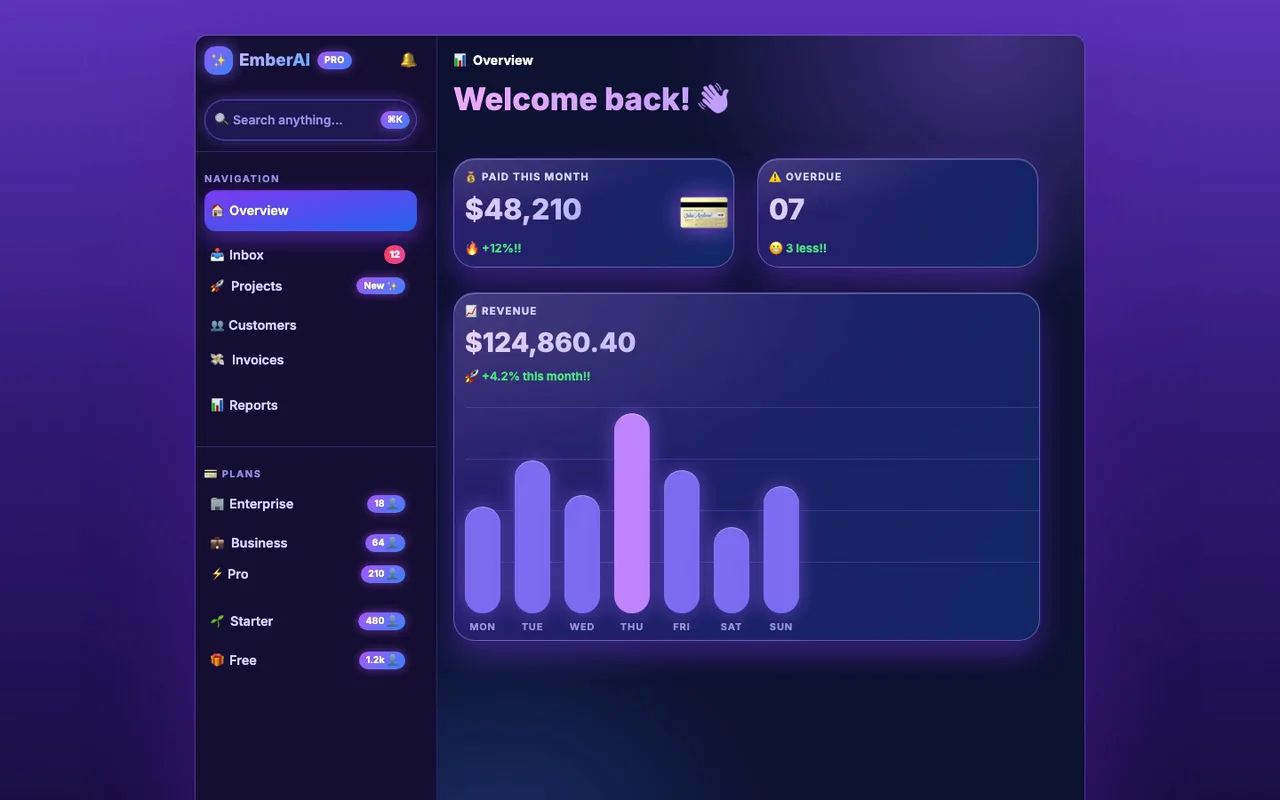
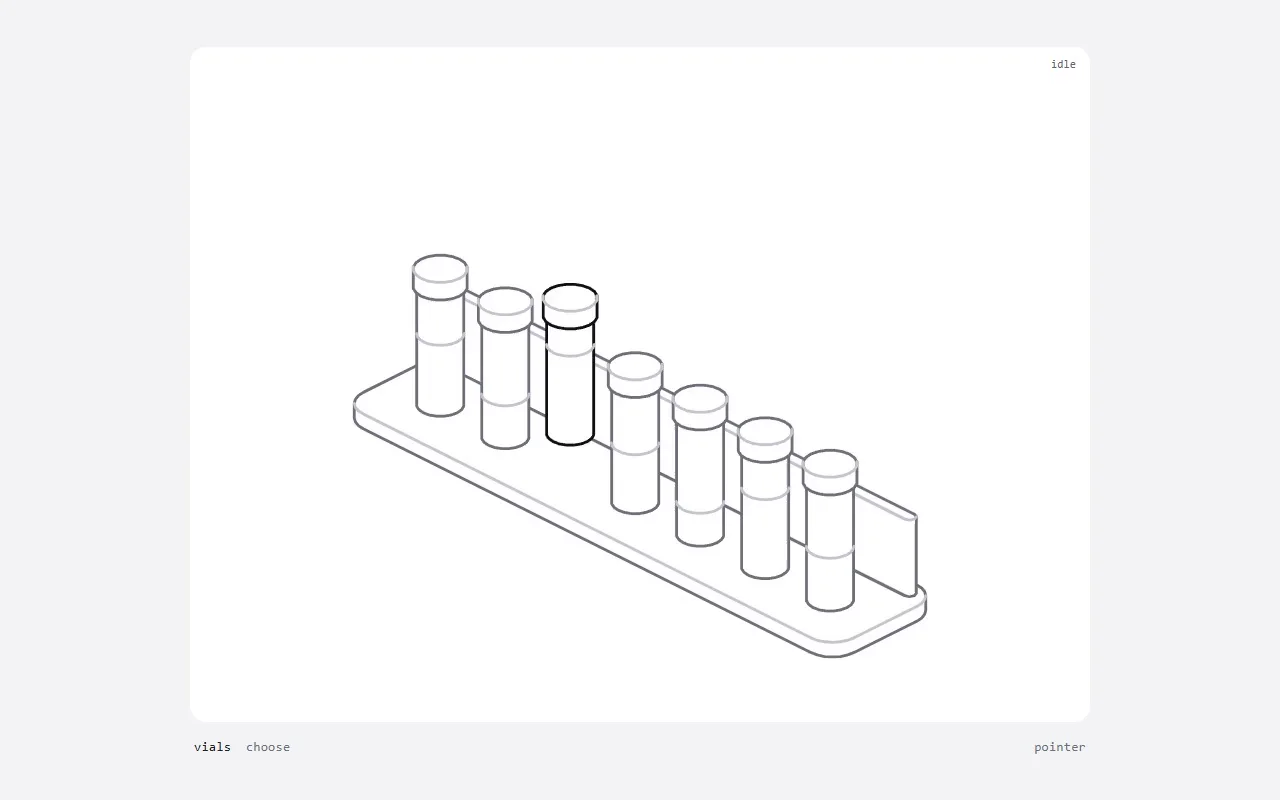
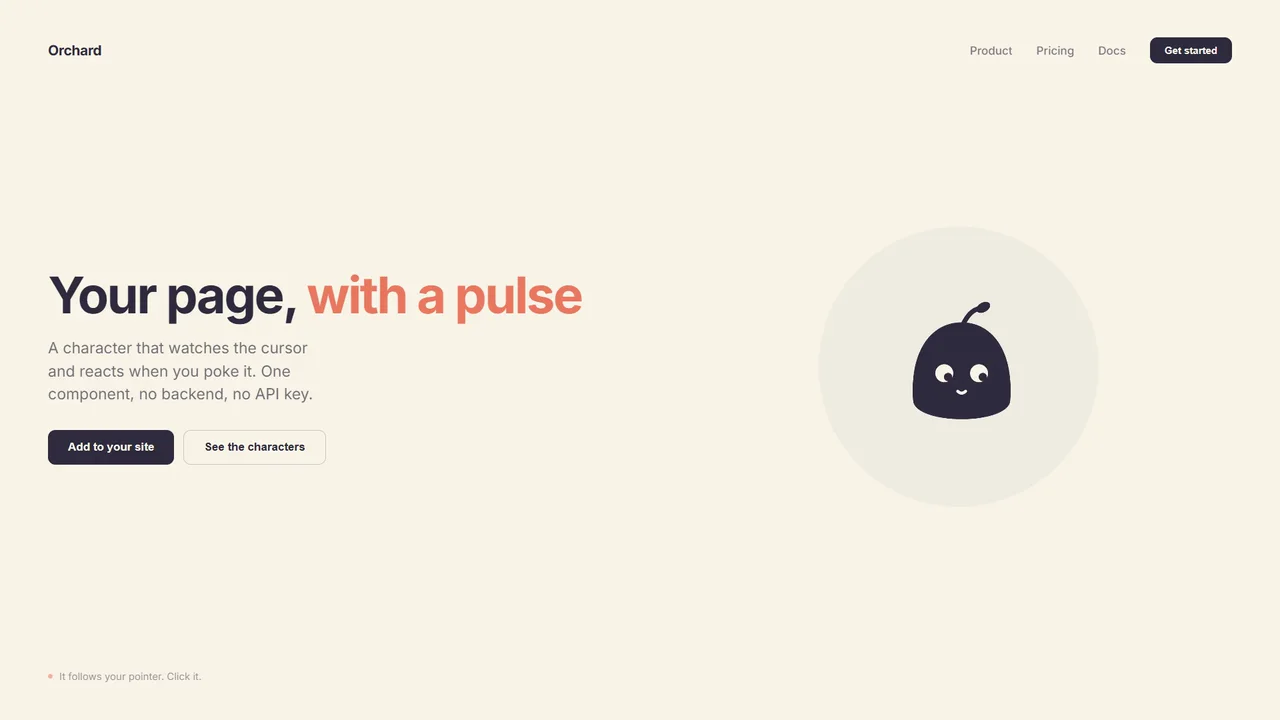
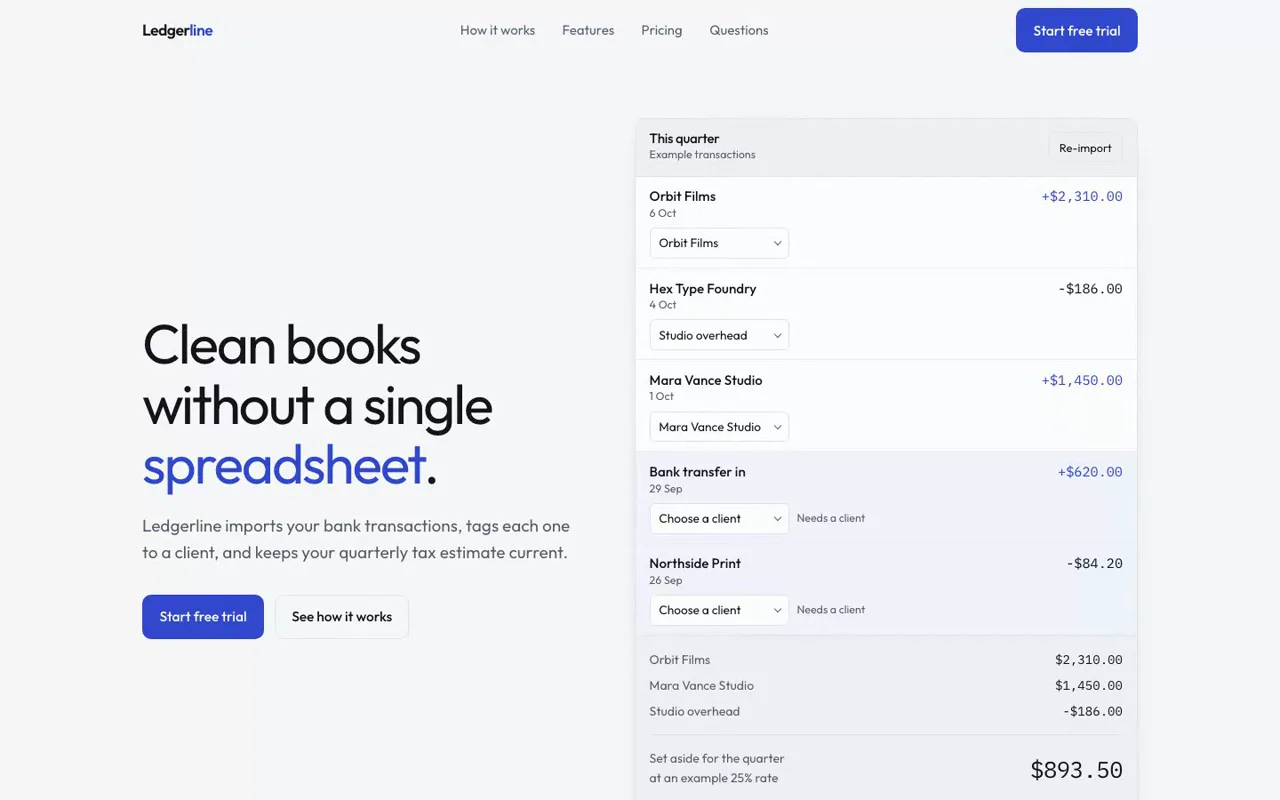
Professional logo and brand-mark design from brief to production files: concepts, clean geometric SVG, optical refinement, tests at 16 px and in one colour, presentation boards and brand guidelines.
25 free runs a month
Runs in your agent, private tools on SkillGild
v1.1.0
SkillGild
$ skillgild install logo-design
Works with
Claude Code
Codex
Cursor
Gemini CLI
Antigravity
and any MCP client
Based on logo-design-skill by kaankiziltug (MIT)
Gallery
What you get
Logo concepts built from your brief
Clean geometric SVG with optical refinement, unlike a one-shot AI logo generator
Tests at 16 px and in one color before anything is final
Production files for the brand
Install the Logo Design skill
Choose your agent and run one command. SkillGild signs you in when needed and connects the skill for you.
On first use, approve the sign-in request in your browser. SkillGild connects Claude Code automatically. Restart or reload your agent, then ask it to use this skill.
Developer detailsAPI examples, server tools and input schemas
How it runs
Your agent starts a session. SkillGild checks your access and allowance, counts one run, and sends the skill's instructions for this task.
Your agent does the work with its own model and tools, in your project. SkillGild makes no AI model call.
Private steps run on SkillGild. Your agent calls the server tools below and gets their results. The tool code never leaves SkillGild, and tool input is not stored.
Use it from code
Start a session, call its tools, then end it. Create an API key under Account and pass it as a bearer token.
Terminal
# Prints the session ID, its tools and the instructions for your agent
skillgild session logo-design
skillgild call <session-id> validate_svg --input '{"svg":"<svg xmlns=\"http://www.w3.org/2000/svg\" viewBox=\"0 0 100 100\"><circle cx=\"50\" cy=\"50\" r=\"40\" fill=\"#336699\"/></svg>"}'
skillgild end <session-id>
Server tools
Each call uses one of the session's tool calls.
validate_svgValidate standalone SVG
Parses supplied SVG, checks its root and viewBox, and reports active content and external dependencies. Does not render, assess originality or perform a trademark check.
Logo Design takes a brand brief through concepts, SVG construction and checks at small sizes and in one color. Use it when you need a mark you can inspect and refine as vector artwork. Start by explaining the business and choosing a concept before asking for the complete identity files.
Include the exact business name, audience, where the mark will appear and any colors or lettering that must stay. Describe what should make the business recognizable. For example:
text
Use Logo Design for Pedal House, an independent bicycle repair shop.
Audience: people who cycle to work every day.
The identity should feel practical and approachable.
Show distinct black-and-white concepts and explain each direction.
Include a 16 px icon preview and a storefront sign example.
Wait for me to choose a concept before preparing final SVG files.
Check whether the silhouette remains recognizable at 16 px and whether the design works in one color. Review the business name for spelling and inspect the SVG at both icon and sign sizes. If a detail disappears, ask the agent to simplify that feature before adding color.
The hosted validate_svg tool checks the SVG structure, viewBox and active content or external dependencies. It does not judge the design's originality. For the underlying design process and supporting tools, see the author's Logo Design repository.
How do I install the Logo Design skill in Claude Code?
Install or update the SkillGild CLI, then run skillgild install logo-design --agent claude-code. It signs you in when needed and registers the MCP connection automatically. Use --agent codex, cursor or gemini-cli for other clients. It installs as a skill, so there is no separate Claude Code plugin to add, and the no-code quickstart can have your agent do these steps for you.
What format are the logos in?
SVG, so they stay sharp at any size. The skill checks each mark at 16 px and in a single color, the two places weak logos usually fail.
Is the Logo Design skill free?
Yes. Free skills include 25 runs a month, reset on the 1st. Your agent's own model usage is billed by your AI provider, not SkillGild.
Related guides
Setup steps and worked examples for this kind of skill.