Design
One command installs Design engineering. For hosted skills, it signs you in and connects your agent once, then installs every skill below in order. Verified, unchanged pack installations are skipped; existing folders and your edits are kept unless you choose to replace them. No paid plan is needed. Hosted skills still require an account and keep their individual usage limits.
Start with Design Engineering Guide: it explains the workflow and walks your agent through the others.
skillgild pack install design-engineeringNeeds the SkillGild CLI. Set it up in a minute.


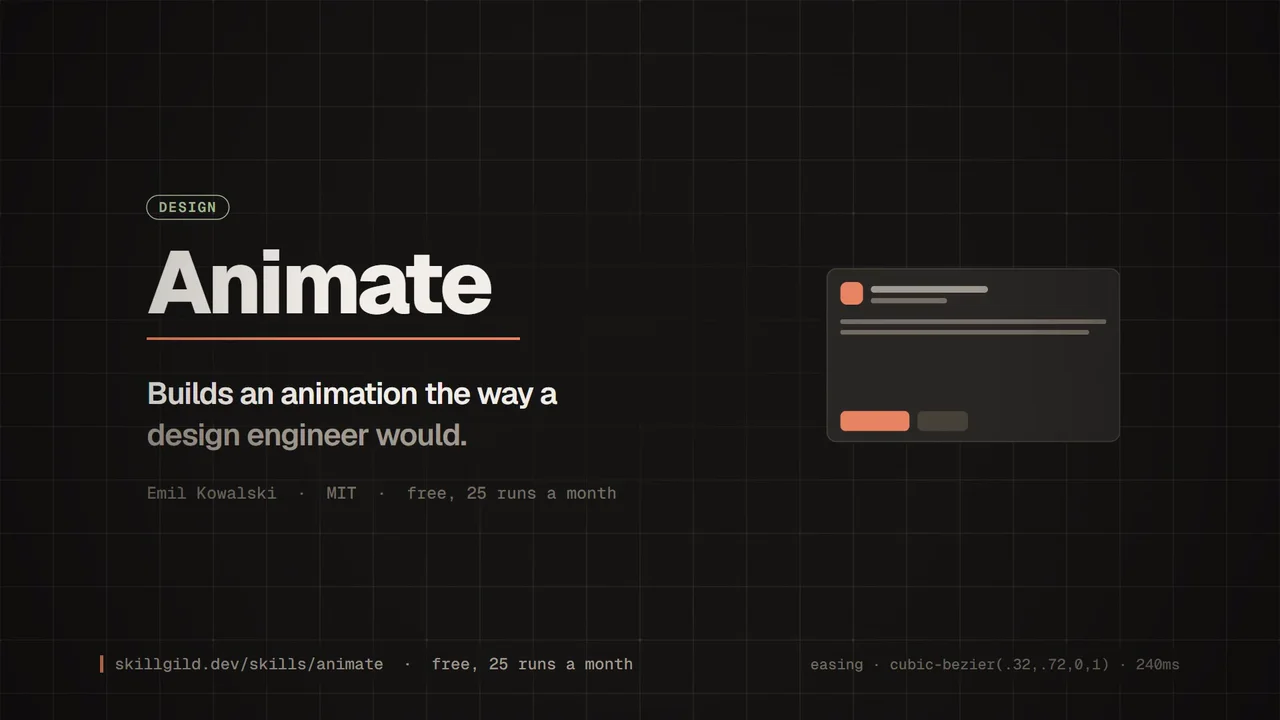
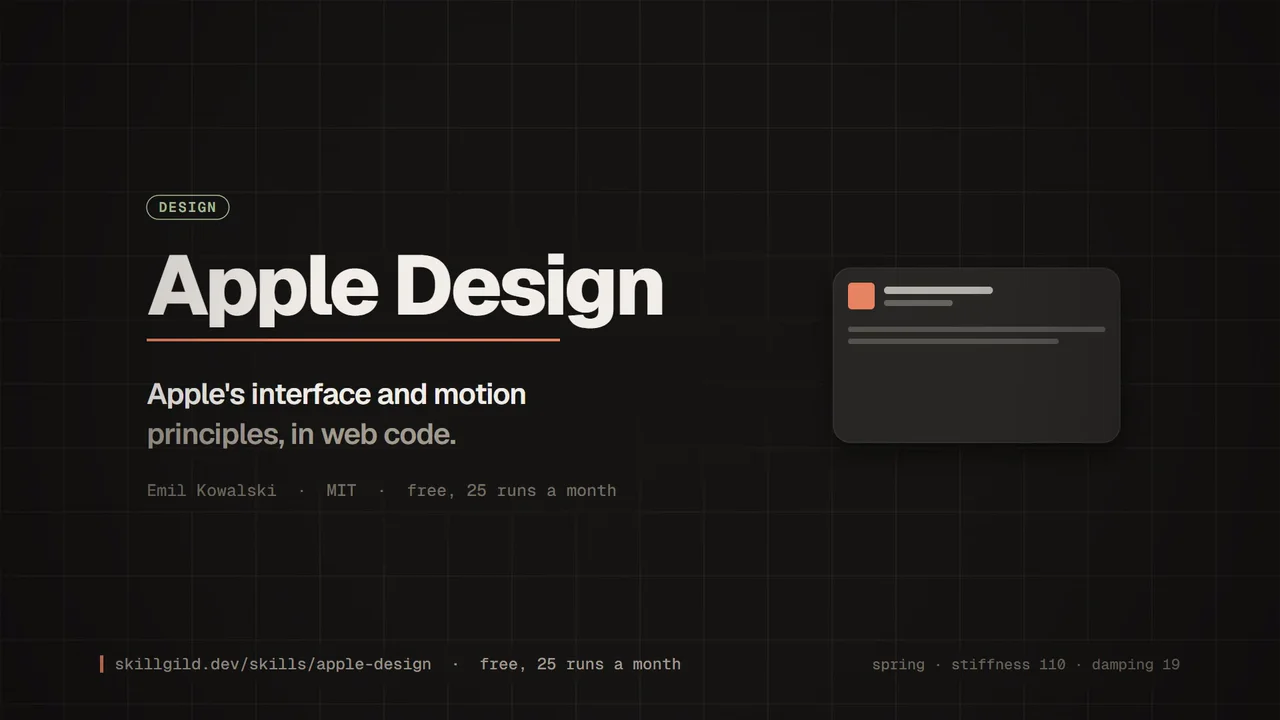

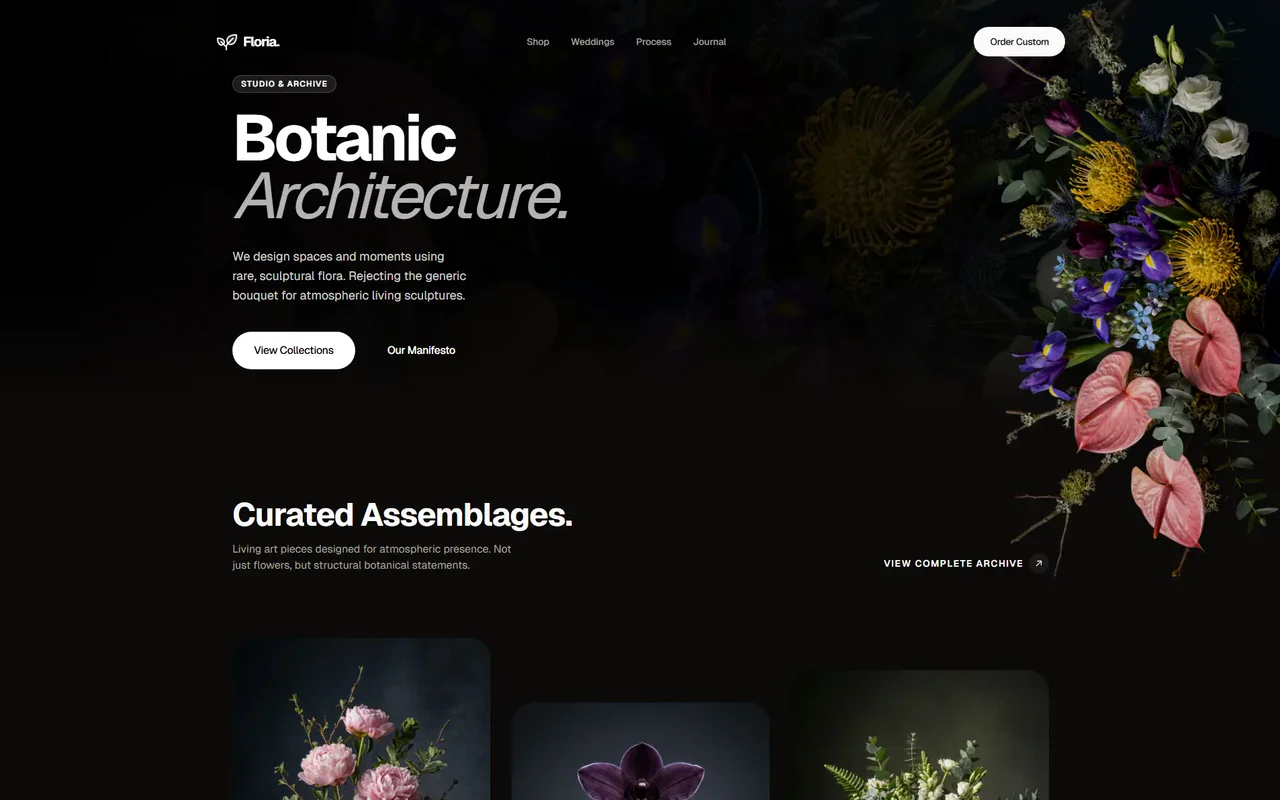
Design engineering spans more than generating a first screen. This collection covers selecting a visual direction, building a usable interface, reviewing details and refining motion without losing the project's identity.
Choose one primary design skill for the brief, then add a focused reviewer or interaction skill. Installing several design skills does not mean applying all their aesthetics at once. For an existing product, begin with its components, tokens and working user flows.
Use the starting guide to establish the audience and constraints, then select a primary frontend skill. Use UI UX Pro Max for targeted design research when its local tooling is available.
Review the actual interface for usability, contrast, hierarchy and responsive behaviour. Prioritize observed problems and preserve working navigation and the established brand.
Choose the interaction or platform guidance relevant to the product. Test keyboard operation and reduced motion, and request logo work only when identity is part of the brief.
Example brief: “Review this existing dashboard, keep its brand and routes, improve the highest-impact usability issues and inspect the result at mobile and desktop widths.”
For React implementation and web interface reviews, explore Vercel’s agent skills.
For installation and account requirements, read the SkillGild quickstart. Compare Free and Pro access before choosing a paid workflow.
What it includes, how it installs and what it needs.
Still have a question?Search help topics or send the team a request.Choose according to the task. Frontend Design or Taste Skill can lead a new interface, Impeccable can review an implementation, and the interaction skills address narrower motion or platform details. The starting guide helps select a sequence.