Marketing
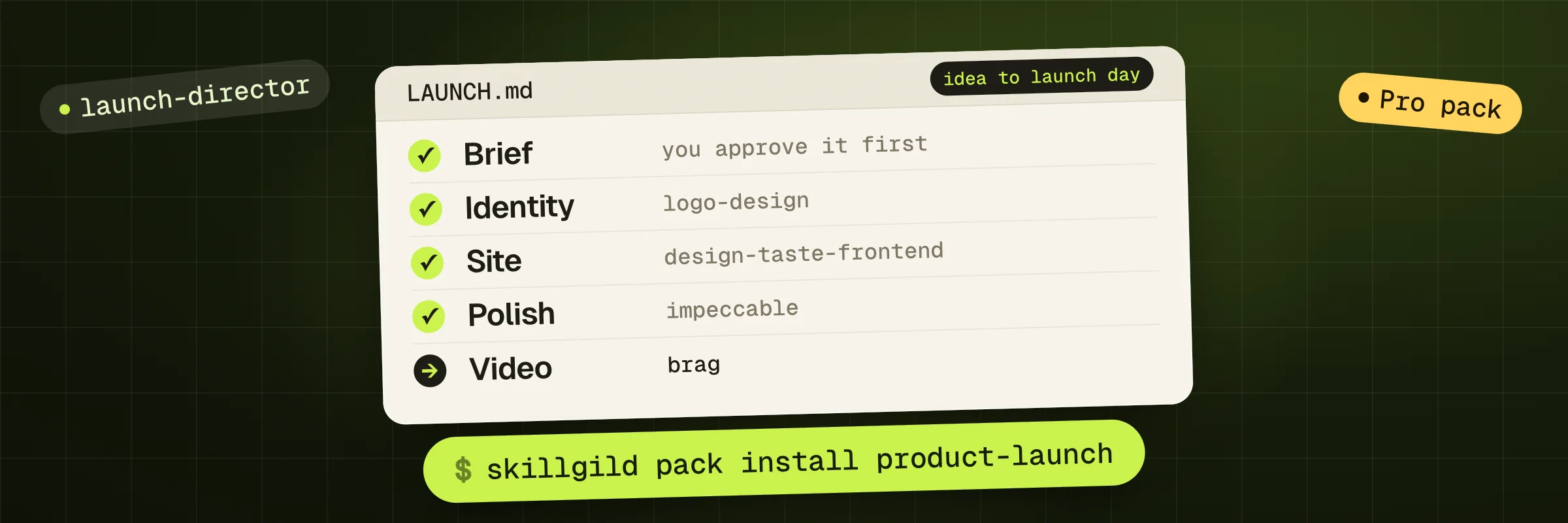
One command installs Product Launch. For hosted skills, it signs you in and connects your agent once, then installs every skill below in order. Verified, unchanged pack installations are skipped; existing folders and your edits are kept unless you choose to replace them. This pack needs an active SkillGild Pro plan; the command checks it before it installs anything.
Start with Launch Director: it explains the workflow and walks your agent through the others.
skillgild pack install product-launchNeeds the SkillGild CLI. Set it up in a minute. No Pro plan yet? See plans.


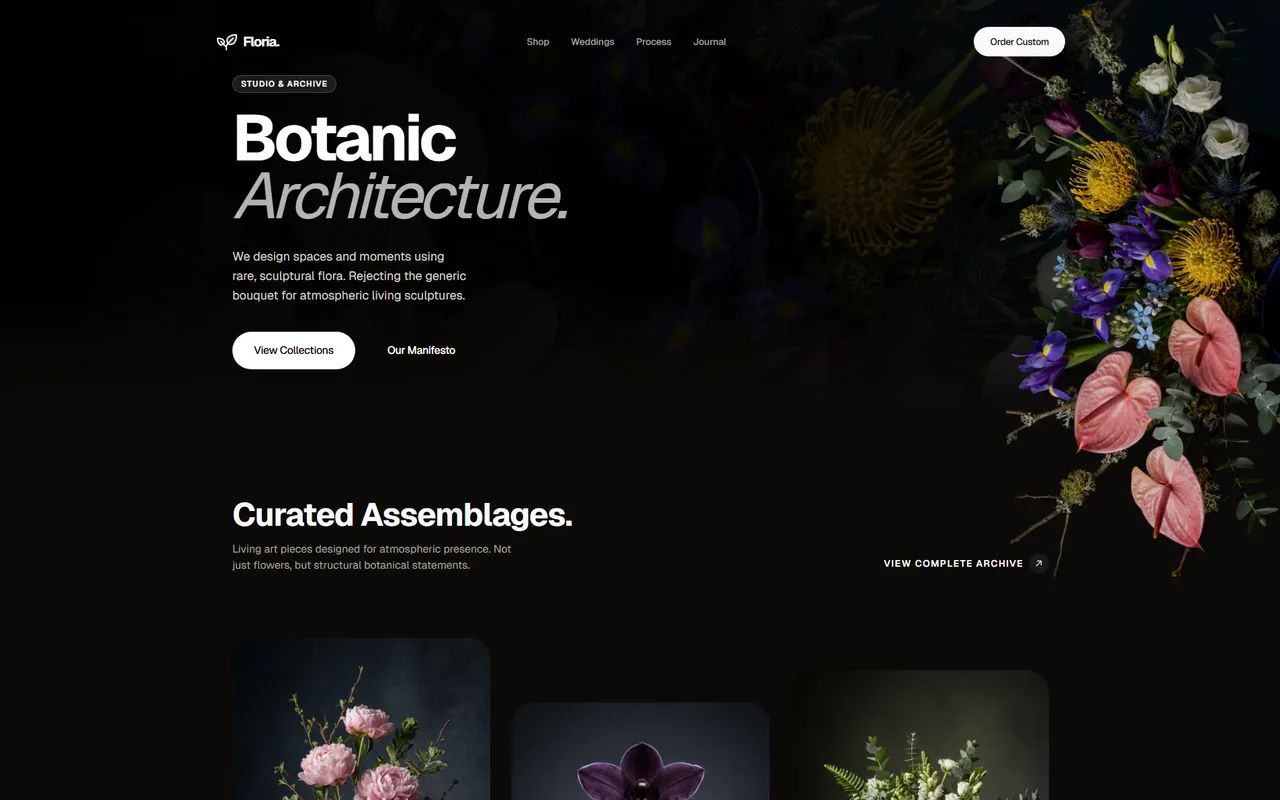
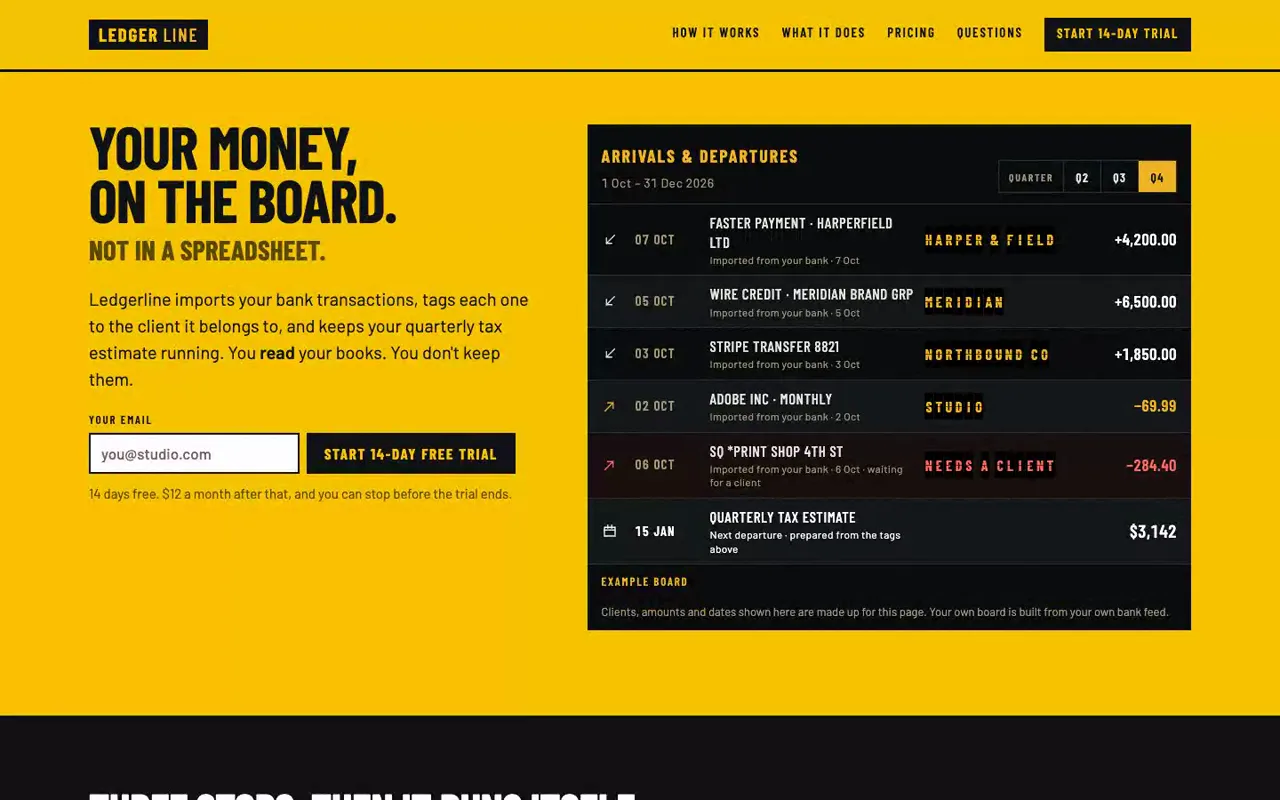
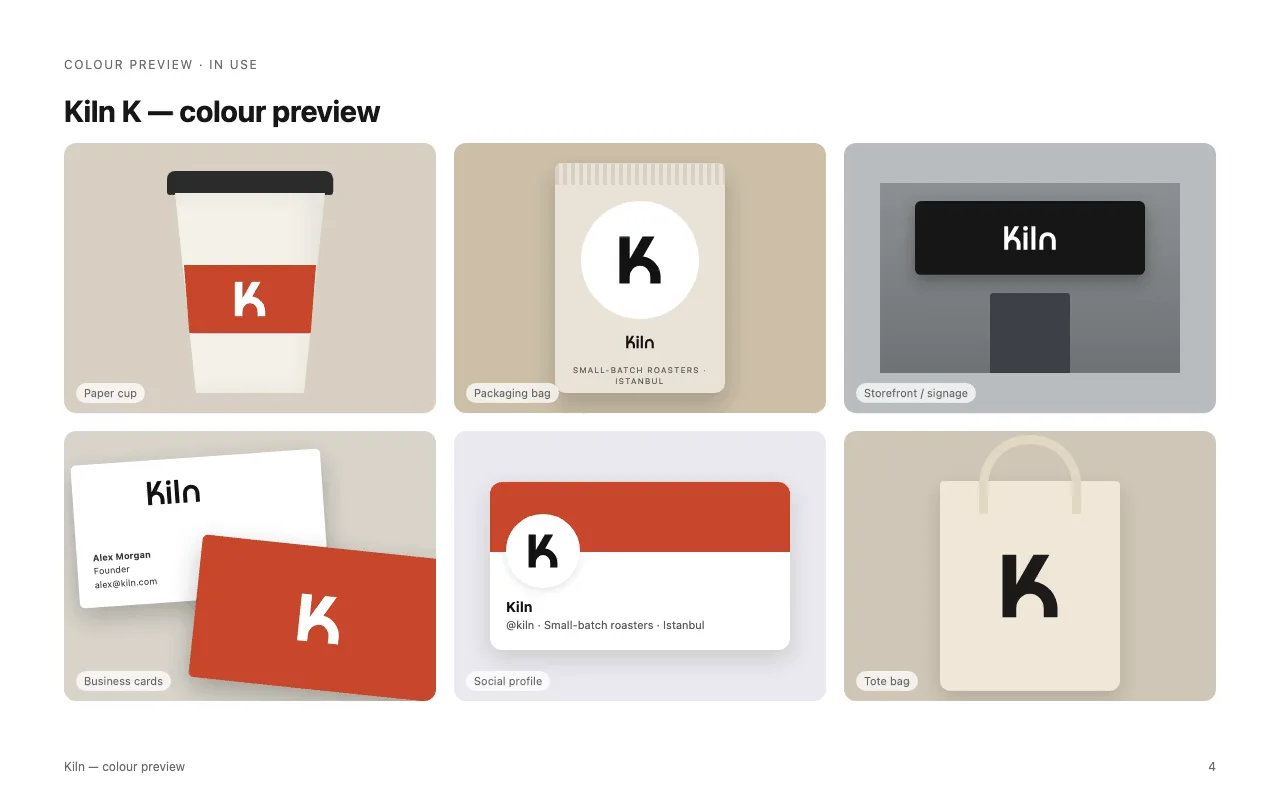
A launch needs assets that tell the same story. This collection brings identity, frontend design, interface review and video into a single workflow, so the logo, website and launch clip can follow one approved brief.
Start with an existing product or a concrete offer. Launch Director records the audience, promise, visual direction and handoff in LAUNCH.md. Choose the deliverables you actually need; installing the pack does not require generating every asset or deploying a website.
Use the starting workflow to confirm the product, audience, supporting evidence and asset list. Establish what the site should communicate before choosing its visuals.
Develop the requested logo and interface from the same brief. Carry colours, typography and product language forward instead of restarting each asset independently.
Check the implemented interface before turning it into a video. Use the actual project and inspect rendered output; keep review findings and final artifact paths in the handoff.
Example brief: “Prepare a launch for my habit-tracking app. Keep its existing name, propose a visual direction, build a landing page and produce a short video from the finished interface. Ask me to approve the brief first.”
For installation and account requirements, read the SkillGild quickstart. Compare Free and Pro access before choosing a paid workflow.
What it includes, how it installs and what it needs.
Still have a question?Search help topics or send the team a request.It coordinates a launch brief, logo work, a landing page, interface review and a launch video. The starting guide helps select the deliverables. Your coding agent creates the work using its own model and available tools.