Design
A design language for AI harnesses: 24 commands (craft, audit, polish, harden, animate, colorize, typeset, layout, distill, bolder, quieter and more), 60 deterministic detector rules and a live in-browser mode.
skillgild install impeccable


Based on impeccable by Paul Bakaus (Apache-2.0)
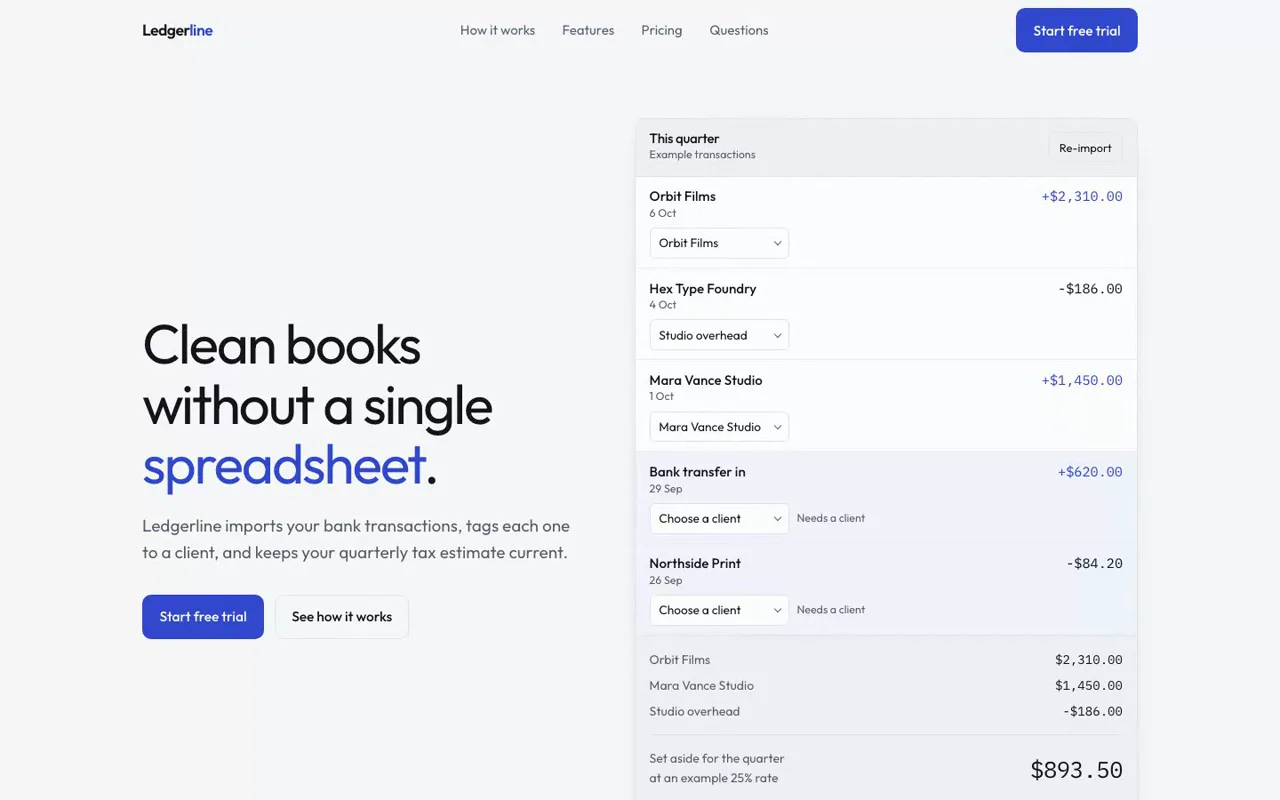
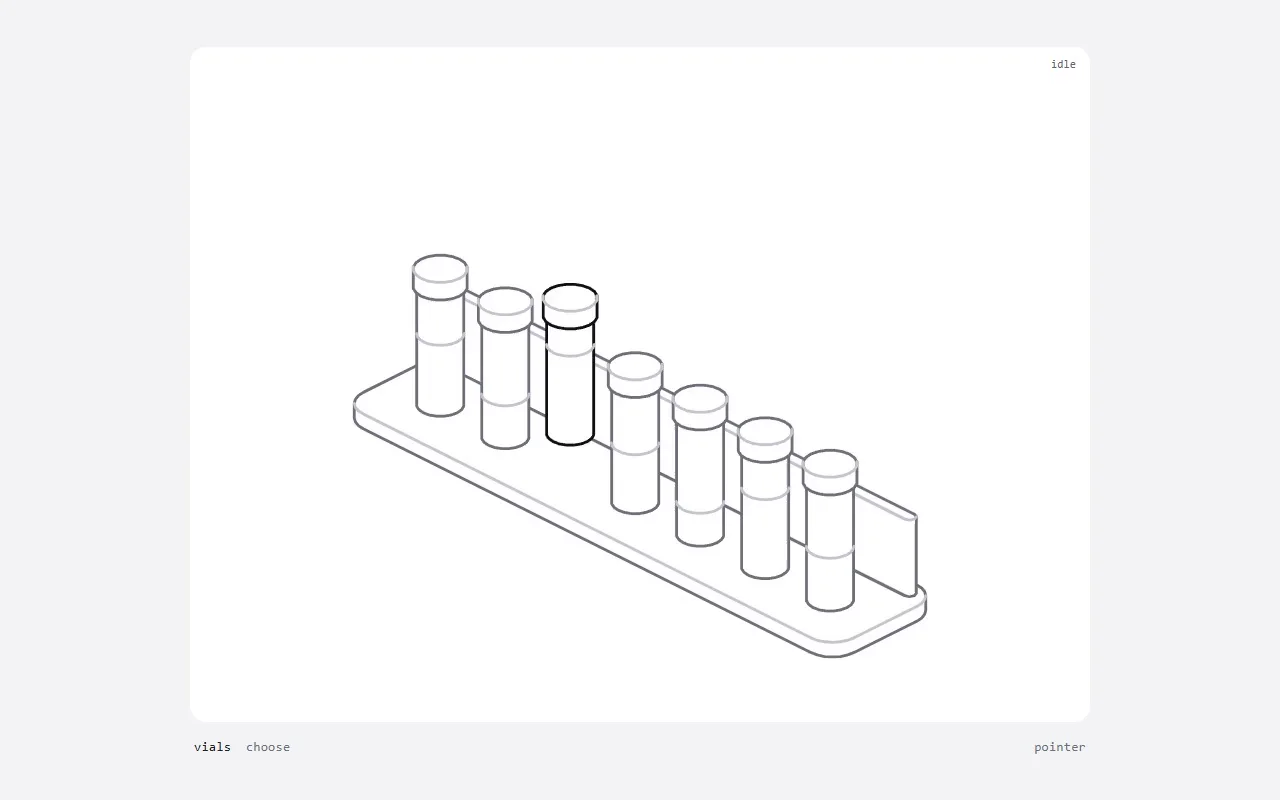
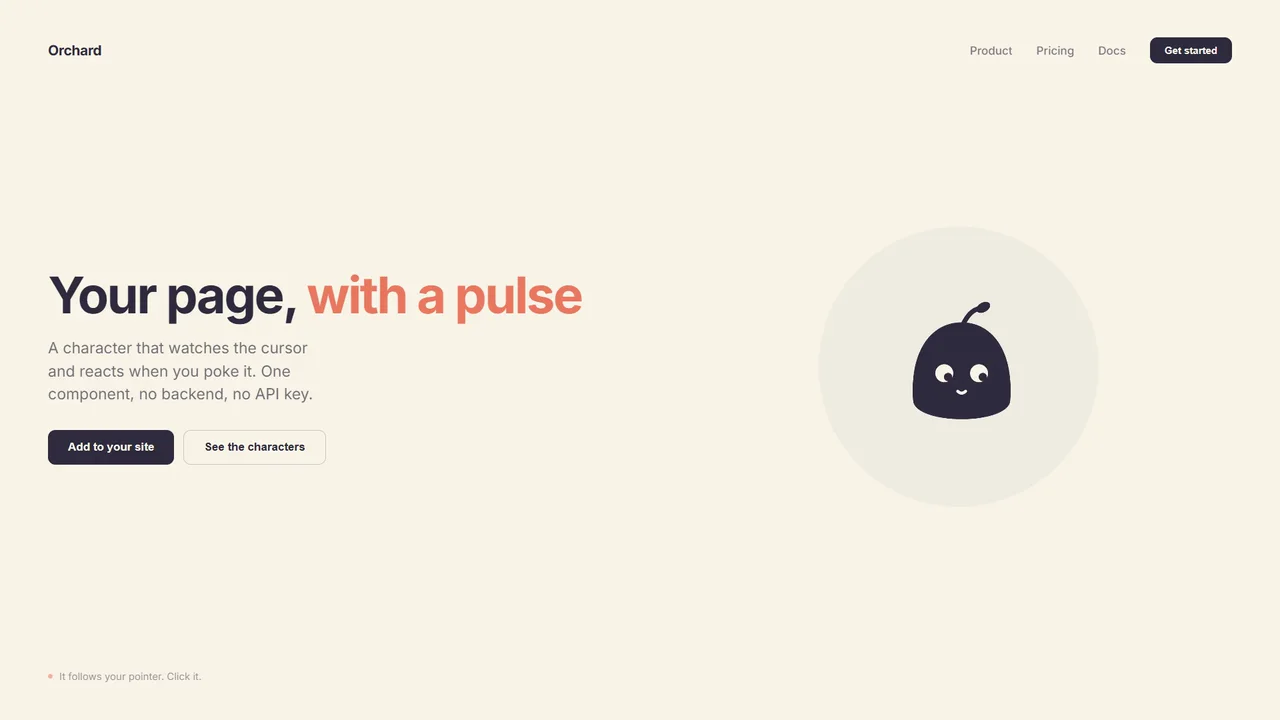
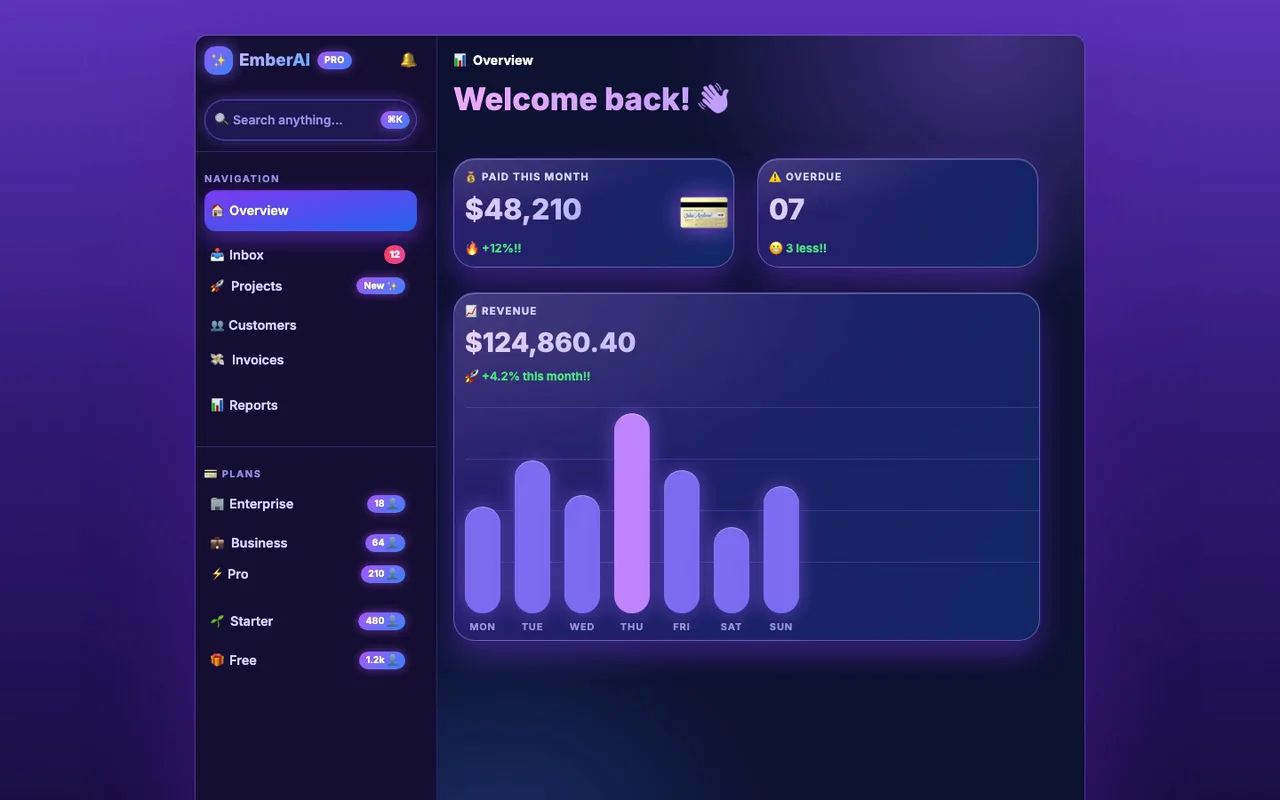
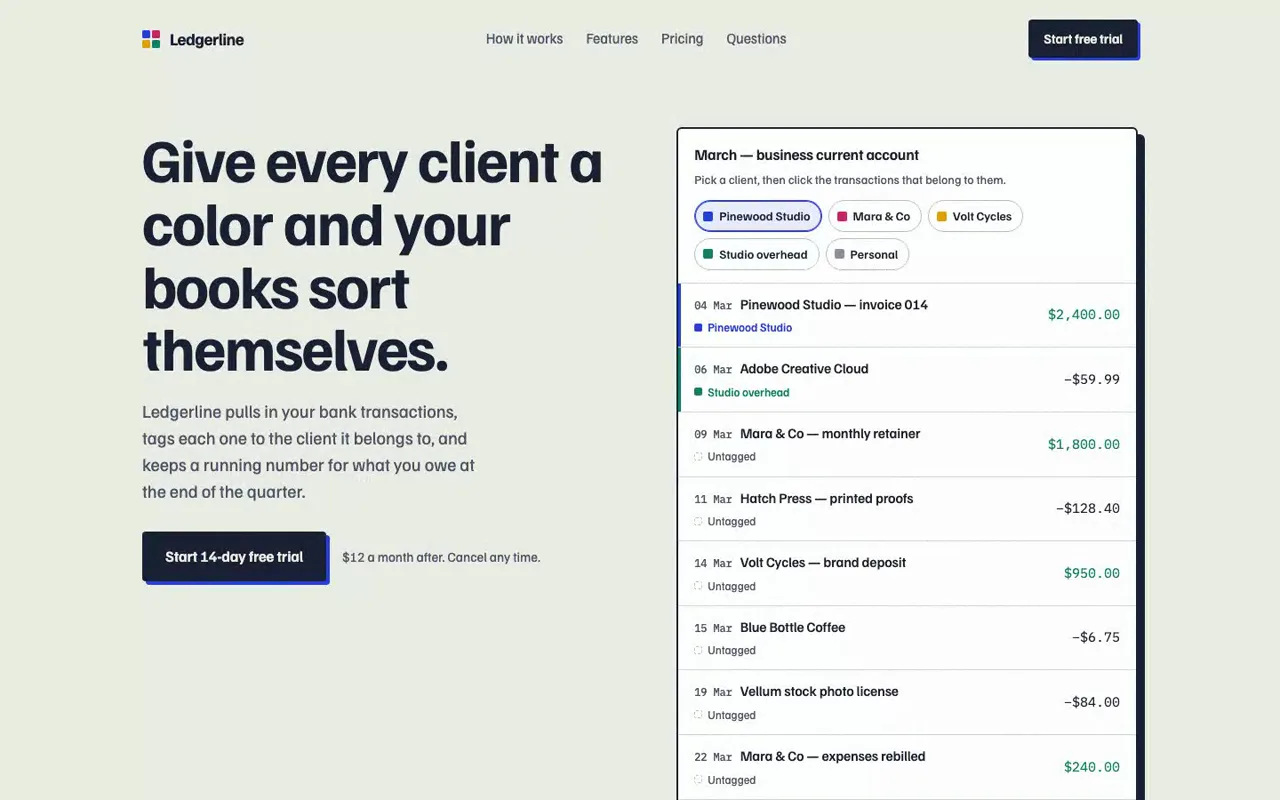
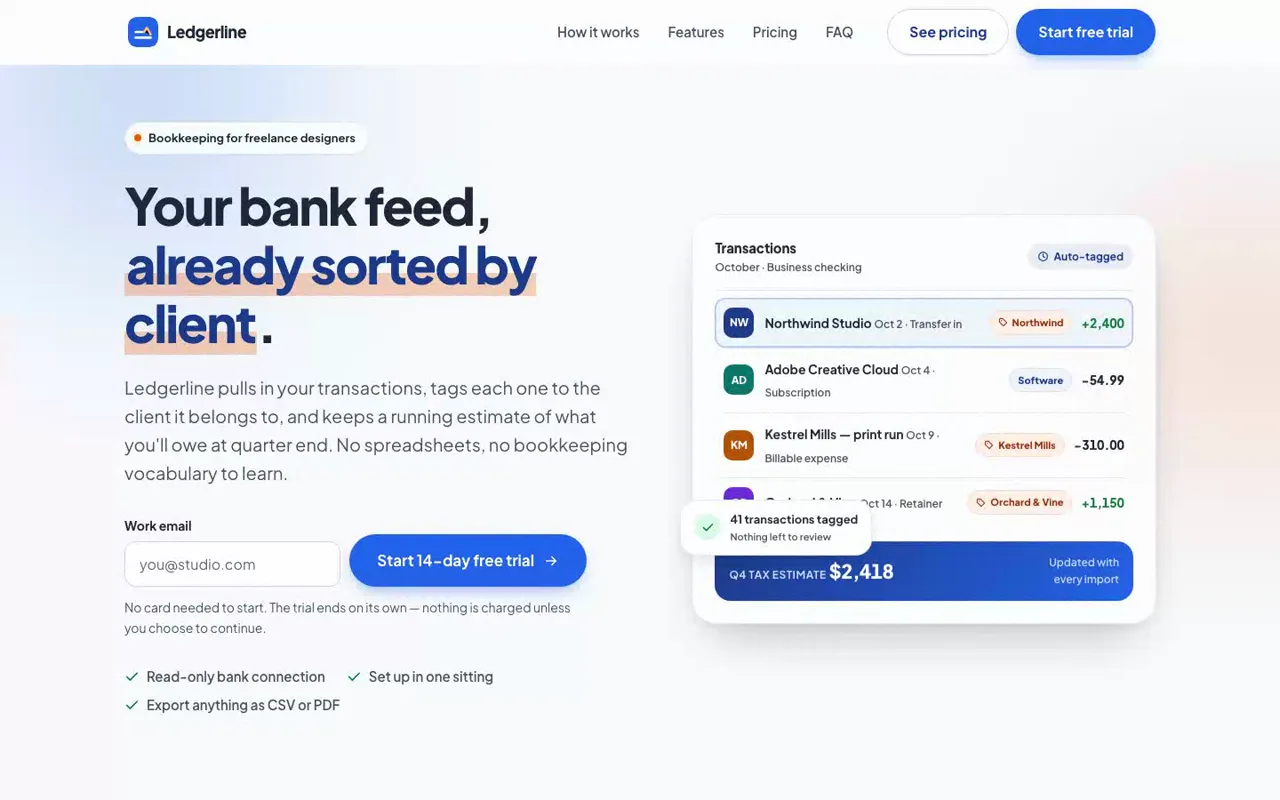
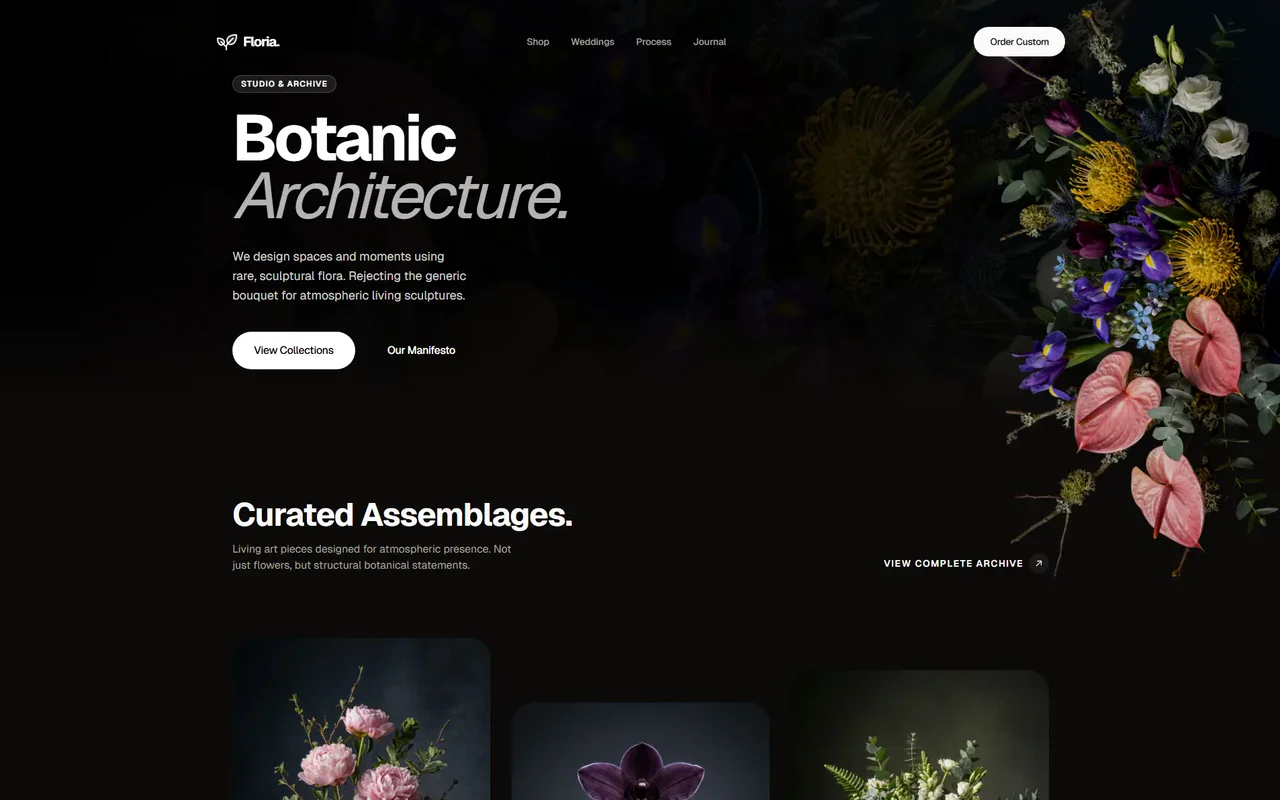
Real output from a SkillGild test run, 9 October 2026
Choose your agent and run one command. SkillGild signs you in when needed and connects the skill for you.
Install the SkillGild CLI first. If you already have it, run skillgild update once.
Install this skill for Claude Code.
skillgild install impeccable --agent claude-codeOn first use, approve the sign-in request in your browser. SkillGild connects Claude Code automatically. Restart or reload your agent, then ask it to use this skill.
Start a session, follow its guide, then end it. Create an API key under Account and pass it as a bearer token.
# Prints the session ID, its tools and the instructions for your agent
skillgild session impeccable
skillgild end <session-id>Impeccable gives your coding agent a vocabulary for designing and reviewing interfaces. Start with one page and one task: an audit for accessibility and responsive issues, a critique for hierarchy and clarity, or a polish pass for spacing and consistency. A focused request makes the result easier to review than a request to redesign the entire application.
Identify the page, its audience and the action users need to complete. Include your existing design rules and confirmed product facts. The upstream Impeccable project documents PRODUCT.md for product context and DESIGN.md for the visual system; provide those files when your project has them.
Try this request after completing the installation steps above:
Use Impeccable to audit the pricing page.
Check keyboard access, text contrast and the layout at mobile widths.
List findings with the affected element and a proposed fix.
Keep the current prices, plan features and brand identity.
Show the findings before changing the page.After a fix, ask the agent to repeat the affected check. Test a changed control with the keyboard and inspect a responsive fix at the width where it failed. Automated findings support that review; they do not establish that every interaction works.
Our Impeccable test and command guide shows one complete build, including its time and model cost. For a narrower choice between design approaches, read Impeccable vs Taste Skill.
Explore related tools in the design engineering collection. Use Apple Design when considering interaction details and React Best Practices when reviewing implementation. For earlier design work, explore Figma and Logo Design.
Run skillgild install impeccable --agent claude-code and connect the SkillGild MCP server (skillgild mcp). When a task matches, your agent starts a session, which uses one of your 25 free runs this month, and follows the skill's instructions. Use --agent codex, cursor or gemini-cli for other clients.
Yes. It includes 25 free runs every month on SkillGild. Impeccable is open source (Apache-2.0) by Paul Bakaus; SkillGild packages it from https://github.com/pbakaus/impeccable at a pinned commit and credits the author.
It runs in your coding agent with your own model. SkillGild checks your monthly allowance and delivers the skill's instructions for each session; it makes no model call and never sees your project unless your agent sends it.
The project lists Claude Code, Cursor, GitHub Copilot, Gemini CLI, Codex CLI, OpenCode, Kiro, Trae, Antigravity and more. It is a plain Agent Skills folder (SKILL.md plus supporting files), so any client that reads that format can load it.
Setup steps and worked examples for this kind of skill.
No reviews yet
Used Impeccable? Your rating helps the next person decide.