Development
Vercel Engineering's React and Next.js performance rules as a skill: 40+ rules in eight categories, prioritised by impact, covering waterfalls, bundle size, server-side performance, client data fetching, re-renders and rendering.
skillgild install react-best-practices


License: not stated by the project · Created by Vercel · The project lists support for Claude Code, Cursor, Codex, GitHub Copilot, 18+ Agent Skills hosts
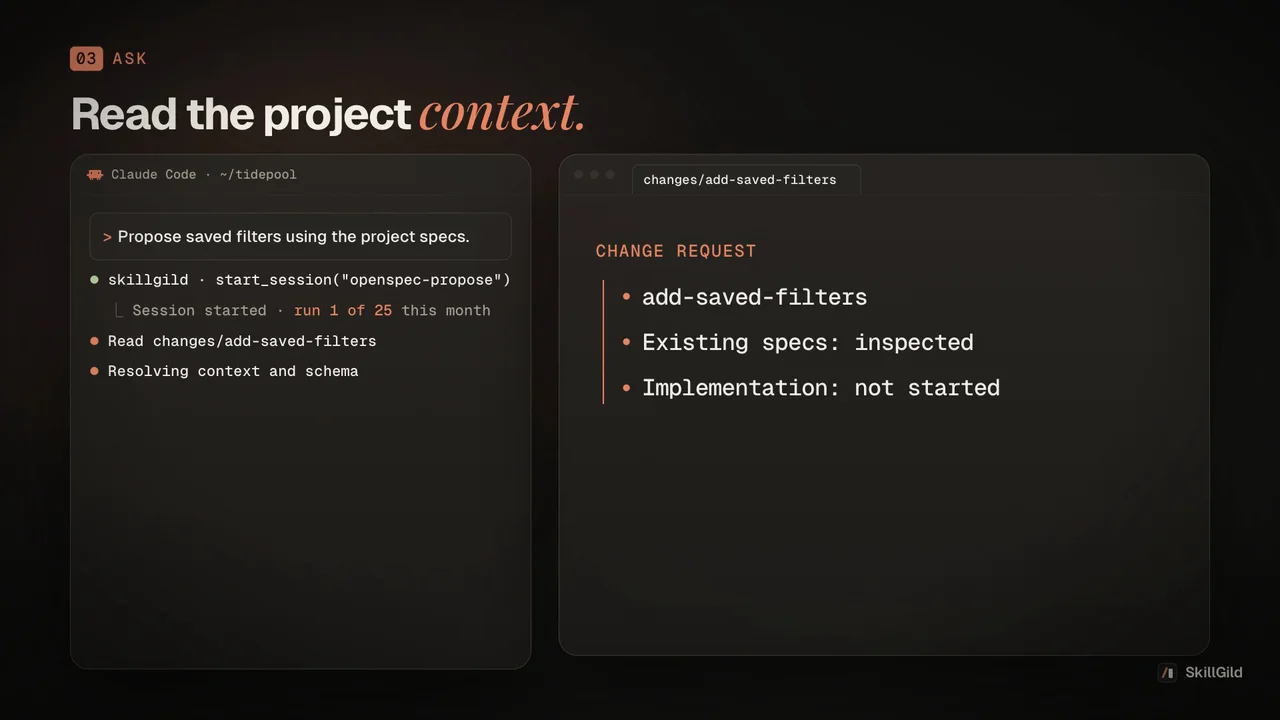
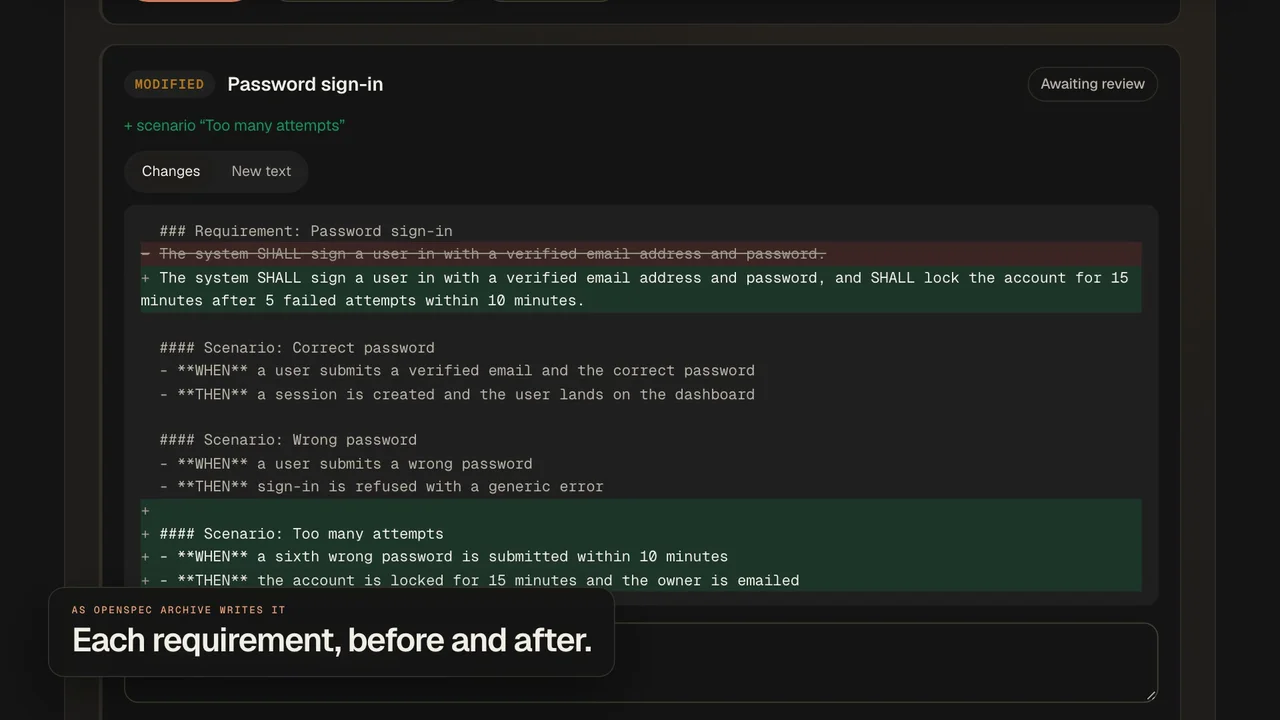
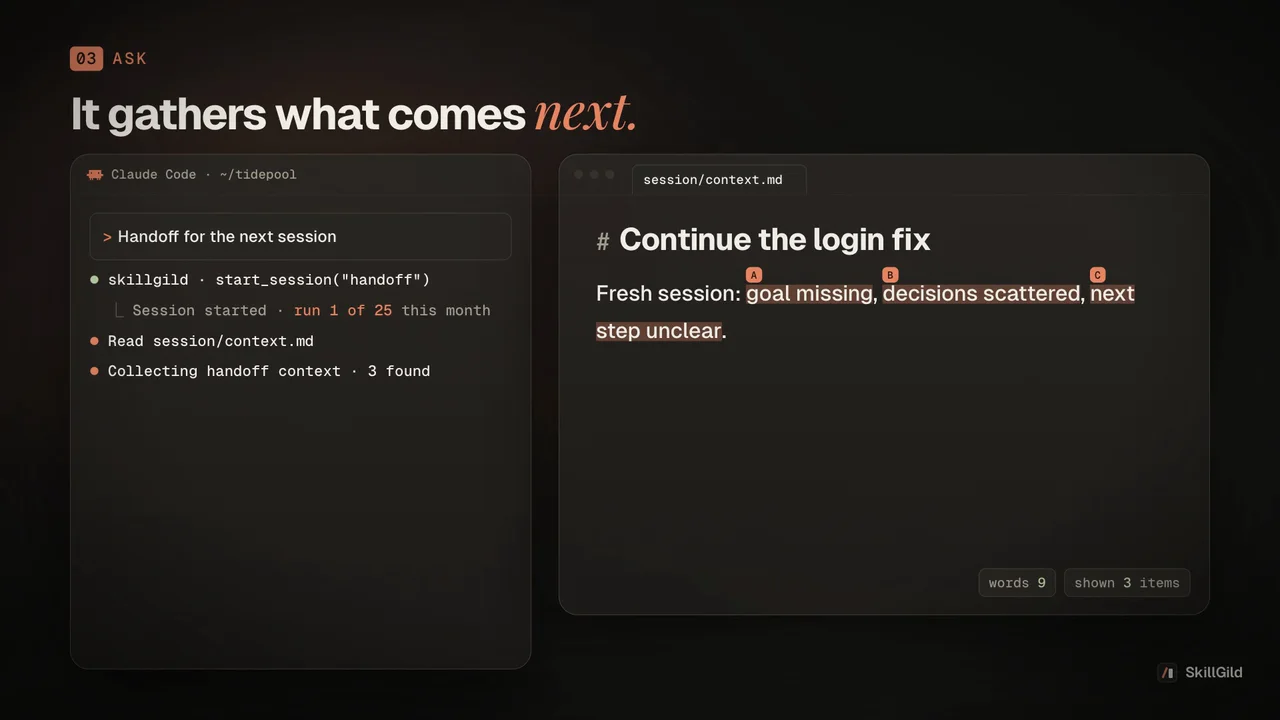
SkillGild film about the skill, made with Brag, not output of this skill
A community skill: it installs from its own repository and your agent runs the project's instructions locally with your own model. SkillGild lists it and credits the author; nothing runs on SkillGild.
With the SkillGild CLI (needs git). It clones vercel-labs/agent-skills and copies the skill folder into the right place for your agent; use --agent codex, cursor, gemini-cli or antigravity for other clients.
skillgild install react-best-practices --agent claude-codeAny agent, with the skills CLI.
npx skills add vercel-labs/agent-skills --skill react-best-practicesManual copy.
Clone the repo and copy skills/react-best-practices/ into ~/.claude/skills/Or copy the folder yourself from vercel-labs/agent-skills (folder skills/react-best-practices) into ~/.claude/skills/react-best-practices/ for Claude Code, ~/.agents/skills/ for Codex, ~/.cursor/skills/ for Cursor, ~/.gemini/skills/ for Gemini CLI or ~/.gemini/config/skills/ for Antigravity, then start a new session.
Requests that trigger this skill once it is installed in your agent.
Review this page for waterfalls and re-render issues
Apply the React best practices to the dashboard route
Cut the bundle size of the editor page
Run skillgild install react-best-practices --agent claude-code: the SkillGild CLI clones vercel-labs/agent-skills and copies the skill folder into ~/.claude/skills/react-best-practices. You can also use the project's own commands shown above, or copy the folder yourself. Use --agent codex, cursor or gemini-cli for other clients.
The vercel-labs/agent-skills repository does not include a license file at the time of listing, so treat it as all rights reserved by the author until one is added. SkillGild lists and links it; it does not host or redistribute the files.
The project lists Claude Code, Cursor, Codex, GitHub Copilot and 18+ Agent Skills hosts. It is a plain Agent Skills folder (SKILL.md plus supporting files), so any client that reads that format can load it.
No. React Best Practices (Vercel) is a community skill: your agent runs its instructions locally with your own model, and SkillGild lists, credits and installs it. Hosted SkillGild skills are marked differently and run through the SkillGild MCP server.
Setup steps and worked examples for this kind of skill.
No reviews yet
Used React Best Practices (Vercel)? Your rating helps the next person decide.