Diwali Special40% off every SkillGild Pro plan

Claim 40%

Halloween Special40% off your first 3 months of SkillGild Pro

Code FESTIVE40Claim 40%

Festive Special40% off your first 3 months of SkillGild Pro

Code FESTIVE40Claim 40%
SkillGild
Development

Claude Code Starter Guide

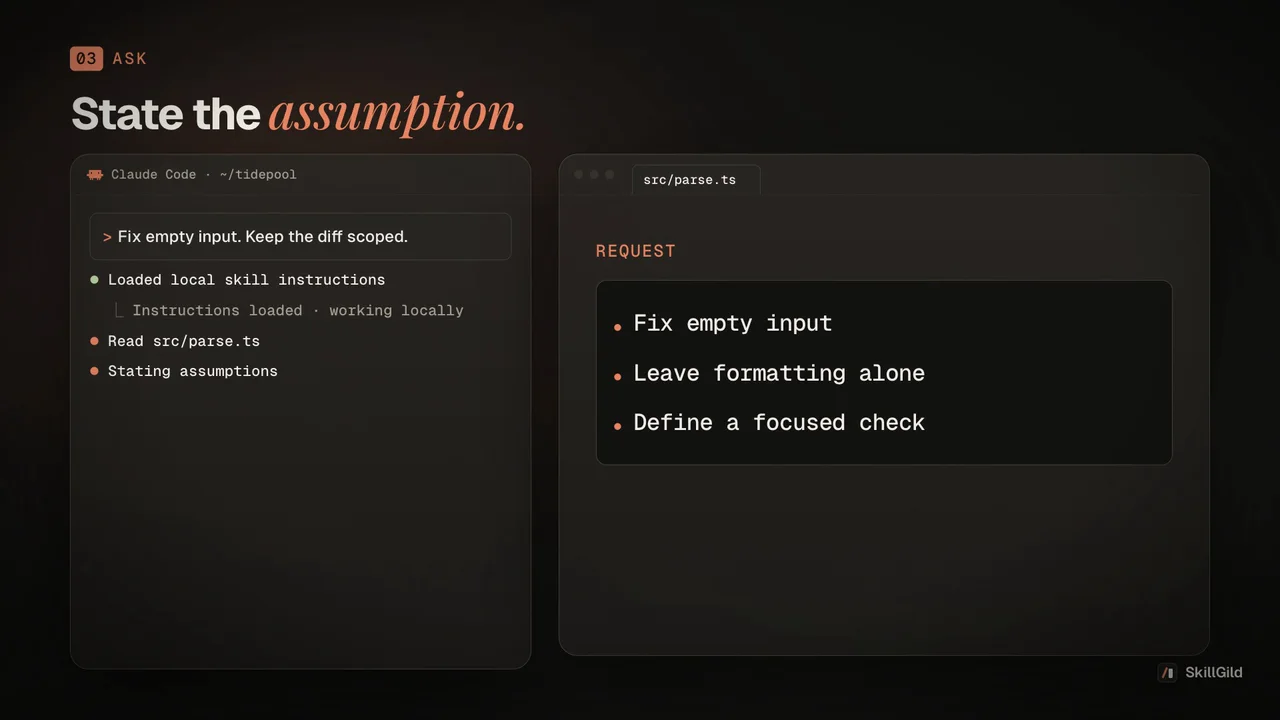
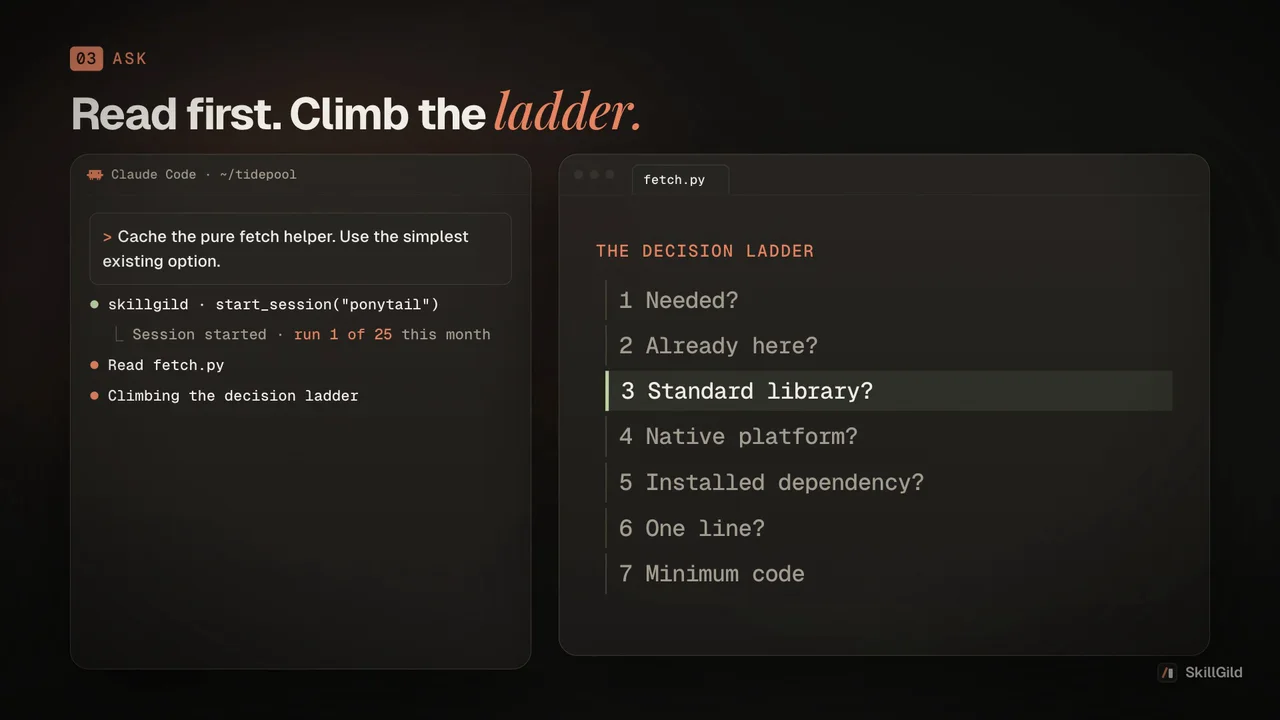
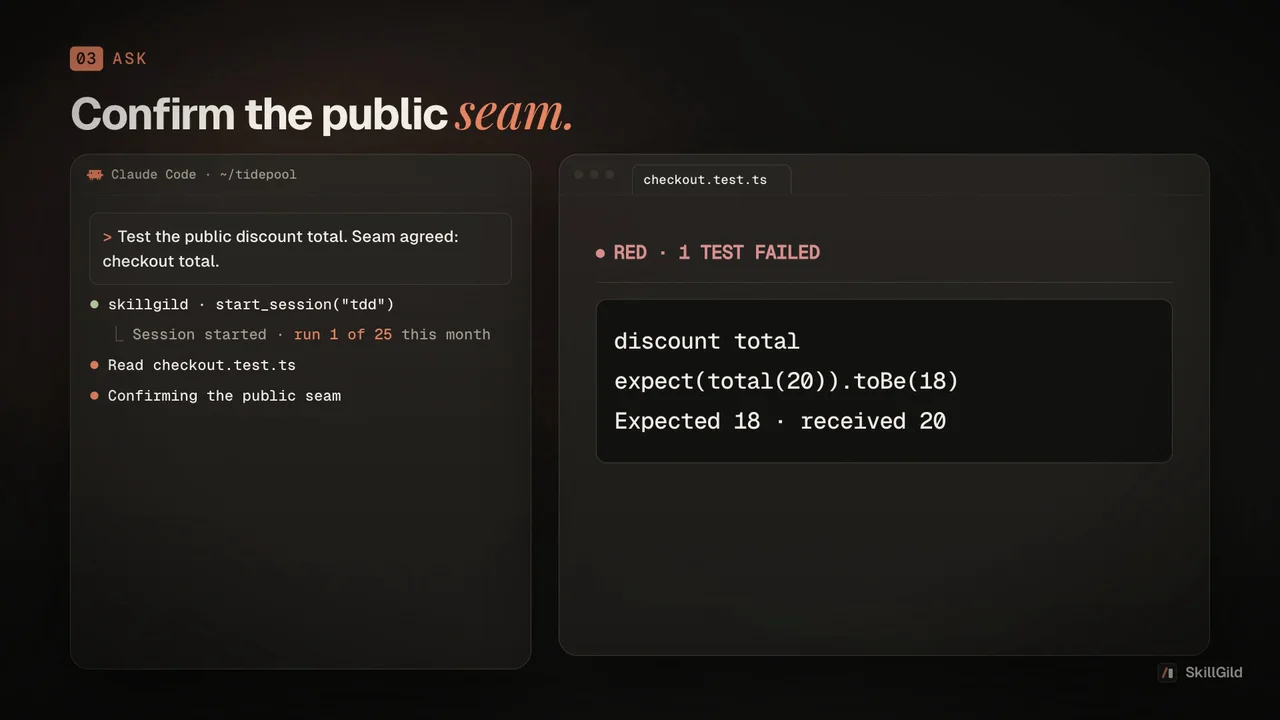
Picks the right skill from the Claude Code starter pack for what you are doing, and runs the default path from a vague idea to a reviewed, tested change: plan, build, interface, browser check, review and write-up.

  • 25 free runs a month
  • Runs locally in your agent
  • v1.0.1
  • SkillGild
skillgild install claude-code-starter-guide
Works with
  • Claude Code
  • Codex
  • Cursor
  • Gemini CLI
  • Antigravity
and any MCP client

Created by SkillGild

Free

What you get

  • A pointer to the right starter-pack skill for what you are doing now, so you stop forgetting the ones you installed
  • A default path from vague idea to reviewed change: plan, build, interface, browser check, review, write-up
  • A rule against ceremony: one skill for one task, the whole path only when you ask for it
  • Honest reporting: it will not say a step happened when it did not

Is it a good fit?

Good for

  • Anyone who installed the Claude Code starter pack and wants it to be used well
  • Teams who want a consistent way of taking a change from idea to merge
  • People new to coding agents who do not yet know which skill to reach for

Not for

  • Work that needs none of the pack's skills
  • Replacing the skills themselves; it directs them and does not repeat their instructions

Requirements

  • The Claude Code starter pack installed: skillgild pack install claude-code-starter-pack
  • superpowers and code-review added from their own pages (they are plugins, so the pack cannot install them)
  • A coding agent that loads skills: Claude Code, Codex, Cursor or Gemini CLI

Install the Claude Code Starter Guide skill

Choose your agent and run one command. SkillGild signs you in when needed and connects the skill for you.

Install the SkillGild CLI first. If you already have it, run skillgild update once.

  1. Install this skill for Claude Code.

    Terminal
    skillgild install claude-code-starter-guide --agent claude-code

    On first use, approve the sign-in request in your browser. SkillGild connects Claude Code automatically. Restart or reload your agent, then ask it to use this skill.

Developer detailsAPI examples, server tools and input schemas

How it runs

  1. Your agent starts a session. SkillGild checks your access and allowance, counts one run, and sends the skill's instructions for this task.
  2. Your agent does the work with its own model and tools, in your project. SkillGild makes no AI model call.

Use it from code

Start a session, follow its guide, then end it. Create an API key under Account and pass it as a bearer token.

Terminal
# Prints the session ID, its tools and the instructions for your agent
skillgild session claude-code-starter-guide
skillgild end <session-id>

Questions

Do I have to use the whole path every time?

No. If your request fits one skill, it uses that skill and stops. It only walks the full path when you ask for it.

What if a skill from the set is missing?

It tells you which one and where to get it: the pack command for grill-me, humanizer, frontend-design and playwright-skill, and the skill pages for superpowers and code-review. It says which step it is skipping and carries on.

Is it free?

Yes. The Claude Code starter pack is a Free pack.

Related guides

Setup steps and worked examples for this kind of skill.

Reviews

No reviews yet

Used Claude Code Starter Guide? Your rating helps the next person decide.
Be the first to rate Claude Code Starter Guide
Tap a star