Compact a project's OpenSpec main specs: find requirements specified twice, scenarios pasted under several requirements and leftovers from archive, then write the cleanup as one reviewable OpenSpec change.
A scan of every main spec for requirements specified twice, in one capability or across several
Scenarios pasted under more than one requirement, and requirement names that clash
Leftovers from archive: placeholder Purposes, one-requirement capabilities and empty ones
Older requirements that would fail `openspec validate` today: no SHALL/MUST or no scenario
The cleanup written as one OpenSpec change (proposal, tasks, delta specs), so your team reviews it before anything changes
A validation pass on that change before you archive it
Is it a good fit?
Good for
Teams whose openspec/specs folder has grown to dozens or hundreds of capabilities
Projects where agents keep reading two versions of the same rule before proposing a change
Tidying specs before onboarding new people or agents to a codebase
Not for
Projects that do not use OpenSpec
Semantic contradiction checks: similarity is based on wording, so your agent reads each candidate before merging
Editing specs directly; every edit goes through an OpenSpec change
Requirements
A project with an openspec/specs directory
A coding agent connected to SkillGild: Claude Code, Codex, Cursor or Gemini CLI
The OpenSpec CLI to archive the change (optional for the scan itself)
Install the OpenSpec Compact skill
Pick your agent. The wrapper only tells your agent how to start a session. The skill's instructions arrive with each session, after your access is checked.
Register the SkillGild MCP server with Claude Code.
Terminal
claude mcp add --scope user skillgild -- $(command -v skillgild) mcp
How it runs
Your agent starts a session. SkillGild checks your access and allowance, counts one run, and sends the skill's instructions for this task.
Your agent does the work with its own model and tools, in your project. SkillGild makes no AI model call.
Private steps run on SkillGild. Your agent calls the server tools below and gets their results. The tool code never leaves SkillGild, and tool input is not stored.
Use it from code
Start a session, call its tools, then end it. Create an API key under Account and pass it as a bearer token.
Terminal
# Prints the session ID, its tools and the instructions for your agent
skillgild session openspec-compact
skillgild call <session-id> compact_specs --input '{"specs":[{"path":"specs/auth/spec.md","content":"# auth Specification\n\n## Purpose\nSign-in and account recovery.\n\n## Requirements\n\n### Requirement: Password reset\nThe system SHALL email a single-use reset link that expires after one hour.\n\n#### Scenario: Known address\n- **WHEN** a user requests a reset for a registered email address\n- **THEN** a reset link valid for one hour is emailed\n"},{"path":"specs/account-recovery/spec.md","content":"# account-recovery Specification\n\n## Purpose\nTBD - created by archiving change add-recovery. Update Purpose after archive.\n\n## Requirements\n\n### Requirement: Reset password by email\nThe system SHALL email a single-use reset link that expires after one hour.\n\n#### Scenario: Registered email\n- **WHEN** a user requests a reset for a registered email address\n- **THEN** a reset link valid for one hour is emailed\n"}]}'
skillgild end <session-id>
Server tools
Each call uses one of the session's tool calls.
compact_specsFind OpenSpec specs to compact
Reads a project's main specs (openspec/specs/**/spec.md) and lists compaction candidates: near-duplicate requirements across or within capabilities, scenarios repeated under several requirements, repeated requirement names, placeholder Purposes left by archive, one-requirement capabilities and oversized ones, and requirements missing SHALL/MUST or scenarios. Similarity is lexical, not semantic, so read each candidate before merging. It changes nothing: write the cleanup as an OpenSpec change (MODIFIED for the requirement you keep with every scenario you keep, REMOVED for the ones folded into it).
FieldTypeNotes
specsRequiredarrayNo extra rules.
max_findingsintegerMinimum 1. Maximum 500
similaritynumberMinimum 0.3. Maximum 0.95
validate_changeValidate an OpenSpec change
Checks a proposed OpenSpec change the way `openspec validate` does: change name, the proposal's Why and What Changes sections, delta spec sections (ADDED/MODIFIED/REMOVED/RENAMED Requirements), SHALL/MUST requirement text, scenarios and task checkboxes. Checks structure only; it does not read the project or judge whether the plan is right.
FieldTypeNotes
change_nameRequiredstringUp to 120 characters
specsRequiredarrayNo extra rules.
proposalstringUp to 60000 characters
skip_specsbooleanNo extra rules.
tasksstringUp to 60000 characters
Questions
Does OpenSpec Compact change my specs?
Not directly. It writes a normal OpenSpec change under openspec/changes/ with MODIFIED, REMOVED, ADDED and RENAMED deltas. Your specs change only when you review the change and run openspec archive.
How does it decide two requirements are duplicates?
It compares word pairs after removing the words every requirement shares, such as SHALL, WHEN and THEN. That catches copied and lightly edited requirements, but not two requirements that say the same thing in different words. Your agent reads every candidate and drops false positives before writing the change.
What leaves my machine?
Only the contents of openspec/specs/**/spec.md go to SkillGild's server tool, which runs code and makes no AI model call. Your source code is not sent.
How is this different from the OpenSpec CLI?
The CLI validates and archives one change at a time. It has no command that reads all main specs together to find duplicated requirements or leftover structure. OpenSpec Compact does that, then hands the result back as an ordinary OpenSpec change.
Related guides
Setup steps and worked examples for this kind of skill.
Karpathy's observations on how LLMs fail at coding, codified into four rules the agent follows: think before coding (state assumptions, ask instead of guessing), simplicity first, surgical changes, and goal-driven execution.
A large community collection: 380+ skills, 30+ agents and 70+ commands for Claude Code, Codex, Gemini CLI, Cursor and other agents, organised by job (engineering, marketing, product, compliance, C-level advisory, research, finance, operations, daily productivity).
Anthropic's official code-review plugin for Claude Code: runs a structured review of a diff or pull request for correctness, standards and spec adherence and reports findings with locations and severity.
Anthropic's official plugin that adds commit, push and pull-request commands to Claude Code: /commit-commands:commit writes a conventional message from the diff, pushes, and can open the PR.
Makes the agent interview you about a plan or design, one question at a time with a recommended answer attached, until every branch of the decision tree is resolved and you both share the same understanding.
A context-engineering framework that runs Claude Code through a disciplined phase loop (new-project or onboard, plan-phase, execute-phase in parallel waves, verify-work, ship) with research and execution in fresh-context subagents so the main session never rots.
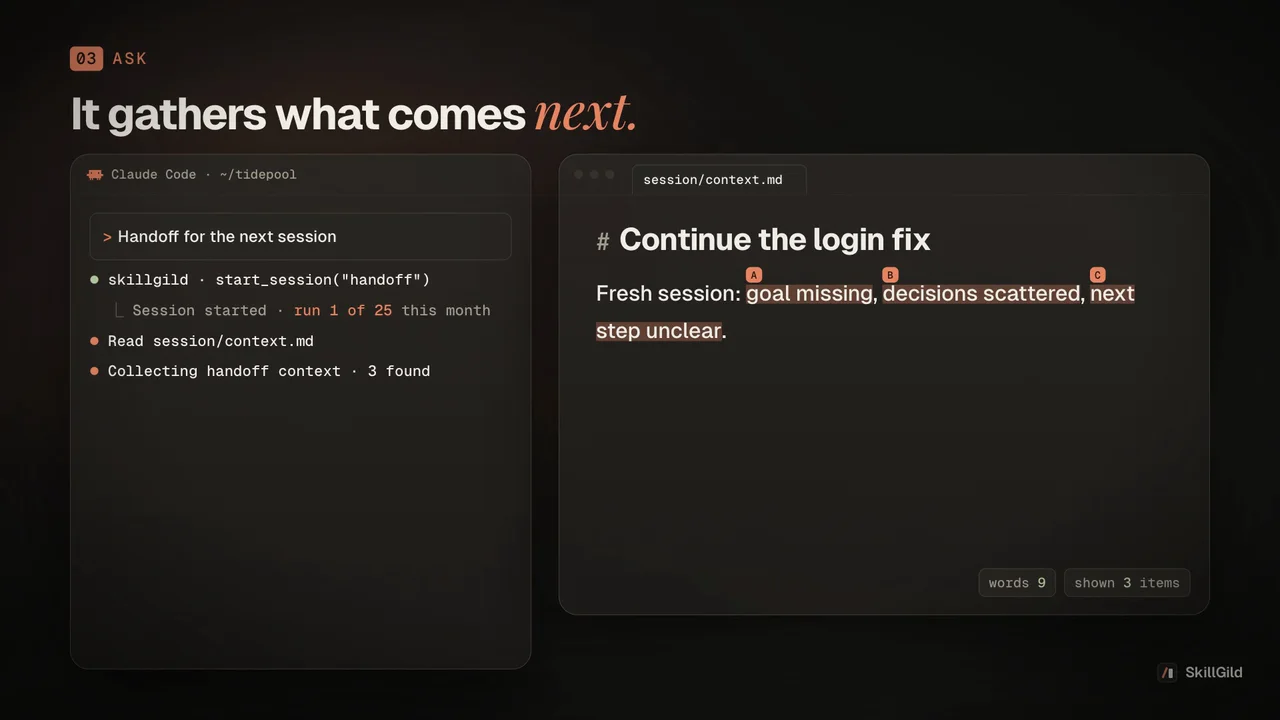
Compacts a long conversation into a handoff document another agent (or a fresh session) can continue from: the goal, decisions made, current state, open questions and the exact next step.
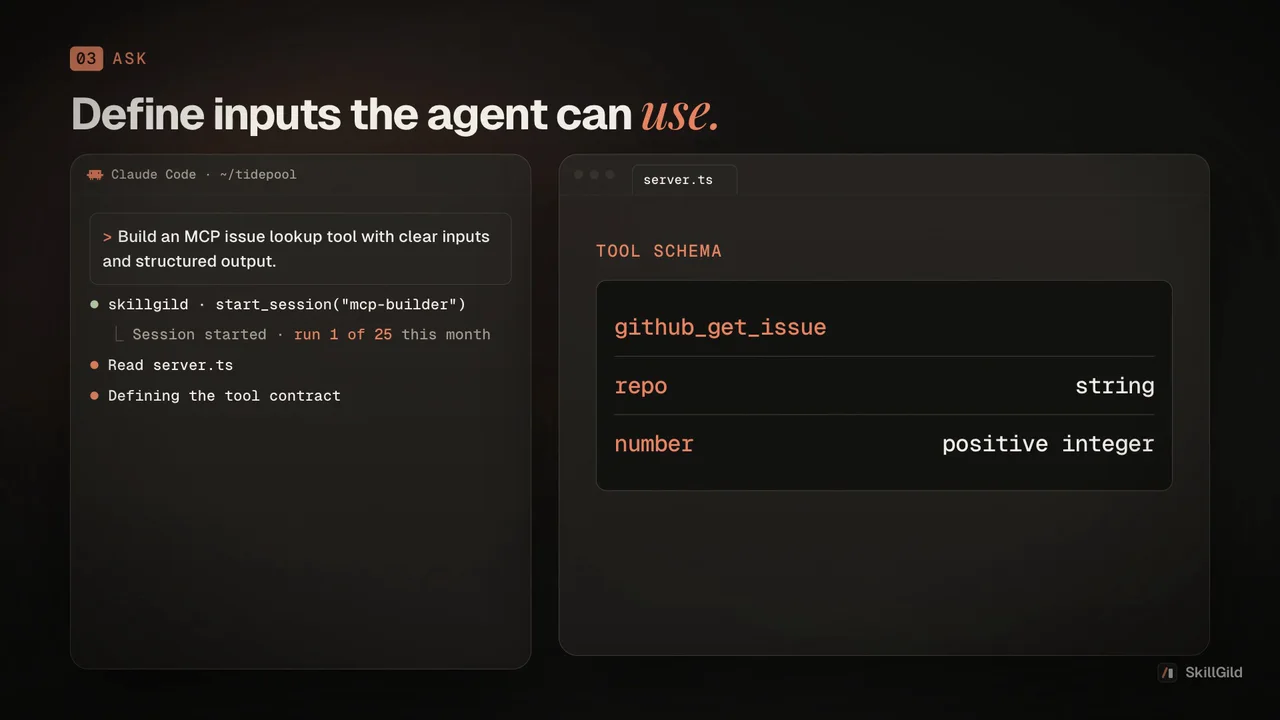
Anthropic's skill for building MCP servers: it walks the agent through tool design, schemas, transports and testing so the server it generates follows the Model Context Protocol correctly and works in Claude Code, Cursor and Codex.
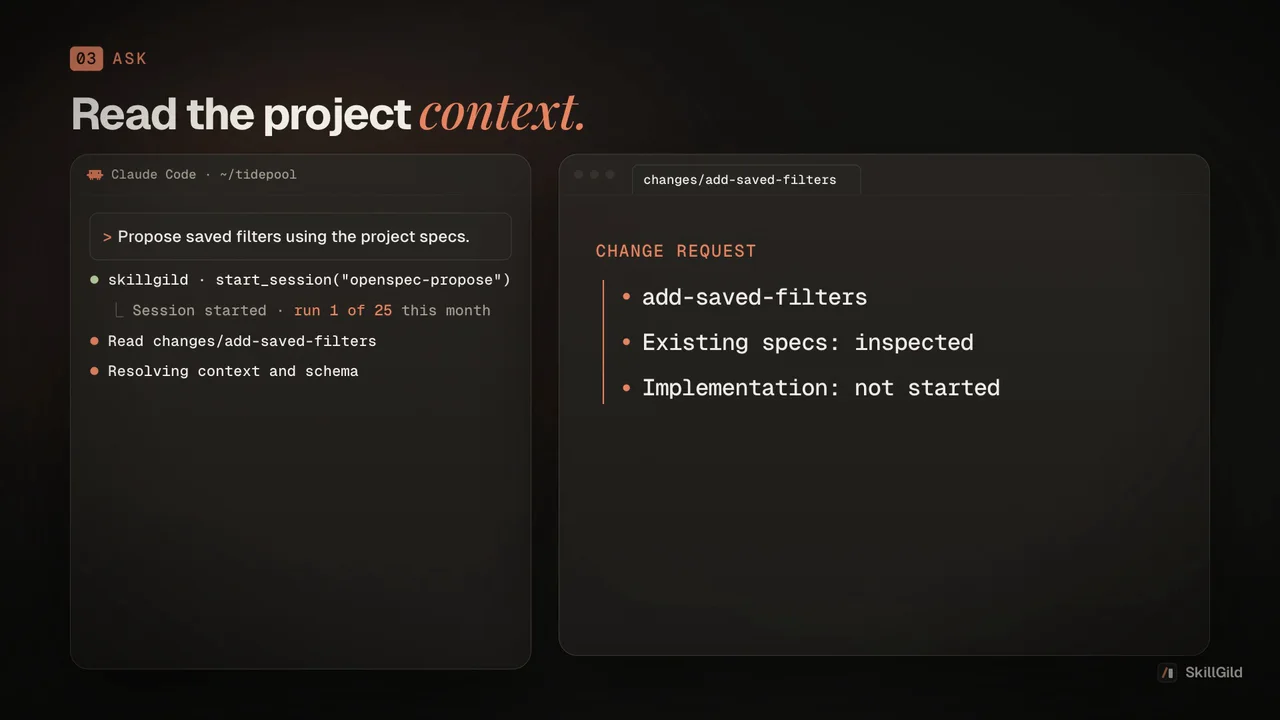
Turn a feature request into an OpenSpec change before any code is written: proposal, delta specs, design and implementation tasks, grounded in the project's existing specs.
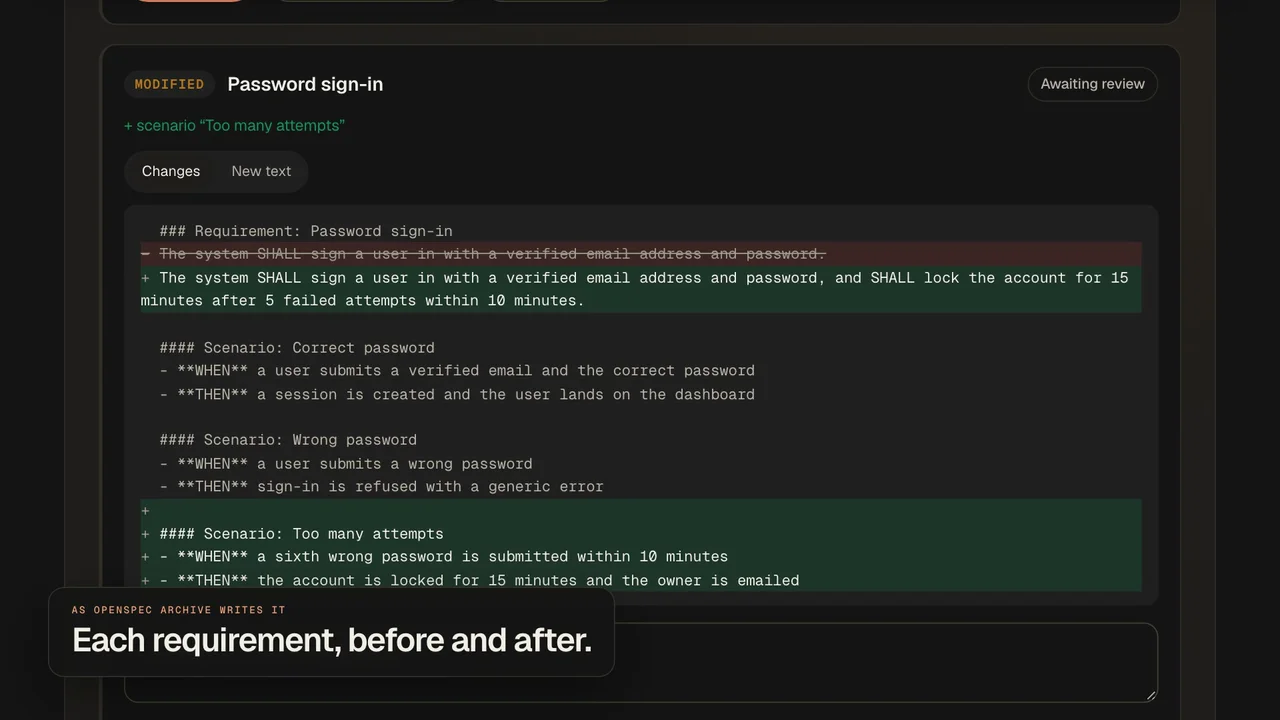
Share an OpenSpec change as a private review link: specs shown as archive would write them, per-requirement approvals without an account, conflicts with other open changes, and checks validate misses.