
Builds an animation from scratch the way a design engineer would: it chooses the curve, duration and properties, keeps motion off the main thread where it matters, and explains the choice.
Animate (Emil Kowalski)
25 runs/mo
A searchable design database the agent reasons over before it codes: 79 UI styles, 192 colour palettes, 74 font pairings, 192 industry reasoning rules and 119 UX guidelines across 22 stacks.
skillgild install ui-ux-pro-max


License: MIT · Created by nextlevelbuilder · The project lists support for Claude Code, Cursor, Windsurf, Codex CLI, Gemini CLI, OpenCode, GitHub Copilot, Kiro, Antigravity, more

A community skill: it installs from its own repository and your agent runs the project's instructions locally with your own model. SkillGild lists it and credits the author; nothing runs on SkillGild.
With the SkillGild CLI (needs git). It clones nextlevelbuilder/ui-ux-pro-max-skill and copies the skill folder into the right place for your agent; use --agent codex, cursor or gemini-cli for other clients.
skillgild install ui-ux-pro-max --agent claude-codeClaude Code plugin marketplace.
/plugin marketplace add nextlevelbuilder/ui-ux-pro-max-skill
/plugin install ui-ux-pro-max@ui-ux-pro-max-skill
Any agent, with the skills CLI.
npx ui-ux-pro-max-cli init --ai claudeManual copy.
npm install -g ui-ux-pro-max-cli && uipro init --ai claudeOr copy the folder yourself from nextlevelbuilder/ui-ux-pro-max-skill into ~/.claude/skills/ui-ux-pro-max/ for Claude Code, ~/.agents/skills/ for Codex, ~/.cursor/skills/ for Cursor or ~/.gemini/skills/ for Gemini CLI, then start a new session.
Requests that trigger this skill once it is installed in your agent.
Propose a design system for a fintech dashboard
Pick a palette and font pairing for a wellness app
Apply the chosen style to the settings page
Run skillgild install ui-ux-pro-max --agent claude-code: the SkillGild CLI clones nextlevelbuilder/ui-ux-pro-max-skill and copies the skill folder into ~/.claude/skills/ui-ux-pro-max. You can also use the project's own commands shown above, or copy the folder yourself. Use --agent codex, cursor or gemini-cli for other clients.
Yes. The upstream repository is published under the MIT license by nextlevelbuilder. SkillGild lists and credits it and installs it from source; it does not host or run it.
The project lists Claude Code, Cursor, Windsurf, Codex CLI, Gemini CLI, OpenCode, GitHub Copilot, Kiro, Antigravity and more. It is a plain Agent Skills folder (SKILL.md plus supporting files), so any client that reads that format can load it.
No. UI UX Pro Max is a community skill: your agent runs its instructions locally with your own model, and SkillGild lists, credits and installs it. Hosted SkillGild skills are marked differently and run through the SkillGild MCP server.
Python (the skill's search scripts). Everything else is the usual: a coding agent that loads skills and the folder installed where that agent looks for it.
Setup steps and worked examples for this kind of skill.
Builds an animation from scratch the way a design engineer would: it chooses the curve, duration and properties, keeps motion off the main thread where it matters, and explains the choice.

Translates Apple's interface and motion principles into web code: spring curves, gesture physics, translucent materials and typography, as explained in Apple's WWDC design sessions.
Anthropic's canvas-design skill guides Claude to produce finished visual artefacts (posters, covers, social graphics) by composing on an HTML canvas with deliberate typography, grid and colour decisions rather than defaulting to a template.

Emil Kowalski's design-engineering philosophy as a skill: animation decisions (curves, durations, which properties to animate and which not to), component polish and the invisible details that make software feel right.

Figma's official plugin for Claude Code bundles the Figma MCP server with skills for implementing designs from a file (figma-power), extracting design context (figquery), mapping UI recordings to storyboards and turning a PRD into a FigJam plan.
Anthropic's official frontend-design skill, shipped as a plugin in the claude-plugins-official marketplace and as a skill in anthropics/skills.

A design language for AI harnesses: 24 commands (craft, audit, polish, harden, animate, colorize, typeset, layout, distill, bolder, quieter and more), 60 deterministic detector rules and a live in-browser mode.
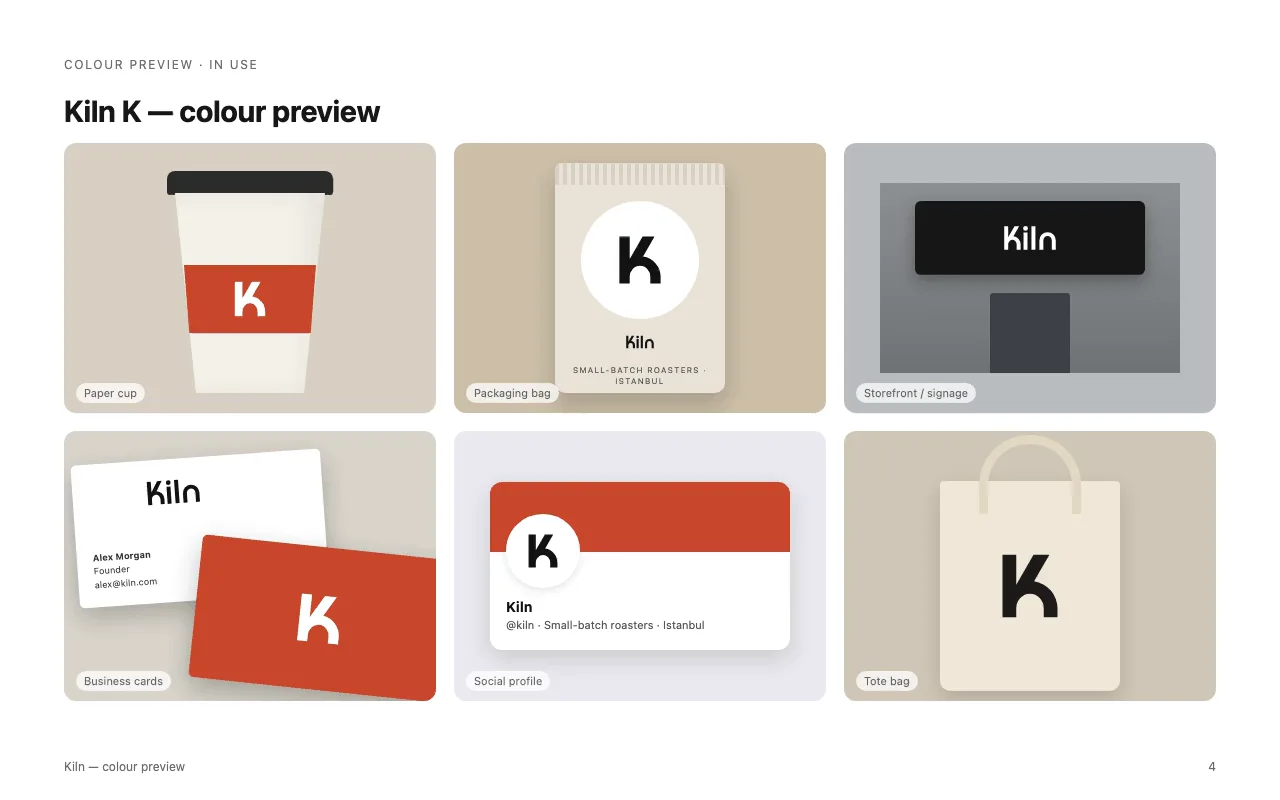
Professional logo and brand-mark design from brief to production files: concepts, clean geometric SVG, optical refinement, tests at 16 px and in one colour, presentation boards and brand guidelines.

Included with SkillGild Pro. Checks the colors in your charts, slides or interface against WCAG contrast ratios with SkillGild's palette validator, and suggests passing alternatives. More premium skills will be added as they launch.
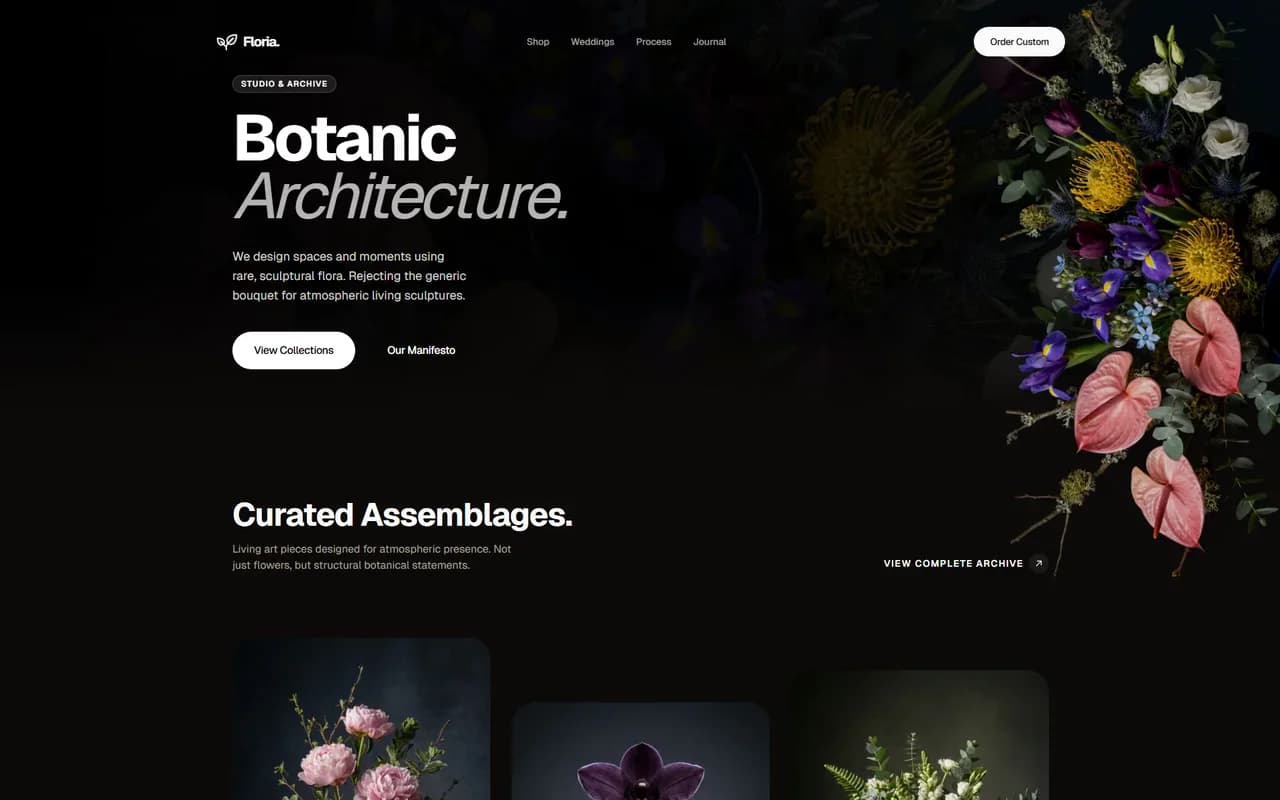
Anti-slop frontend skill for landing pages, portfolios and redesigns. Reads the brief, picks the right design direction and ships interfaces that do not look templated.