Development
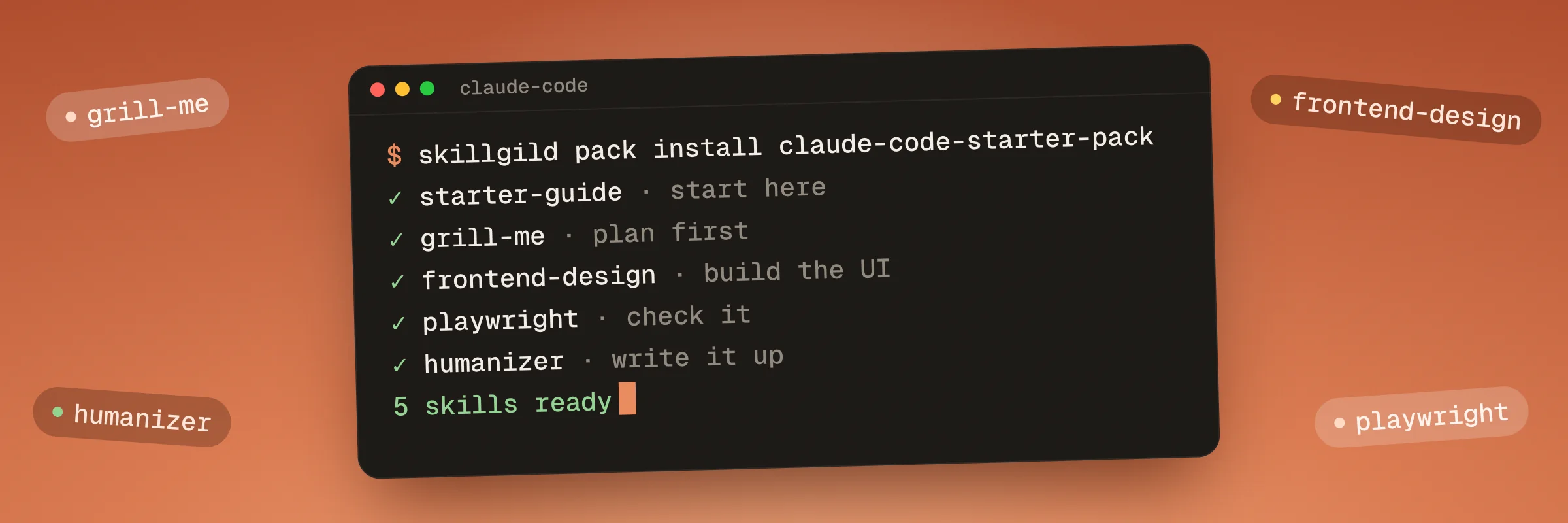
One command installs Claude Code starter pack. For hosted skills, it signs you in and connects your agent once, then installs every skill below in order. Verified, unchanged pack installations are skipped; existing folders and your edits are kept unless you choose to replace them. No paid plan is needed. Hosted skills still require an account and keep their individual usage limits.
Start with Claude Code Starter Guide: it explains the workflow and walks your agent through the others.
skillgild pack install claude-code-starter-packNeeds the SkillGild CLI. Set it up in a minute.


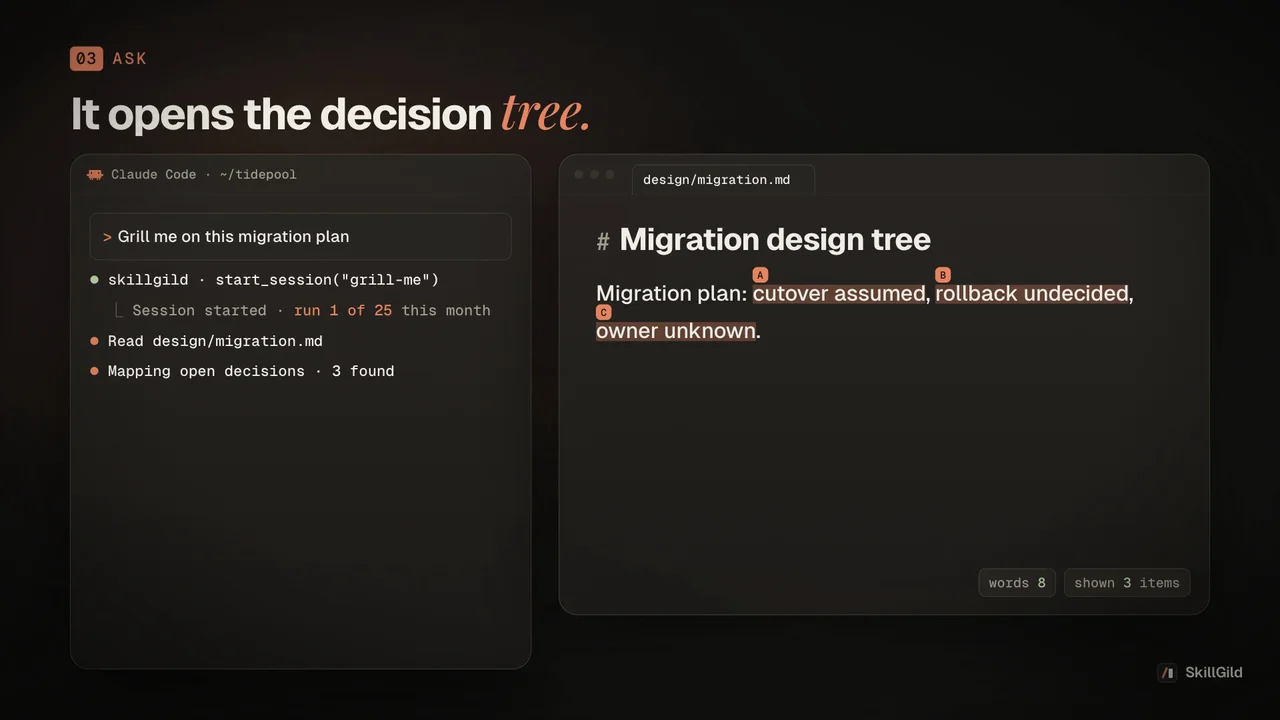
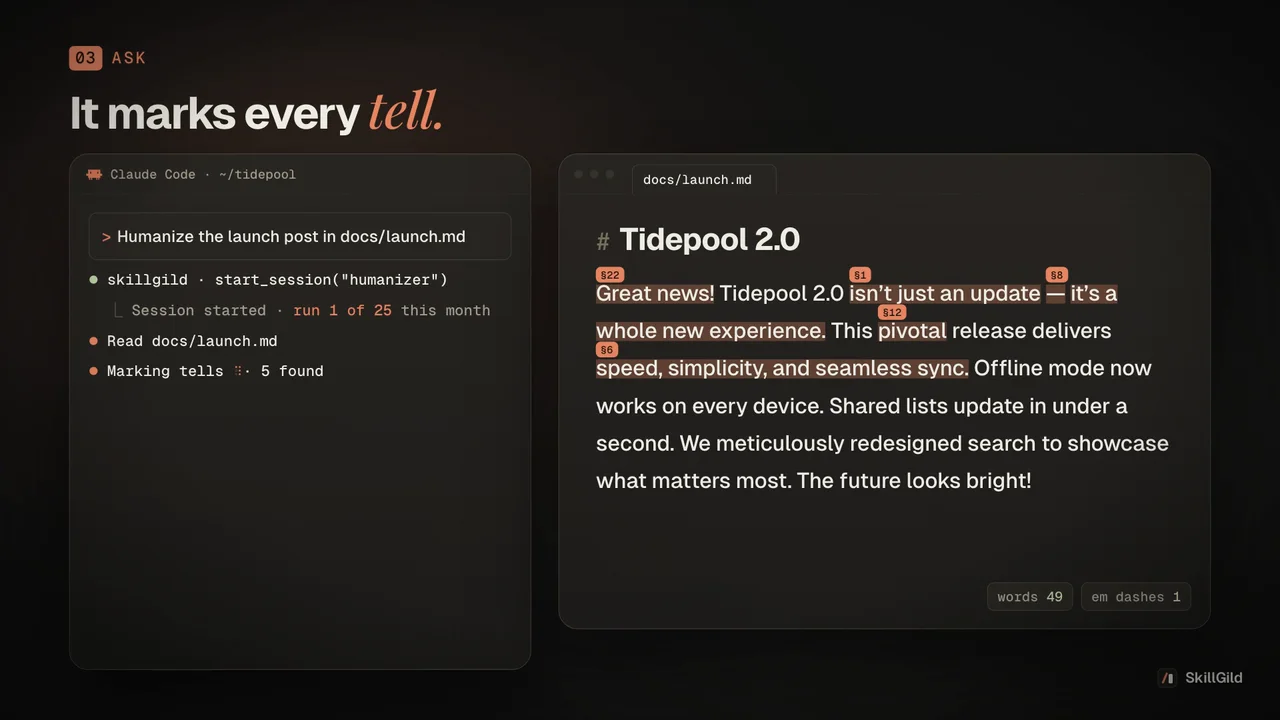
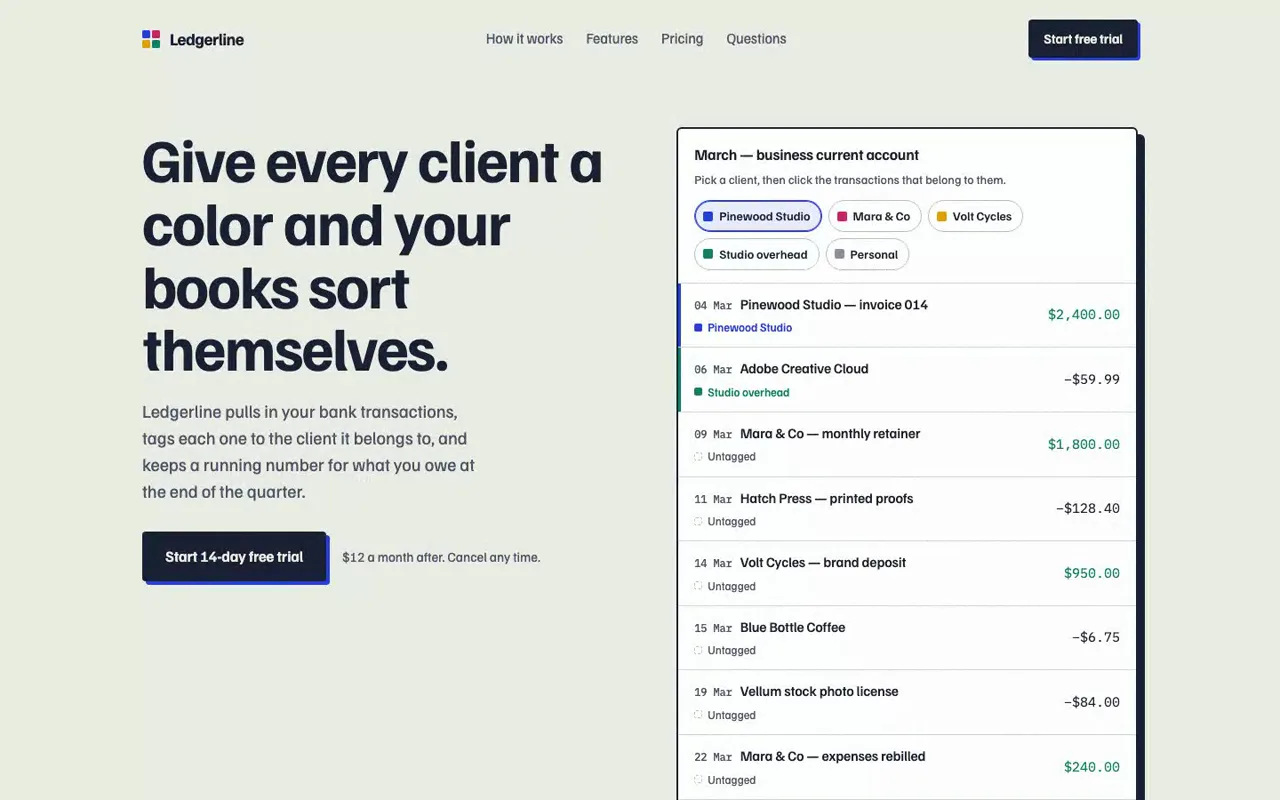
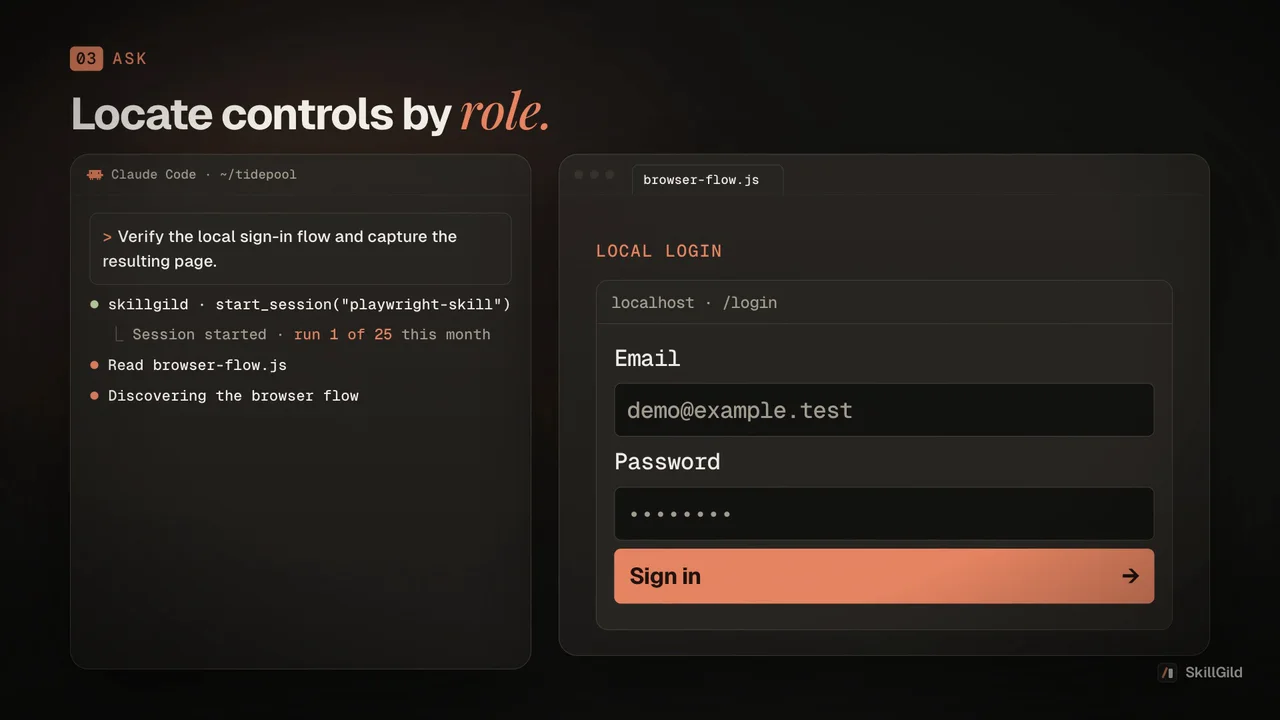
If you are starting with Claude Code, a focused set is easier to use than a long list of unrelated extensions. This collection covers clarifying a task, writing clearly, building an interface and checking it in a browser.
The starter guide helps choose the next skill for a real project. Begin with a small change and inspect the result. A pack installs instructions and supporting files; it does not replace Claude Code, provide model access or automatically execute a project.
Start with the guide, then use a focused planning conversation to expose missing requirements. Agree on a small, observable outcome before changing the project.
Use the writing skill when the task includes copy and the frontend skill when it includes an interface. Let the project and audience determine the work rather than invoking every skill.
Exercise the actual user flow, inspect failures and report what was tested. Browser tooling needs its own runtime and dependencies, so follow the skill's setup instructions when they are required.
Example brief: “Use the starter guide to help me improve my app's signup page. Clarify the requirements, implement the agreed changes and check the flow in a browser.”
For installation and account requirements, read the SkillGild quickstart. Compare Free and Pro access before choosing a paid workflow.
What it includes, how it installs and what it needs.
Still have a question?Search help topics or send the team a request.The pack's current access requirements are displayed above. Free hosted skills still need a SkillGild account and MCP connection and retain their individual usage allowances. Your agent and model access are separate.