Productivity
One command installs Office documents. For hosted skills, it signs you in and connects your agent once, then installs every skill below in order. Verified, unchanged pack installations are skipped; existing folders and your edits are kept unless you choose to replace them. No paid plan is needed. Hosted skills still require an account and keep their individual usage limits.
Start with Office Documents Guide: it explains the workflow and walks your agent through the others.
skillgild pack install office-documentsNeeds the SkillGild CLI. Set it up in a minute.





A report, workbook and presentation often tell different versions of the same story because they were created independently. This collection helps a coding agent work from one brief and a shared set of source files across the document formats you need.
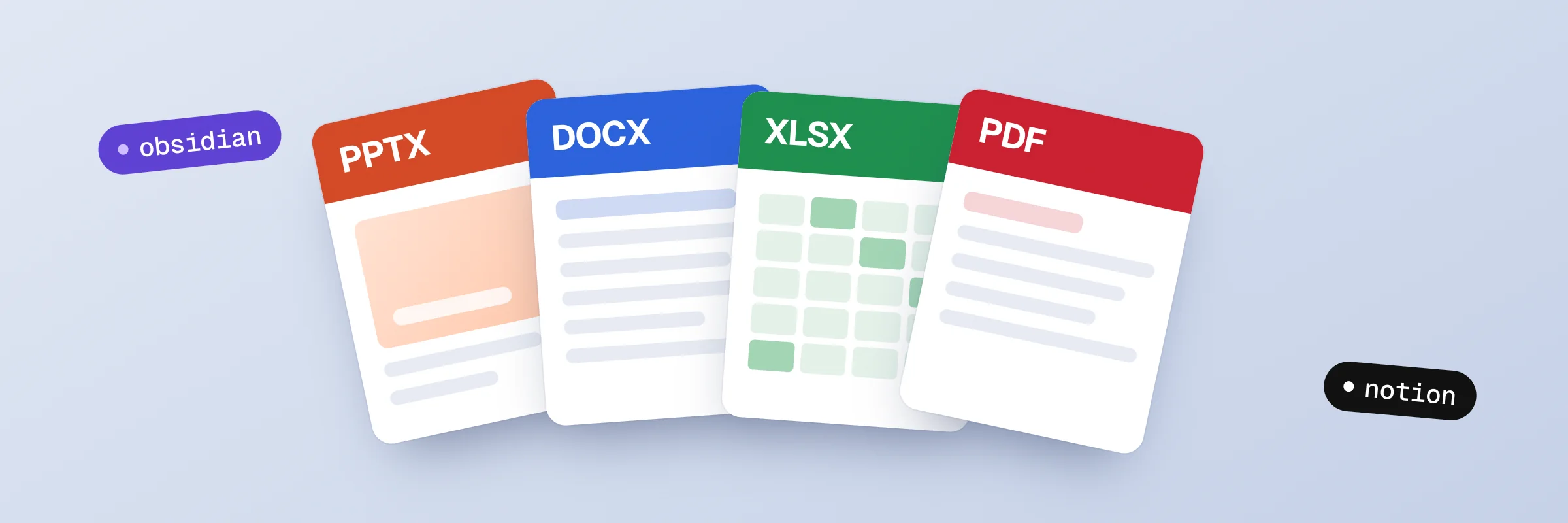
Use it for an editable proposal, an analysis workbook, a presentation or a PDF handoff. Add Obsidian notes when a knowledge record would help. The starting guide selects the relevant formats and checks consistency; it does not require creating a file in every format.
Identify the reader, decision, approved source files and existing templates. Record the plan and assumptions before drafting or calculating.
Use Word for the written report, Excel for calculations and PowerPoint for the presentation. Carry verified numbers and decisions between files instead of independently inventing content.
Use the PDF skill for PDF work and Obsidian for an optional notes handoff. Check formulas and representative rendered pages where the environment supports it, and state any checks you could not perform.
Example brief: “Use these source files to prepare a client report, a workbook with checked formulas and a short presentation. Keep the figures consistent and tell me which outputs you rendered and inspected.”
Notion Workspace Plugin: Notion is an optional separate integration. Install its plugin and authorize the relevant workspace before requesting changes there; the document pack does not install or authorize it.
For installation and account requirements, read the SkillGild quickstart. Compare Free and Pro access before choosing a paid workflow.
What it includes, how it installs and what it needs.
Still have a question?Search help topics or send the team a request.It includes skills for Word documents, Excel workbooks, PowerPoint presentations and PDFs, plus Obsidian notes. Choose the formats relevant to your task and check each skill's local tooling requirements.