Reverse engineering for coding agents: inspect binaries, Electron apps and Android packages, trace features, compare builds, and reconstruct from evidence.
License: SEE LICENSE IN LICENSE · Created by SkillGild
Gallery
What you get
A local reverse-engineering runtime with CLI workflows and 172 MCP tools for your coding agent
Static inspection of JavaScript and Electron applications, including modules, imports, preload APIs and IPC boundaries
Native binary, .NET, Android and firmware investigation through supported analysis providers
Feature traces and version comparisons with source locations, observations, limitations and unresolved questions
Investigation guides that help your agent turn inspected behavior into a reconstruction plan
A bundled runtime installer and launcher, with results produced on your own machine
Is it a good fit?
Good for
Developers investigating how a feature works in a shipped application
Security researchers inspecting software artifacts and comparing builds
Teams maintaining legacy applications when complete source code is unavailable
Coding-agent users who want one workflow across application formats and analysis engines
Not for
Ordinary architecture reviews when the complete source repository is already available
A replacement for a licensed native analysis engine or every engine's full user interface
Claims about runtime behavior that have only been inferred from static code
Requirements
A coding agent that can run local commands, such as Claude Code, Codex, Cursor or Gemini CLI
Node.js 22.19+, 24.11+ or 26+, and npm, to install the bundled runtime
A local artifact or a website URL to inspect; execution and device actions use the runtime's explicit controls
For native analysis: a supported Hopper, Ghidra or IDA installation; Android and other formats may need their own provider tools
Static JavaScript and Electron inspection works without a native analysis engine
Install the Reconstruction Labs skill
Pick your agent. The wrapper only tells your agent how to start a session. The skill's instructions arrive with each session, after your access is checked.
Register the SkillGild MCP server with Claude Code.
Terminal
claude mcp add --scope user skillgild -- $(command -v skillgild) mcp
How it runs
Your agent starts a session. SkillGild checks your access and allowance, counts one run, and sends the skill's instructions for this task.
Your agent does the work with its own model and tools, in your project. SkillGild makes no AI model call.
Use it from code
Start a session, follow its guide, then end it. Create an API key under Account and pass it as a bearer token.
Terminal
# Prints the session ID, its tools and the instructions for your agent
skillgild session reconstruction-labs
skillgild end <session-id>
Questions
How do I install Reconstruction Labs?
Sign in with the SkillGild CLI and run skillgild install reconstruction-labs --agent claude-code, or choose codex, cursor or gemini-cli. Ask your agent to follow the installed setup guide. It runs node SKILL_DIR/scripts/setup.mjs once to install the bundled runtime inside the skill folder.
Can Reconstruction Labs act as a Ghidra MCP workflow?
Yes. Its MCP and CLI workflows can use a supported Ghidra installation for native analysis. Ghidra and its Java requirements are supplied separately. Static JavaScript inspection does not need Ghidra.
Does it support IDA and Hopper?
Yes, through supported provider integrations. Bring your own analysis-engine installation and any license that engine requires. The runtime installer does not install or license those engines.
Do I have to register an MCP server?
The CLI exposes the analysis workflows through the bundled launcher. MCP is optional: register the launcher as a stdio server when you want its tools available directly in your agent, then restart the client.
What has been tested?
The bundled package was installed in a fresh macOS arm64 directory with Node.js 24.18.0 and npm 11.16.0. Static Electron analysis and the 172-tool MCP catalog passed. Native engines are not bundled, and all live engine workflows have not been verified on this machine. The package includes VALIDATION.md with the tested scope.
Is Reconstruction Labs included in SkillGild Pro?
Yes, with unlimited SkillGild runs. Your coding agent's model usage and any analysis-engine license are separate.
Related guides
Setup steps and worked examples for this kind of skill.
Anthropic's official security plugin: instant pattern warnings on edits for known-dangerous calls (unsafe deserialisation, raw innerHTML, hard-coded secrets) and a post-turn review that sends the diff to a fast model and feeds high-severity findings back to Claude to fix before you see the response.
Publication-quality figures for ML papers: picks the chart type for your results, writes the matplotlib or seaborn code and checks its colors for contrast. Use it to compare methods, baselines or ablations in a chart, to check whether text and figure colors meet a contrast ratio, or to plan an architecture diagram from your method section.
Karpathy's observations on how LLMs fail at coding, codified into four rules the agent follows: think before coding (state assumptions, ask instead of guessing), simplicity first, surgical changes, and goal-driven execution.
Builds an animation from scratch the way a design engineer would: it chooses the curve, duration and properties, keeps motion off the main thread where it matters, and explains the choice.
Translates Apple's interface and motion principles into web code: spring curves, gesture physics, translucent materials and typography, as explained in Apple's WWDC design sessions.
Turn the project you just built into a short, shareable launch video with one command. Your agent reads the project code, so no live URL or screenshots are needed.
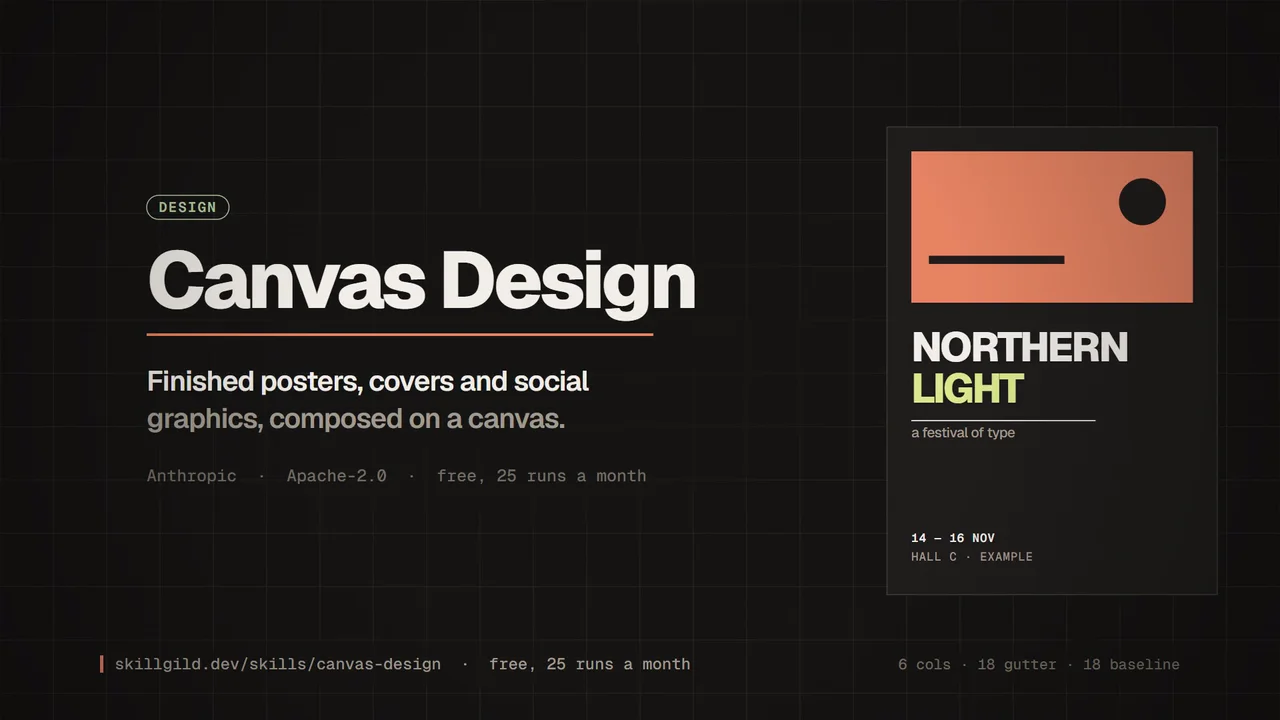
Anthropic's canvas-design skill guides Claude to produce finished visual artefacts (posters, covers, social graphics) by composing on an HTML canvas with deliberate typography, grid and colour decisions rather than defaulting to a template.
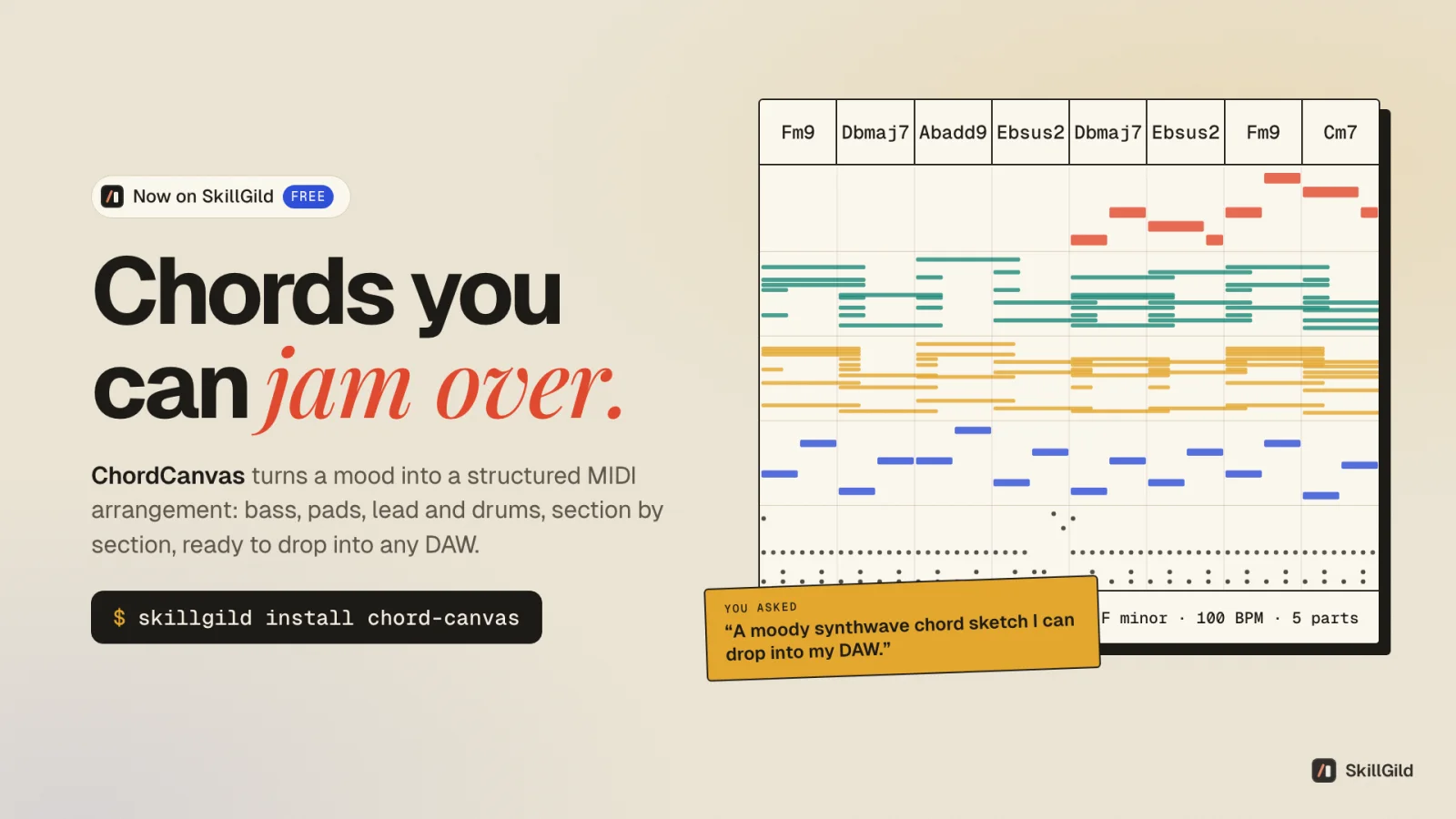
Turn a mood into a full MIDI arrangement: chord progressions with bass, pads, lead and drums in eleven styles, section by section, with the reasoning behind every chord. Opens in any DAW.
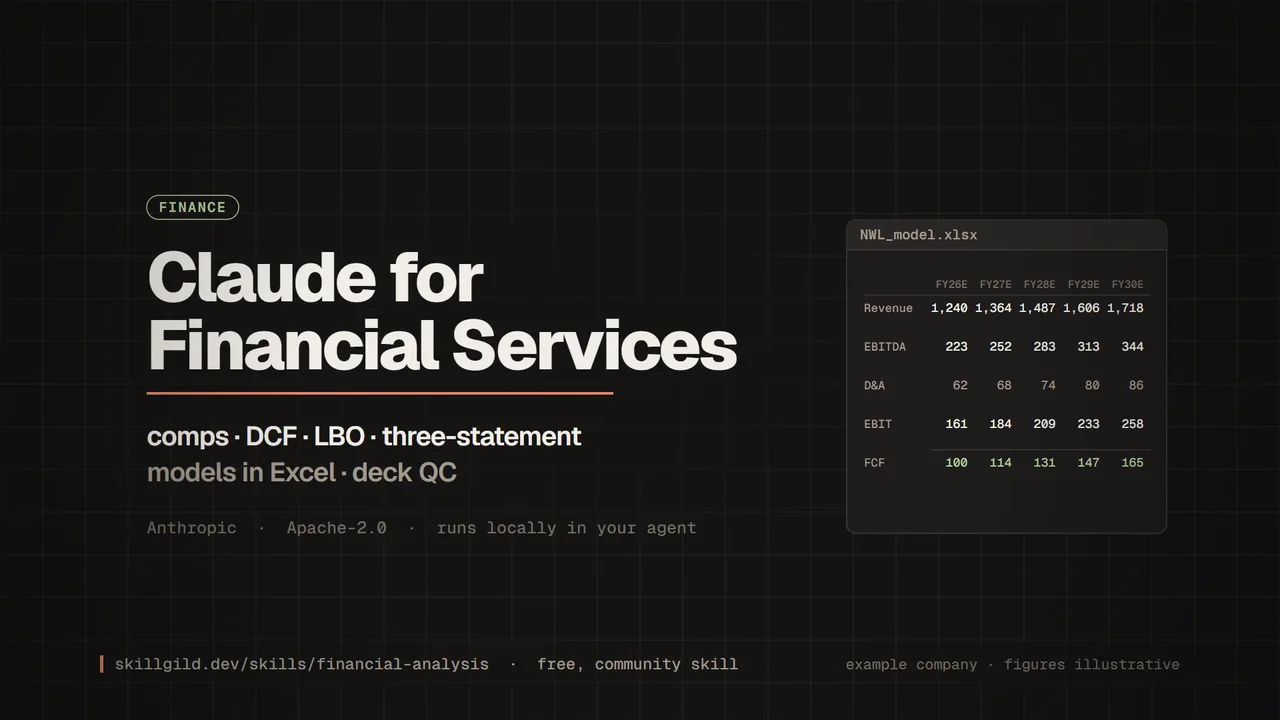
Anthropic's financial-services marketplace: a core financial-analysis plugin (comps, DCF, LBO, three-statement models in Excel, deck QC) plus vertical bundles for investment banking, equity research, private equity, fund administration, operations and financial advisors, 11 named agents and connectors to Daloopa, Morningstar, S&P Global, FactSet, PitchBook and more.
A universal SEO skill for Claude Code: 26 sub-skills and 19 specialist sub-agents covering technical audits, content quality, schema, E-E-A-T, local and e-commerce SEO, hreflang, backlinks, sitemaps, images, generative-engine optimisation and agent readiness (llms.txt, WebMCP).